
How to Craft and Modify a Bicycle in 7 Days to Die Update 1.0
Hey there, survivors! Ready to cruise around the post-apocalyptic wasteland without breaking a sweat? It’s time to craft yourself a sweet ride – the Bicycle in 7 Days to Die Update 1.0. This guide is your one-stop-shop for everything you need to know about building, modifying, and maintaining your Bicycle. Let's get those wheels turning!
Crafting the Bicycle
Crafting a Bicycle in 7 Days to Die is pretty straightforward but requires gathering some essential components. Here’s what you’ll need:
- 2 Wheels: Crafted using 3 Forged Iron, 24 Scrap Polymers, 2 Oil, 15 Coal, and 1 Bottle of Acid each.
- 1 Bicycle Handlebars: Made with 3 Duct Tape, 3 Leather, 1 Mechanical Part, 9 Short Iron Pipes, and 3 Springs.
- 1 Bicycle Chassis: Requires 7 Forged Iron, 3 Mechanical Parts, 3 Duct Tape, 3 Leather, and 3 Springs.
- 1 Mechanical Part: These can be looted, salvaged from vehicles and machinery, or bought from a trader.

You’ll need to unlock the crafting recipe by leveling up your Vehicle Crafting Skill. This skill can be increased by finding and reading the Vehicle Adventures skill book.
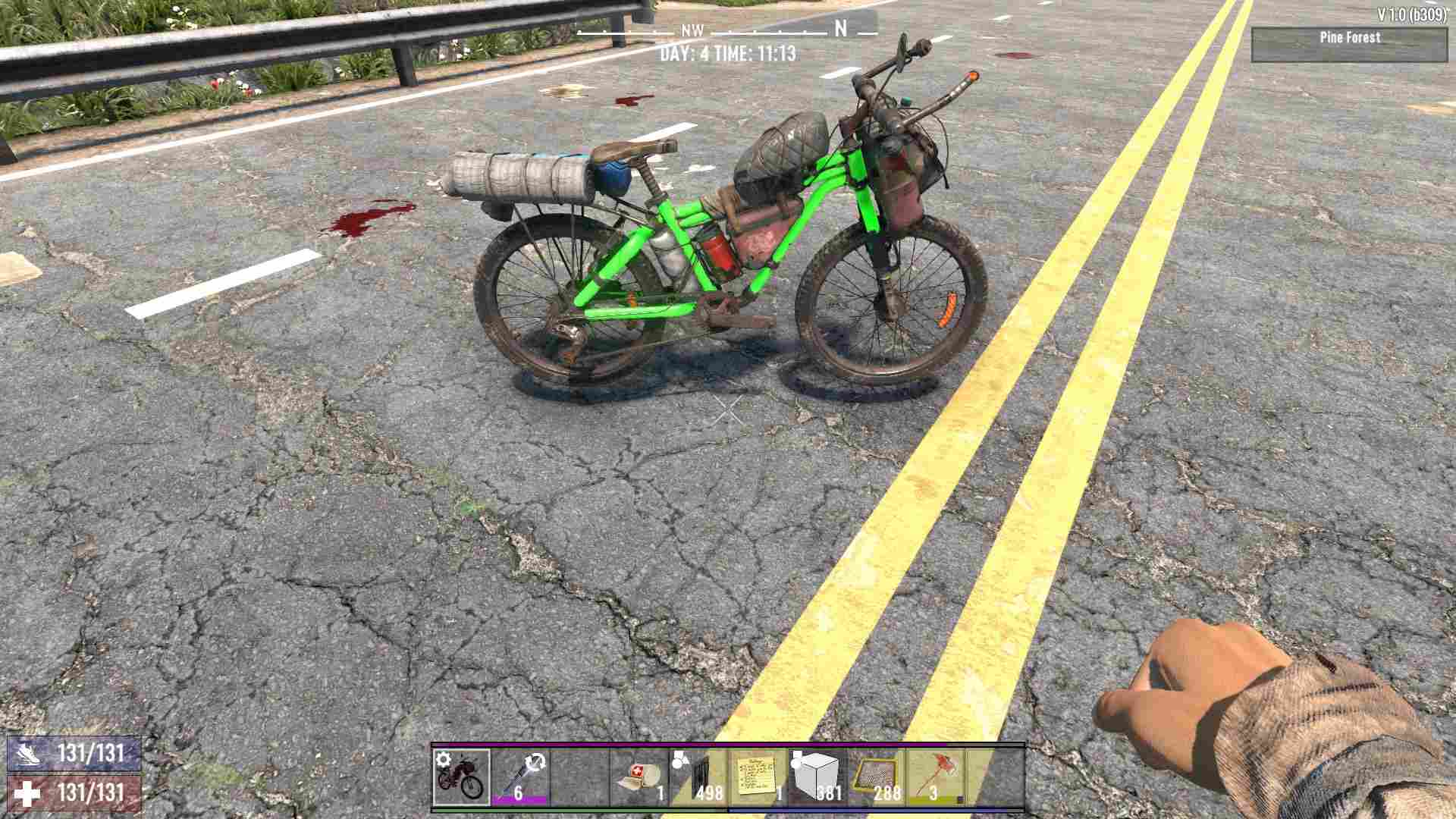
Once you have all the parts, you can craft your bicycle. It takes about 30 seconds. Place it in your hotbar, select it, and place it in the world with a right-click.
Using the Bicycle
Once your Bicycle is ready, you can interact with it by holding the <E> key to access the radial menu.
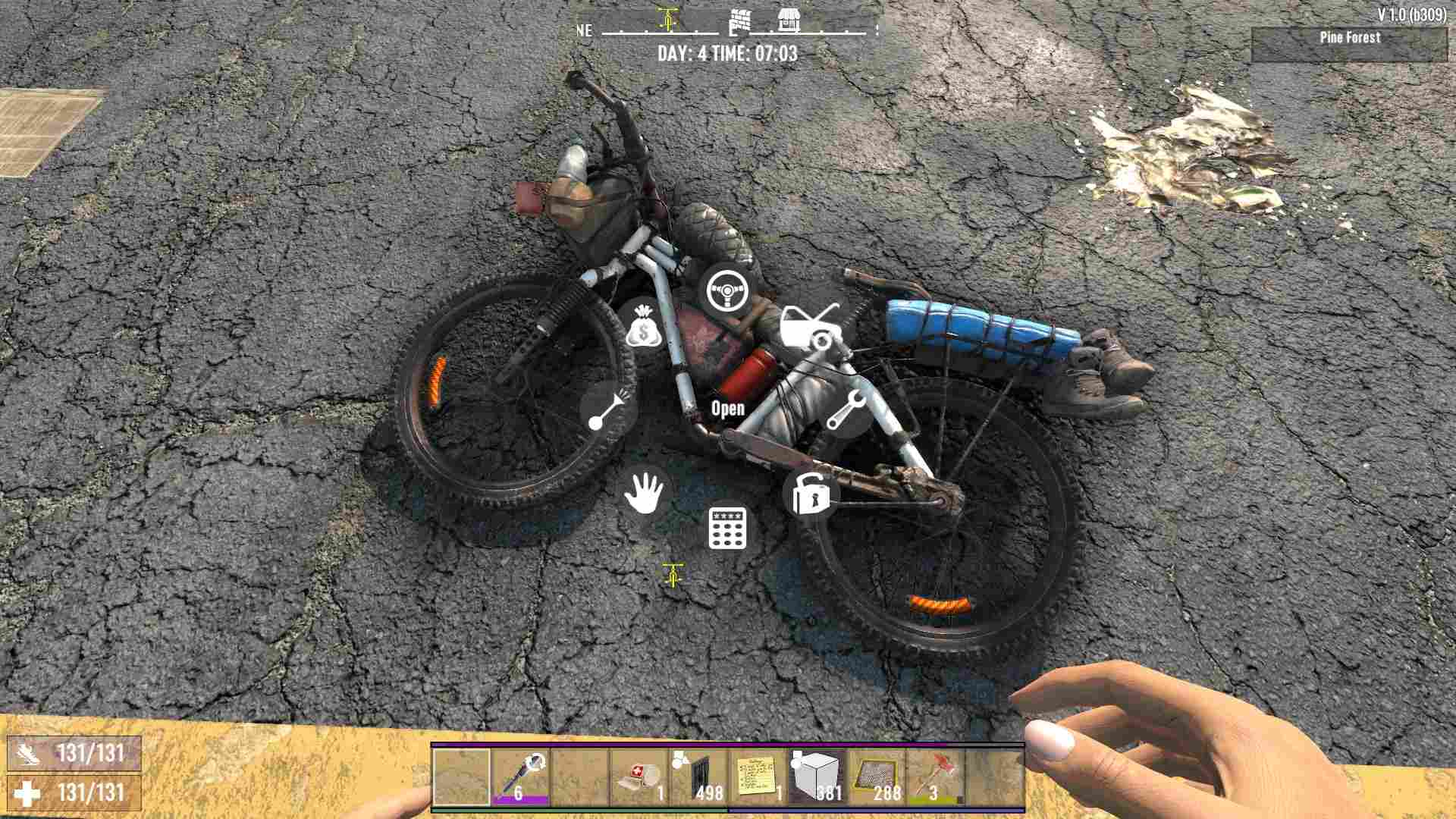
- Drive: Jump on and start pedaling! Use W to move forward, S to brake, and Shift to sprint (just like your character).
- Open: Check your Bicycle’s stats, repair it, or add/remove mods.
- Repair: Use Repair Kits to fix your Bicycle when it gets damaged.
- Lock/Unlock: Prevent other players from using your ride.
- Passcode: Set a passcode to secure your Bicycle.
- Honk Horn: Make some noise and attract nearby zombies (use with caution!).
- Take: Pick up your Bicycle and put it back in your inventory.
- Storage: The Bicycle comes with 9 storage slots – perfect for carrying extra loot.
Modifying the Bicycle
In Update 1.0, new modifications have been introduced for Bicycles, making them even more versatile and personalized. Here’s what's new:
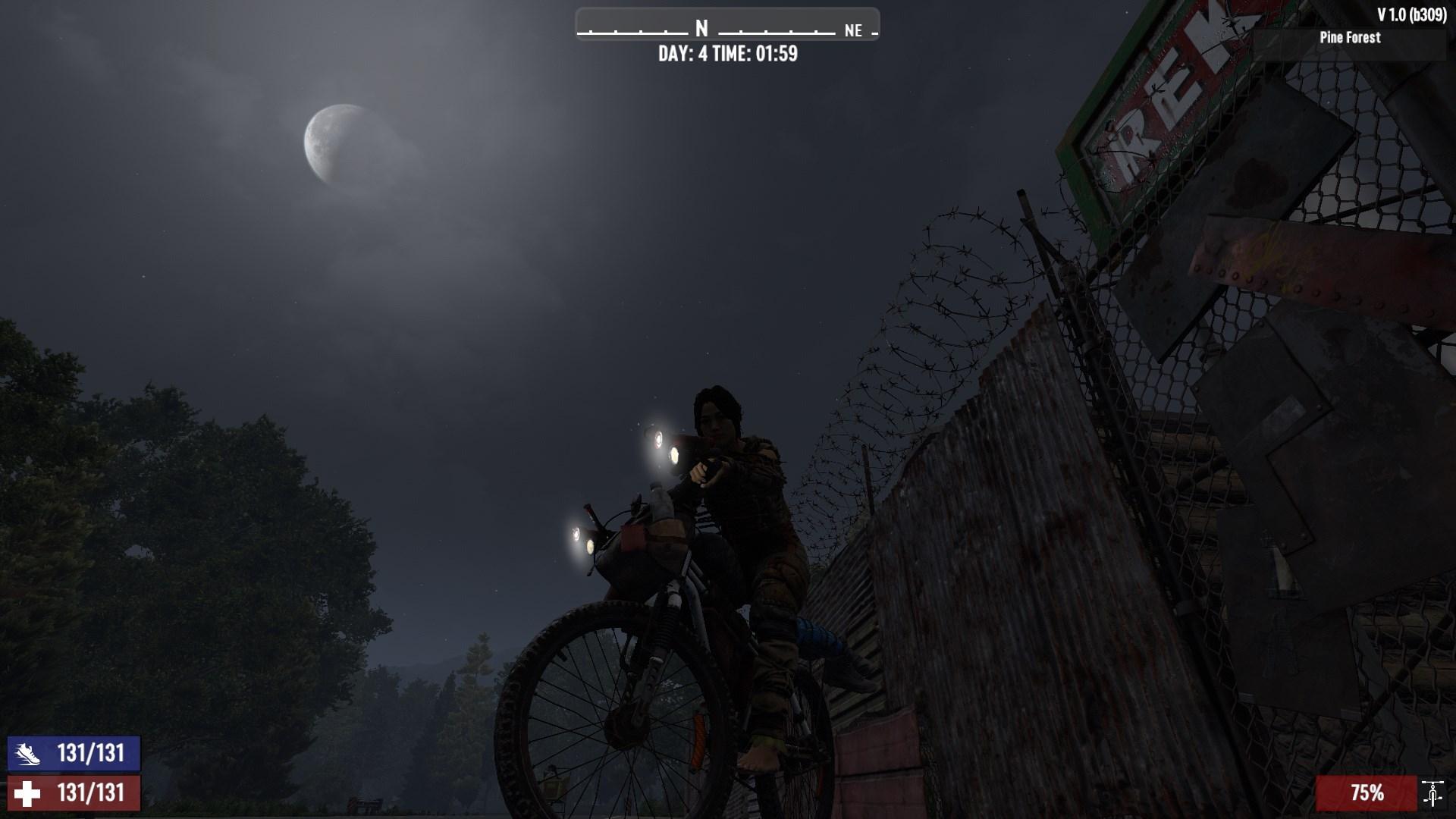
- Vehicle Off-Road Headlights Mod: This mod enhances your visibility during nighttime rides. Select the mod and drag and drop it into an empty modifier slot, then click with the left mouse button to apply.
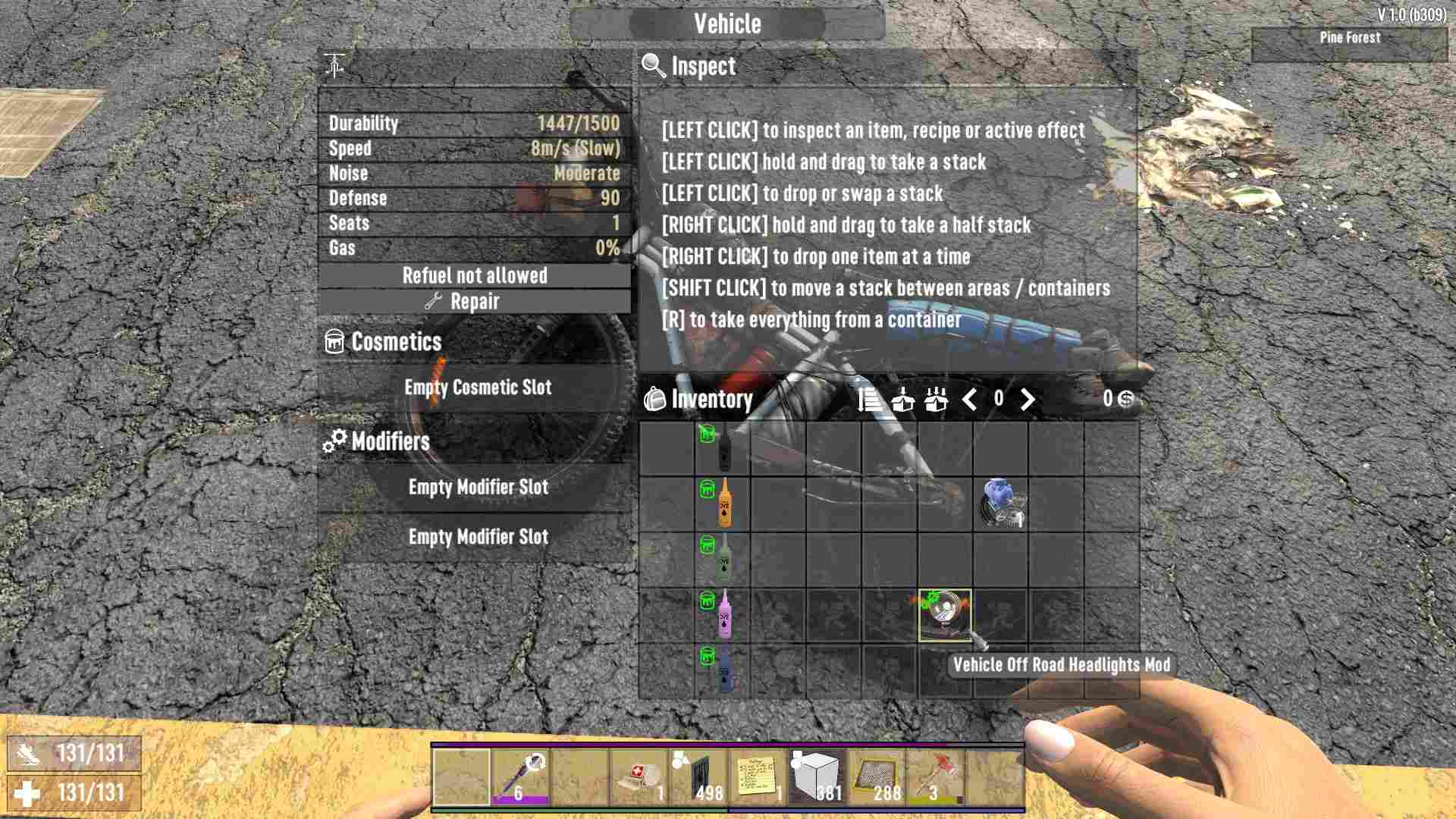
Once installed, you can turn on the headlights by pressing the F key while riding. The mod can be found by looting or purchased from traders.
- Dye Customization: Also, you can apply different color dyes to the Bicycle frame to give it a unique look. This adds a personal touch to your vehicle and makes it stand out in the wasteland.
Tips and Tricks
- Resource Gathering: The Bicycle is excellent for quick trips to gather resources or scout new areas. Its speed and maneuverability are ideal for navigating tight spaces.
- Stealth: Unlike motorized vehicles, the Bicycle is quiet, making it perfect for sneaking around zombie-infested areas without drawing too much attention.
- Stamina Management: Sprinting on the Bicycle will consume your stamina, so keep an eye on your stamina bar to avoid getting stranded.
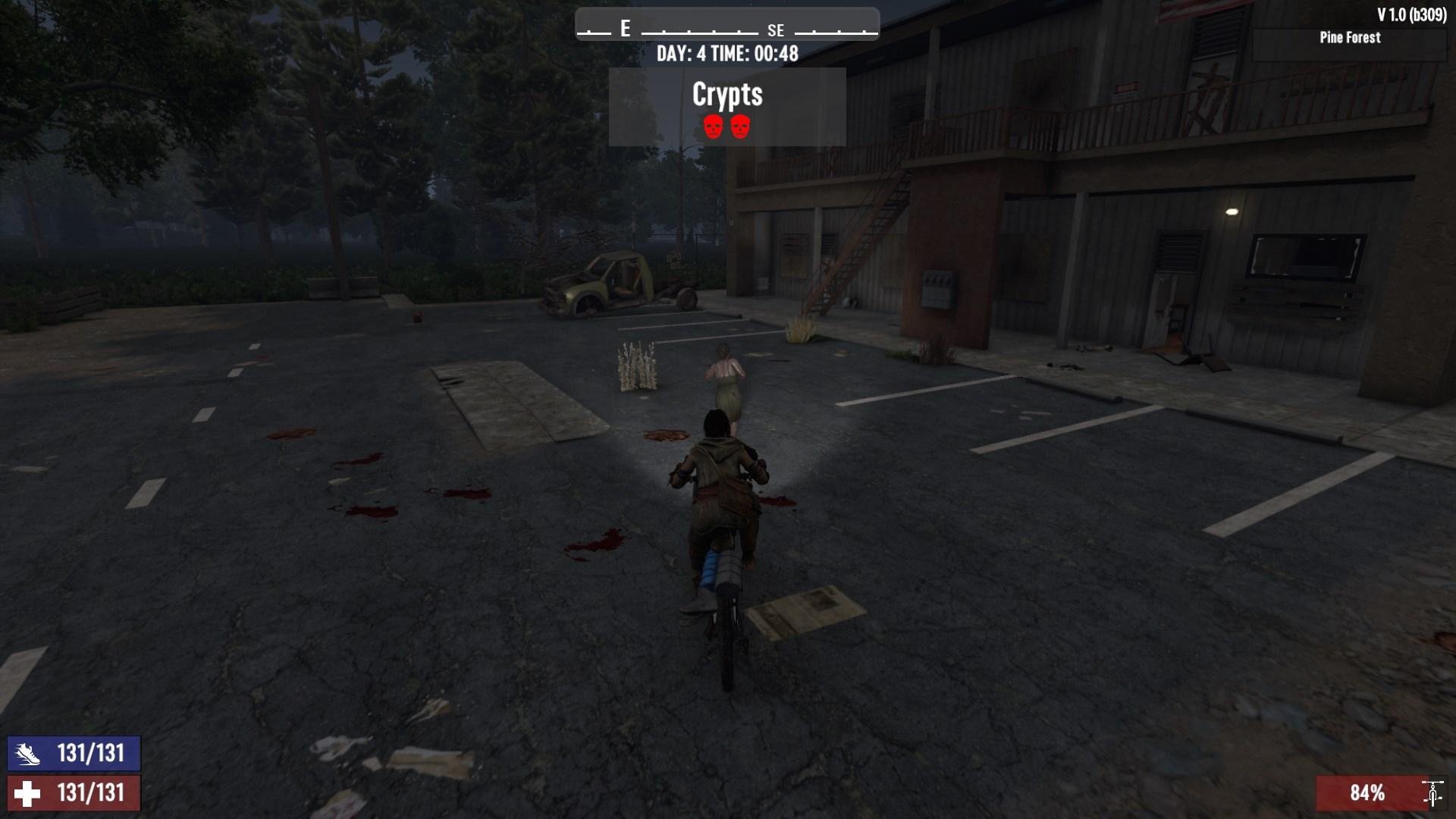
- Durability: Avoid rough terrain and high drops, as these will quickly wear down your Bicycle’s durability. Always carry a Repair Kit to fix it up on the go.
And there you have it, folks! Crafting and modifying a Bicycle in 7 Days to Die Update 1.0 is a fantastic way to improve your mobility and carry more loot without alerting every zombie in the neighborhood. With the new Vehicle Off-Road Headlights Mod and Dye Customization, your ride can be both functional and stylish. So get out there, gather your materials, and start pedaling through the apocalypse.