
How to Configure World Settings in Enshrouded: Back to the Shroud Update
Welcome to the thrilling new world of Enshrouded Update 3 “Back to Shroud”! Let’s break down how to configure your world settings to match your preferred play style, from a cozy adventure to a hardcore survival challenge.
Accessing World Settings
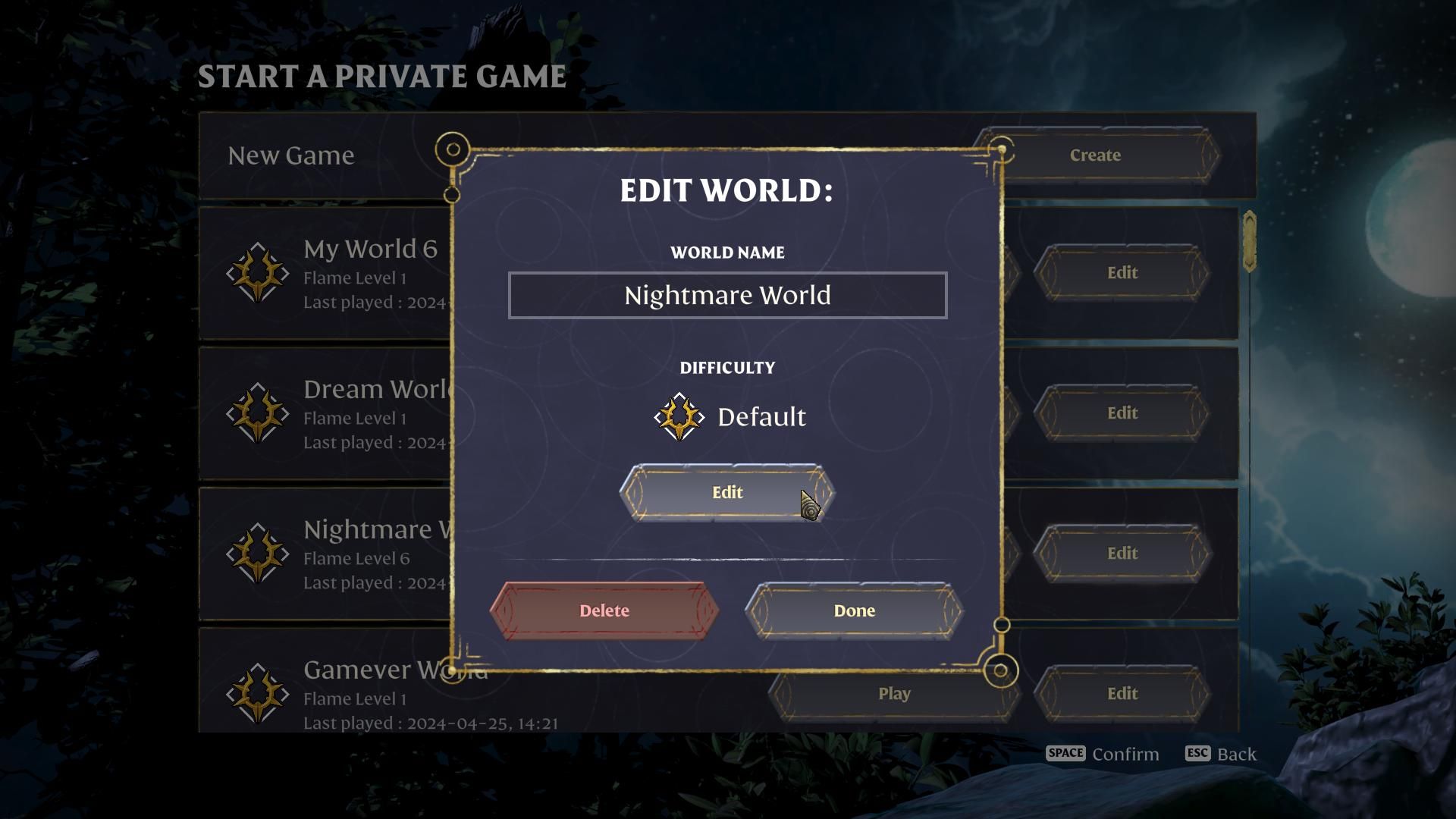
To start customizing your world settings, you don’t need to create a new game—simply edit the settings of your current game.
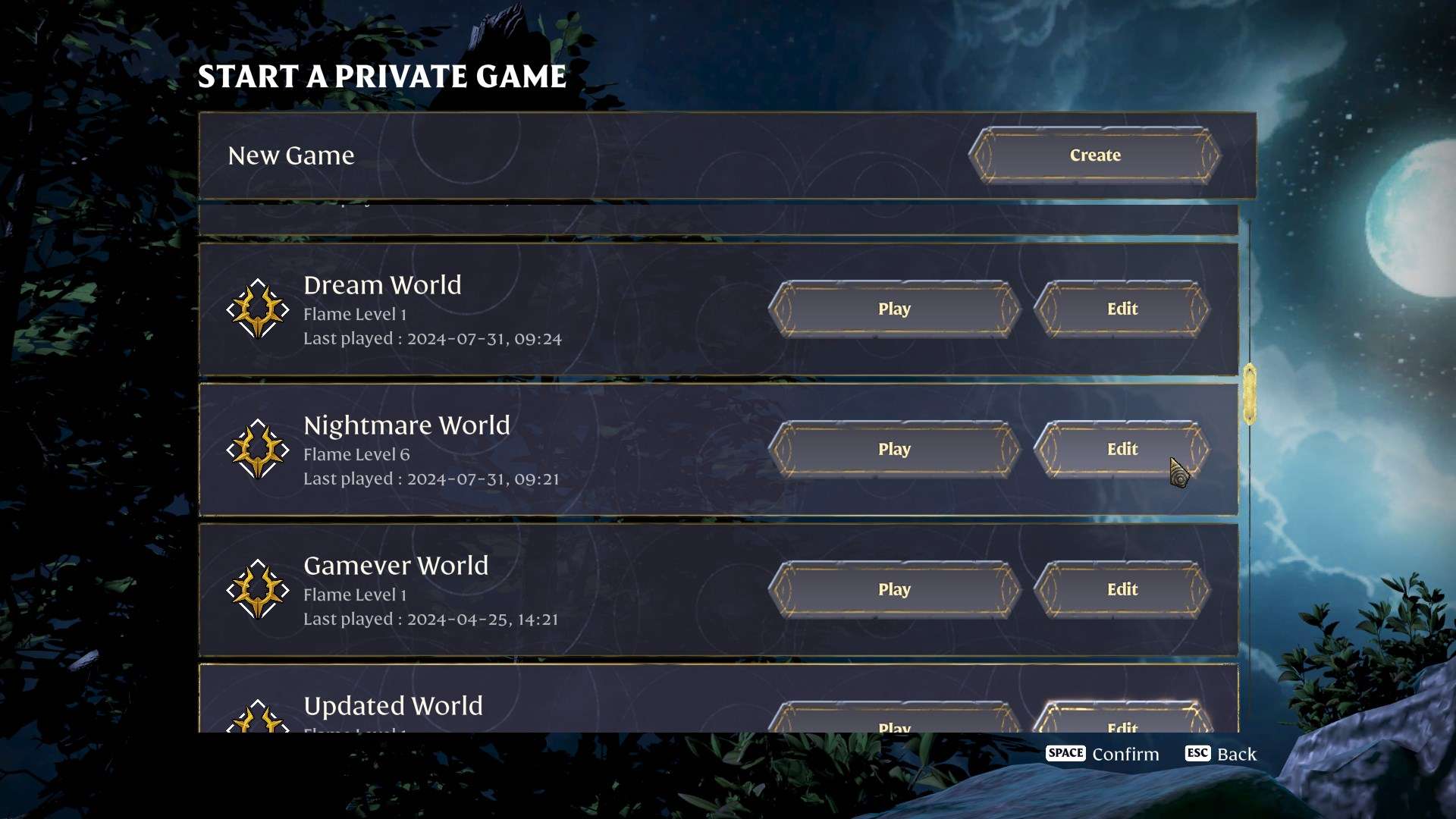
This flexibility means you can adjust difficulty levels and gameplay mechanics without losing your progress. Head to the main menu, select Play and “Edit” and you’ll be greeted by a range of new options to fine-tune your experience.
Difficulty Presets
Enshrouded Update 3 introduces five distinct difficulty presets. Each preset alters various gameplay aspects to cater to different player preferences. Here’s a rundown of what each setting does:
1. Relaxed
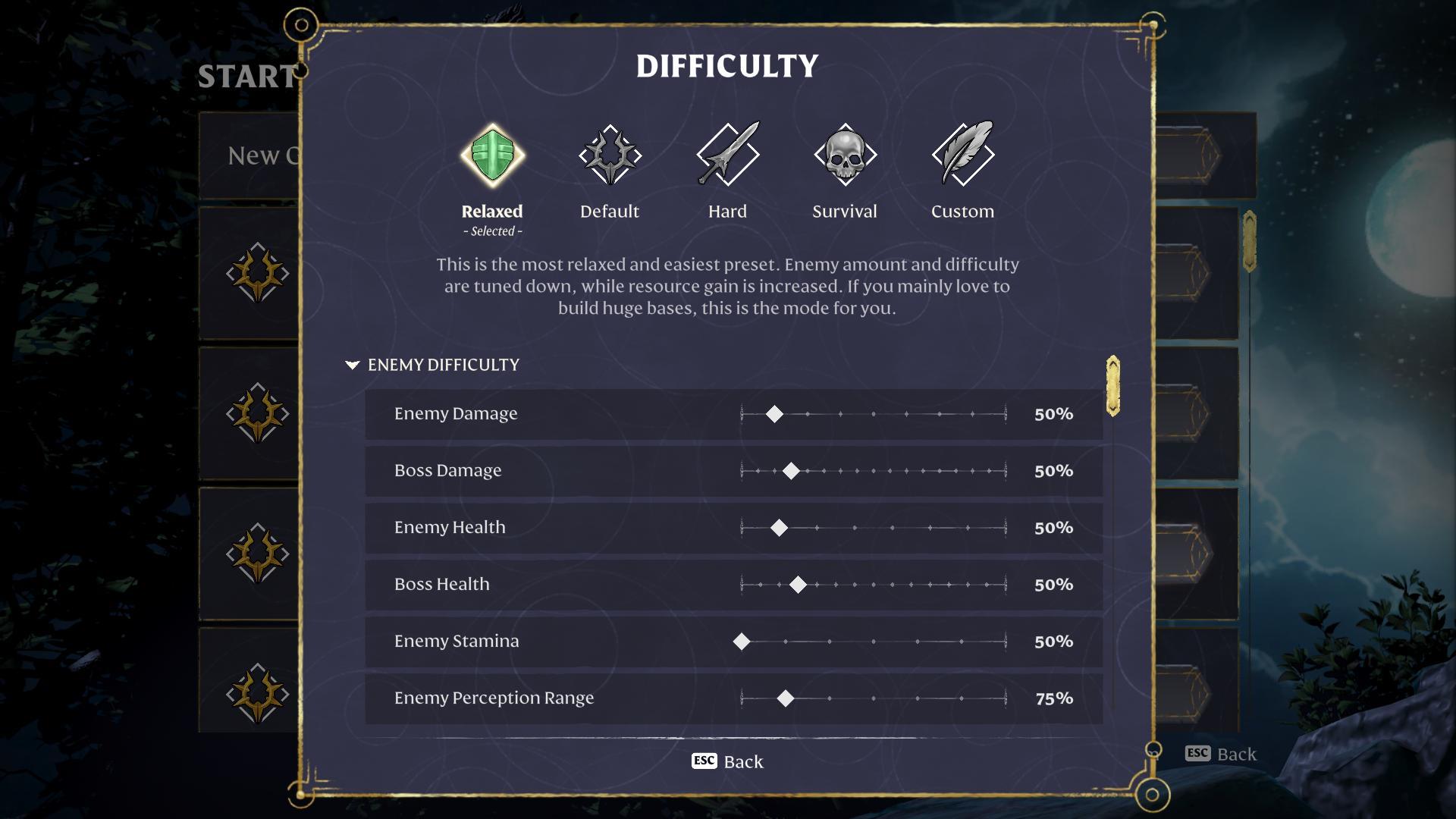
The Relaxed preset is perfect for those who love building and exploring without the stress of challenging gameplay. In this mode, you’ll find:
- Increased Resource Gain: Gathering materials and farming becomes quicker.
- Reduced Enemy Difficulty: Enemies are less aggressive and do less damage, allowing you to focus on crafting and building.
- Ideal for Builders: This mode is designed for players who want to create and explore without constant threats.
2. Default
Default is the classic setting that most players have been enjoying since the game’s initial release. It offers:
- Balanced Gameplay: This preset maintains the original difficulty and balance of the game.
- Standard Enemy Difficulty and Resources: Expect the usual challenge level and resource availability.
3. Hard
For those seeking a more intense experience, the Hard preset ramps up the challenge:
- Increased Enemy Aggression: Enemies become more aggressive and deal more damage.
- More Enemies: Expect a higher number of foes in your encounters.
- Greater Difficulty: Perfect for players looking to test their skills and face tougher challenges.
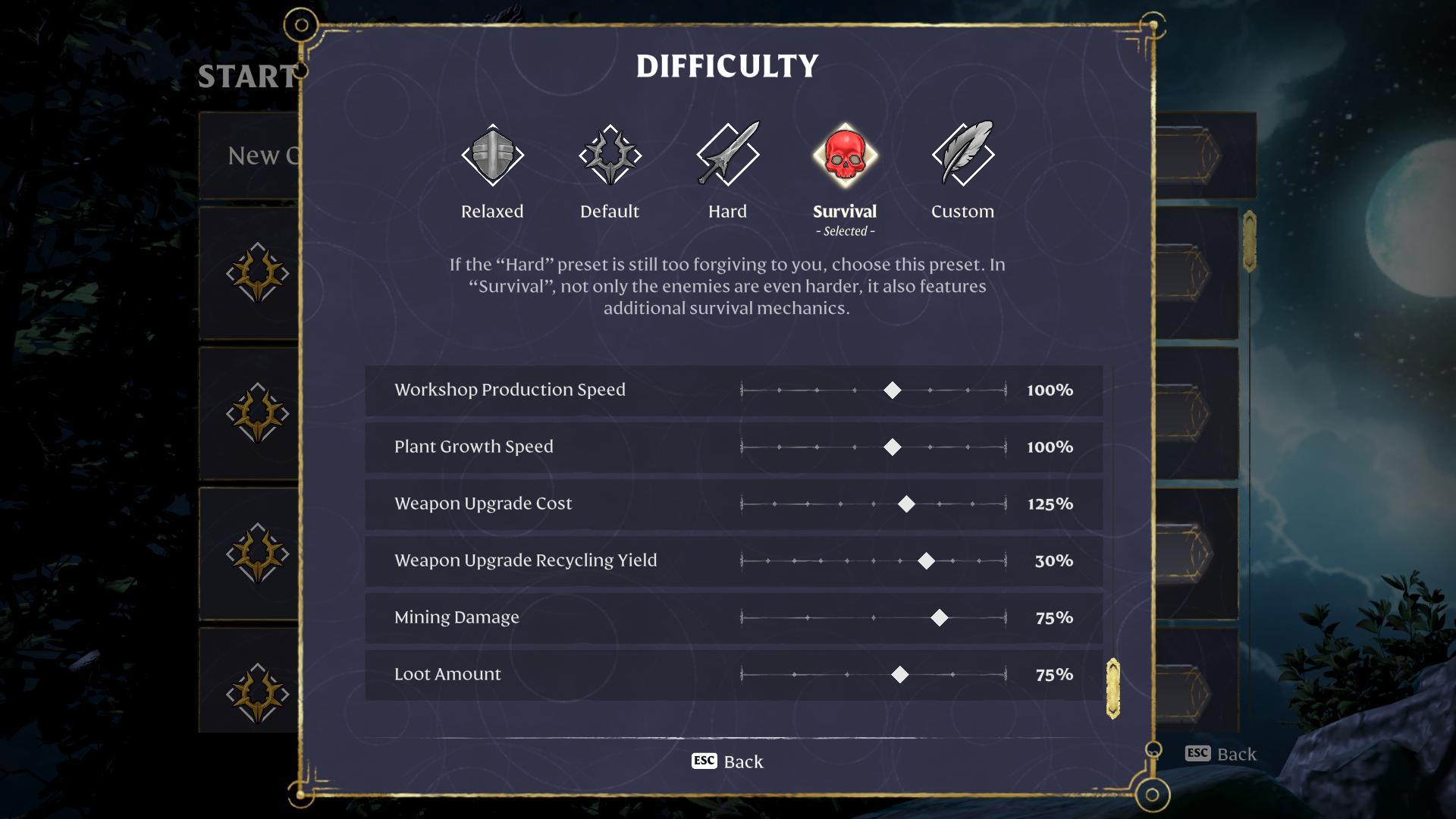
4. Survival
The Survival preset takes things to the next level by adding more survival mechanics:
- Hunger and Starvation: You’ll need to eat regularly to avoid health penalties from starvation.
- Aggressive Enemies: Enemies are more hostile and harder to defeat.
- Enhanced Survival Experience: This mode is designed for players who want a true survival experience.
5. Custom
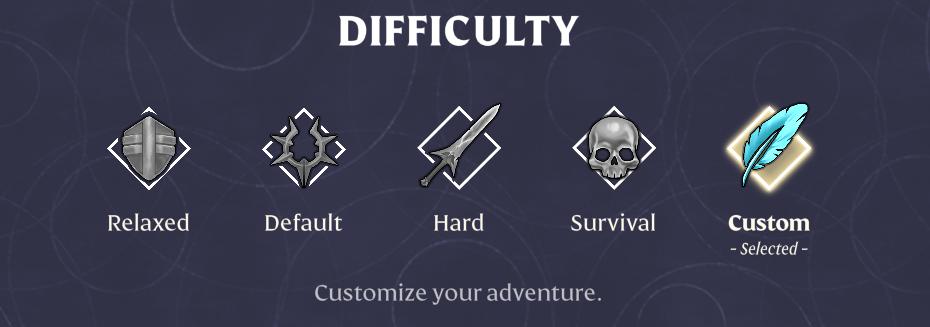
If you want full control over your gameplay experience, the Custom preset is your playground:
- Tailor Every Setting: Adjust up to 30 different settings, including enemy difficulty, player stats, survival mechanics, and resource availability.
- Fine-Tuned Experience: Whether you want to crank up the difficulty or make it easier, you can mix and match settings to create your ideal game environment.
Resource Management
- Plant Growth Speed: Control how quickly plants grow and mature. Faster growth for easier farming or slower growth for more of a challenge.
- Workshop Production Speed: Alter the speed at which items are produced in workshops, affecting crafting efficiency.
- Loot Amount: Modify the quantity of loot you receive from enemies and chests. Increase loot for a richer experience or decrease it for a more conservative approach.
With Enshrouded Update 3’s new world settings, you have the power to shape your gameplay experience exactly how you want it. Whether you’re looking for a laid-back adventure, a survival challenge, or a customized blend of both, the new difficulty presets and settings offer a wealth of options. Dive into these settings, experiment with different configurations, and find the perfect balance for your epic journey in Enshrouded!