
How to Check the Combat Log in Rust
In Rust, it's not just about resources and bases. Rust combat log—an essential tool that gives you the lowdown on damage in battles, letting you fine-tune your strategy and measure your skills.
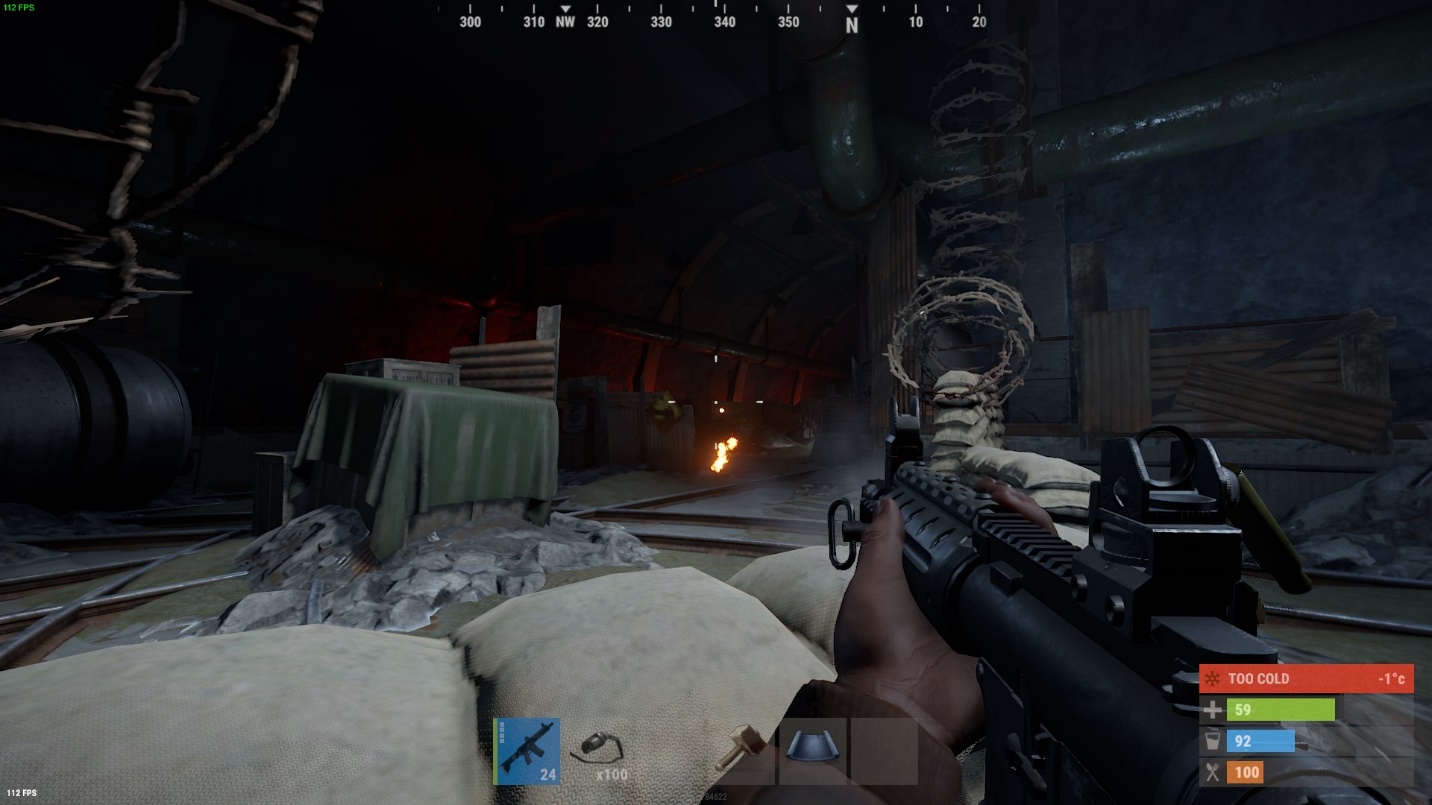
Accessing the Combat Log:
Quick and Easy Steps To check the combat log in Rust, press F1 and type "combatlog." For quicker access, create a key bind for instant combat log access.
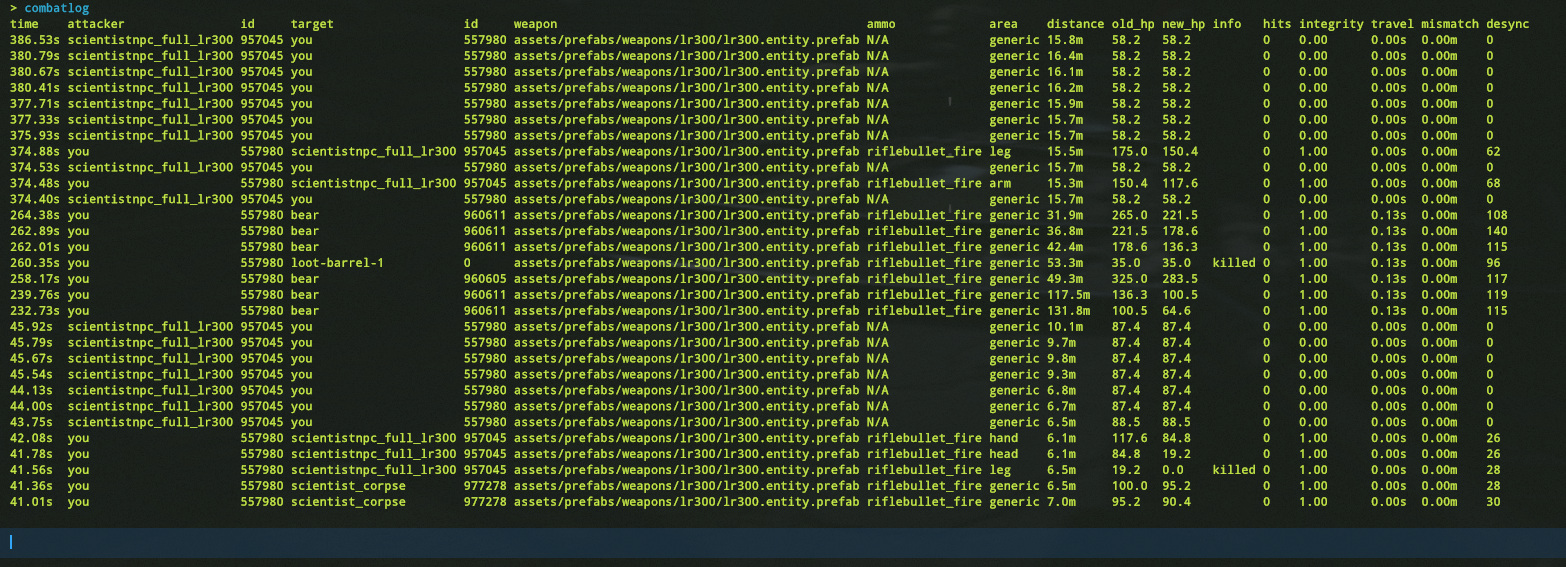
Decoding the Combat Log:
What It Tells You The combat log spills the beans on attack timing, attackers, weapons used, hit areas, and more. With this info, you can figure out enemy damage, weapon types, and adjust your game.

Utilizing the Combat Log:
Tactical Edge and Hacker Detection The combat log helps you check enemy health, spot multiple attackers, and gauge accuracy. Admins can even nab potential hackers based on odd attack patterns.
Conclusion:
In Rust's tough world, the combat log is your secret weapon. Improve tactics, up your survival game, and secure victories. Next time you're in a fierce fight, don't forget to consult the combat log—it's your path to supremacy.