
How to Check Coordinates in Valheim
Valheim, a game that has drawn comparisons to Minecraft, offers players vast and immersive worlds filled with dangers and mysteries.
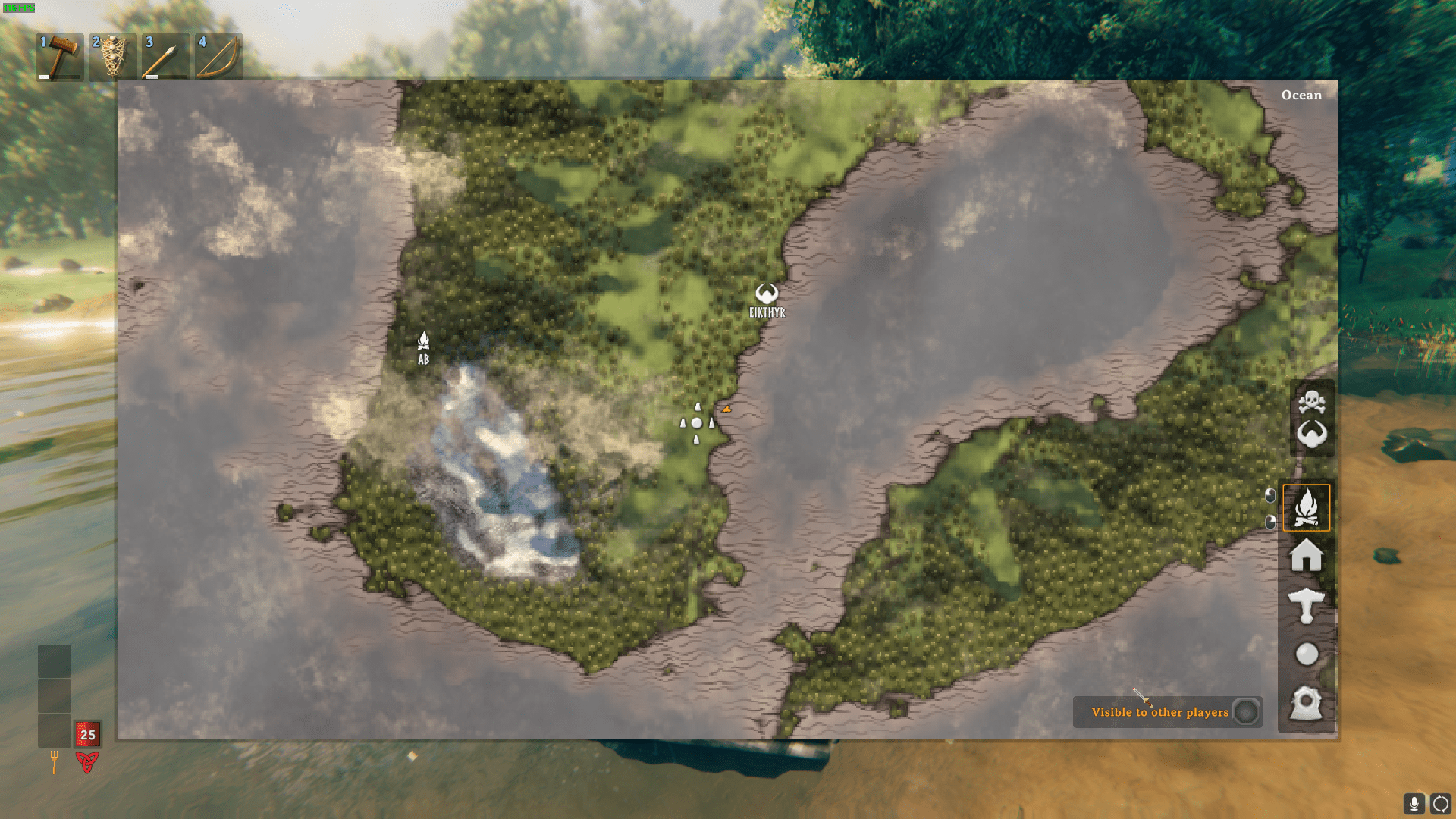
The Size of Valheim's Map
Valheim's map is procedurally generated, offering a dynamic and ever-changing world for players to explore. The size of the map can vary, but it typically spans approximately 10 kilometers by 10 kilometers, creating a total play area of around 100 square kilometers.
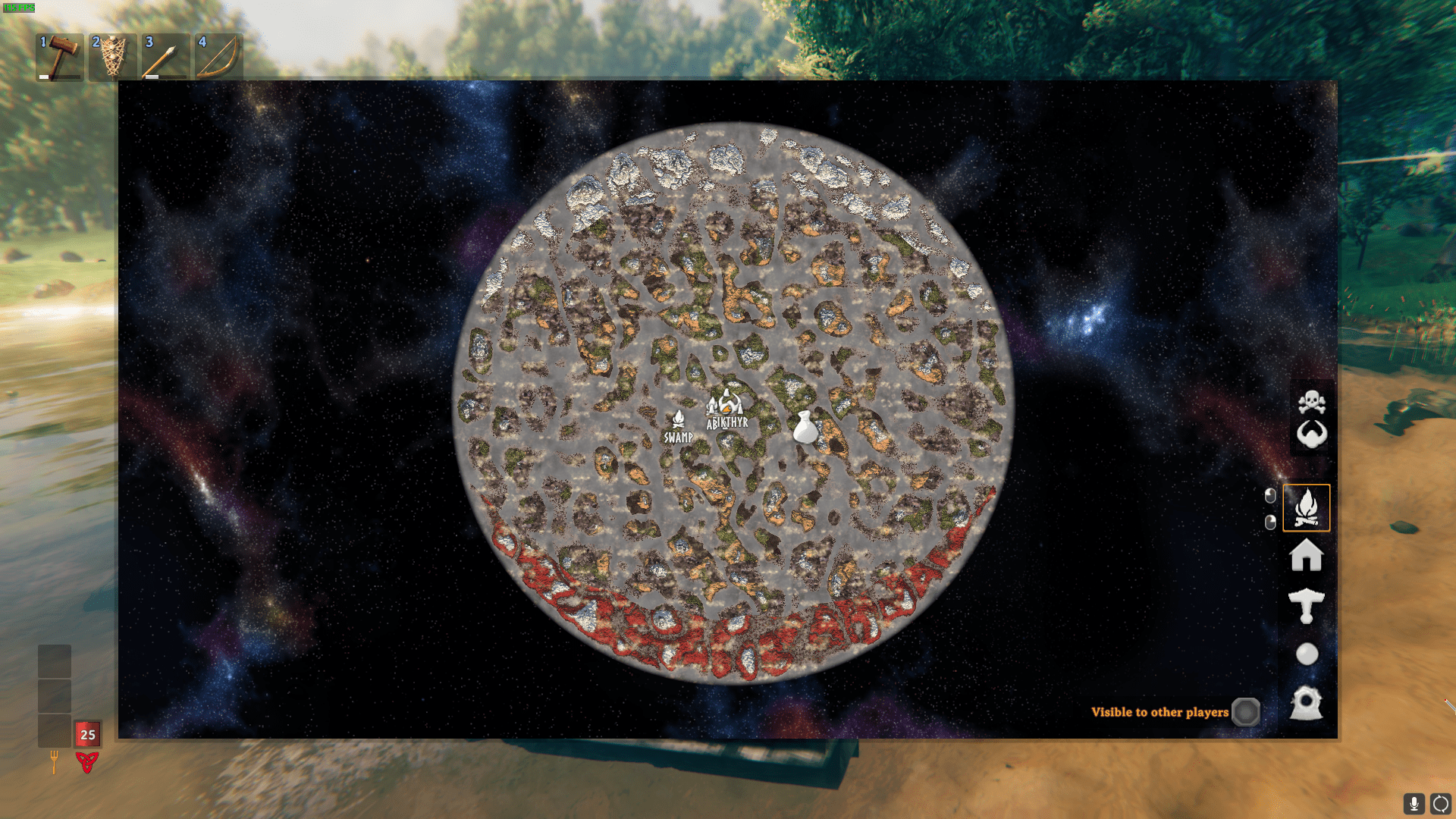
This expansive world is divided into various biomes, each with its own unique challenges and resources. With vast terrains to traverse, navigating from one point to another can be quite the journey, especially when distant lands beckon. In Valheim, the world-to-player ratio offers an exceptional open-world experience.
Devcommands
To access coordinates and other cheat commands in Valheim, you'll first need to enable cheats. This is done through the in-game console. Here's how:
1. Open your console by pressing the appropriate key (usually `F5`).
2. Type "devcommands" into the console and hit enter. This command activates cheats for your game.

Obtain Your Coordinates
1. Open the console again by pressing `F5`.
2. Type "pos" into the console and hit enter. This command will provide you with your current player position in the world, including X, Y, and Z coordinates.
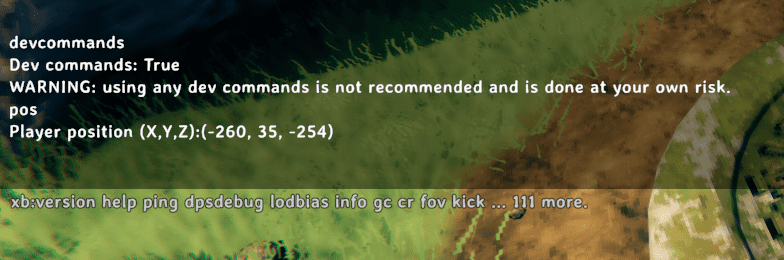
3. Make a note of these coordinates for future reference. You can use them for teleportation or simply to navigate the vast and exciting world of Valheim more effectively.
Conclusion
Now that you know how to check coordinates in Valheim, you can enhance your gaming experience by exploring its world with precision and efficiency.