
How to Change the Player Limit on Your Valheim Server

Valheim's dedicated server has a well-known limit: 10 players. That's a hard cap in the vanilla game, not a gamever restriction. This guide explains the slot setting on your panel, why 10 is the ceiling, and the one way to raise it.
The slot setting
On the Overview tab, the Players box shows your slot count (e.g. 0/10) with a pencil to edit it:
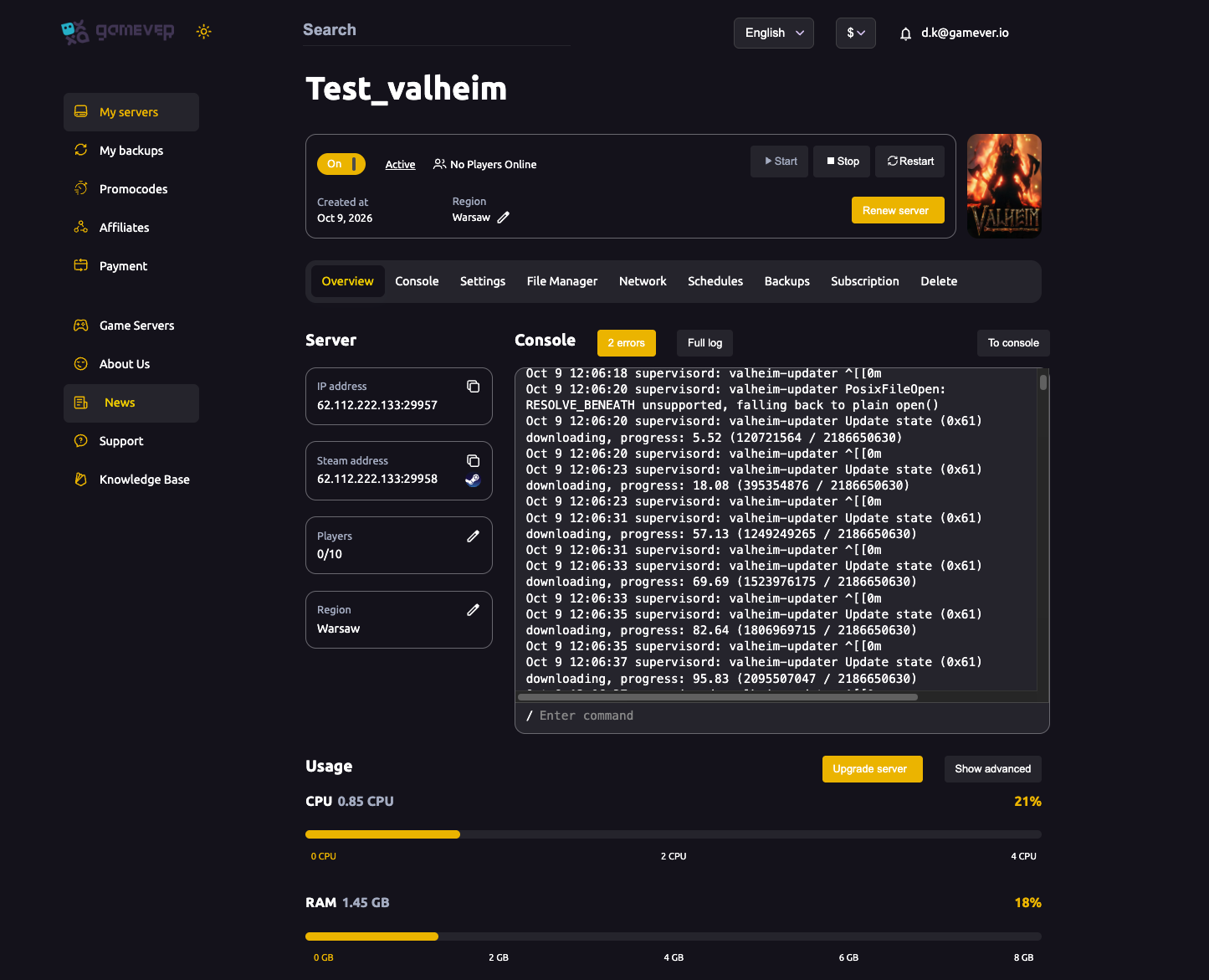
Set the number of slots you want (up to the vanilla maximum) and your server advertises that capacity.
Why 10 is the ceiling
The vanilla Valheim dedicated server is hard-capped at 10 concurrent players — it's built into the game, and no server-side setting alone lifts it. So whatever host you're on, 10 is the vanilla maximum. For many groups that's plenty; Valheim is designed around small co-op crews.
Going above 10 (requires a mod)
To host more than 10 players, you need a mod framework and a player-limit mod:
- Enable BepInEx on Settings → Mods (see installing mods).
- Install a player-limit mod (e.g. a "more players"/increased-connections mod from Thunderstore).
- Every player must run the same mod (and BepInEx) to connect.
- Raise the Players slot number on Overview to match, Save and Restart.
Be realistic about resources: more players means more loaded zones and ZDOs — see why big worlds cost performance — so size your gamever plan accordingly and watch the Usage meters.
Sizing your plan
Each connected player loads their surroundings, so a full server uses noticeably more CPU/RAM than a solo world. If the Overview → Usage bars run hot with your group on, use Upgrade server for more headroom (see fixing lag).
Additional Tips
- 10 is the vanilla hard cap — not a host limit; mods are the only way past it.
- Above 10 = BepInEx + a player mod on every client — server-side alone won't do it.
- More players = more load — match your plan and watch Usage.
- Restart after changing slots so the new capacity applies.
- Small crews run best — Valheim's design and performance both favour ~10.
Conclusion
Your Valheim server's player limit is the Players field on the Overview tab, capped at 10 by vanilla Valheim itself. That's enough for most co-op groups; to go higher you need BepInEx plus a player-limit mod on every client, and a plan with the resources to back it. Set your slots, restart, and invite your crew.
Rent your Valheim server at gamever.io — one-click BepInEx and easy upgrades when your crew outgrows ten. Free trial, promo code WELCOME.