
How to Change the Max Players on Your V Rising Server
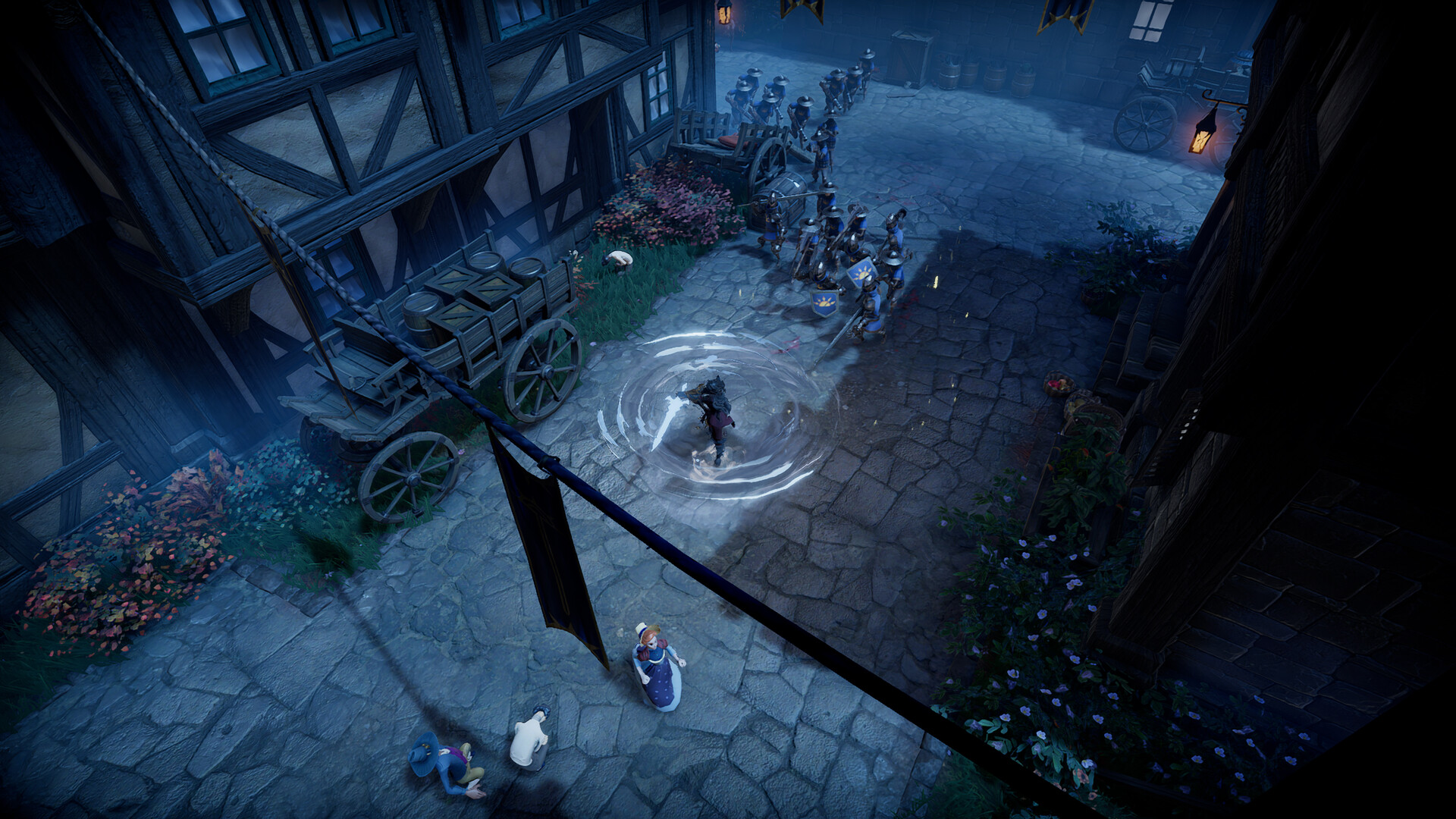
Every V Rising server has a player slot cap — the maximum number of players who can be connected at the same time. On a gamever server it shows on the Overview tab as Players 0/20 by default. This guide covers how to change that cap, how it differs from the separate clan size limit, and how to make sure the plan behind it has the CPU and RAM to back the number you set.
Where the cap actually lives
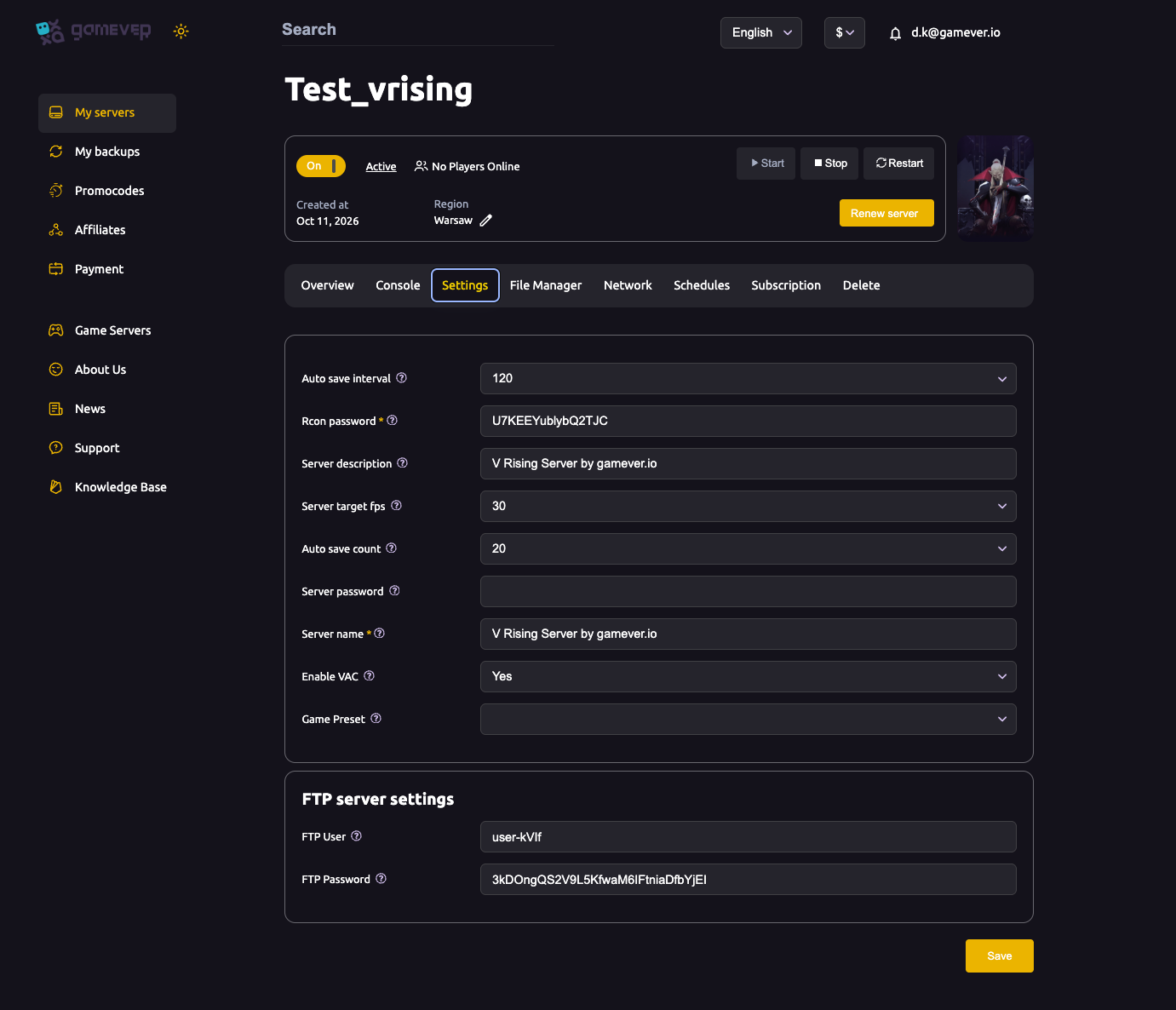
The player cap is not a field on the Settings page. The gamever Settings tab is a single page holding the server name, passwords, RCON password, target fps, auto-save and FTP login — useful to know, but the slot cap isn't here:
The cap is the MaxConnectedUsers value in ServerHostSettings.json, which lives in the File Manager at /home/configs/Settings/. There's also a companion MaxConnectedAdmins value that reserves extra seats for admins on top of the user cap, so staff can always get in even when the server is full. For a full tour of that file, see the config files guide.
Changing the cap, step by step
Because V Rising rewrites its config on shutdown, you must edit with the server stopped — otherwise your change is overwritten or simply ignored. The safe sequence:
- Stop the server from the Overview tab.
- Open the File Manager and browse to
/home/configs/Settings/ServerHostSettings.json(or edit it over FTP — the login is on the Settings tab, the address on the Network tab). - Find
"MaxConnectedUsers"and set it to the number of slots you want. Optionally set"MaxConnectedAdmins"for reserved admin seats. - Save the file, keeping the JSON valid — a stray comma or missing brace makes the server reject it.
- Start the server. The new cap shows on Overview as
0/<your number>.
That's the whole change. If the server won't come back up, you most likely broke the JSON syntax — check the Console for a parse error and fix it, or paste back a copy of the original text.
Player slots vs. clan size — two different limits
Players often confuse the player cap with clan size, but they're separate settings in separate files:
| Limit | Key | File | What it controls |
|---|---|---|---|
| Player cap | MaxConnectedUsers | ServerHostSettings.json | How many players can be connected at once. |
| Clan size | ClanSize | ServerGameSettings.json | How many players can belong to one clan. |
Clan size defaults to 4 and can be raised as high as 10. Raising your player cap does not change how many vampires can band together into a single clan — if you want bigger groups, edit ClanSize in ServerGameSettings.json as well. Lowering ClanSize on a live server is risky: existing oversized clans keep their members but can hit bugs inviting or managing people, so set it before your group fills out. Both files are edited the same way (stop, edit, start) — see the config files guide for the ServerGameSettings.json walkthrough.
Matching the cap to your plan's CPU and RAM
A higher number is not free. V Rising simulates every castle, clan and piece of blood on the map, so each extra active player adds real CPU and memory load. Setting 20 slots on a small plan just gives you a laggy 20 — size the plan to how many people actually play at once, not the theoretical maximum.
| Group | Rough guidance |
|---|---|
| Solo / duo | Comfortable on a modest plan. |
| Small clan (up to ~8) | A middle plan handles it well. |
| Large server (10–20+) | Needs genuine CPU and RAM headroom. |
Watch the Overview → Usage meters with your group online. If CPU or RAM run hot, use Upgrade server on the Overview tab to add resources — then your higher cap plays smoothly. For sizing the slot count to your group in more detail, see max players: slots and sizing; if a full server is struggling, see fixing lag.
Additional Tips
- Edit with the server stopped — V Rising rewrites its config on shutdown, so a running edit won't stick.
- Keep the JSON valid — one typo and the server refuses to start. Copy the original out first.
- Reserve admin slots with
MaxConnectedAdminsso staff can always join a full server. - Clan size is a separate setting — raise
ClanSize(max10) inServerGameSettings.jsonfor bigger groups. - Size the plan to real concurrent players, not the biggest number you'll never hit; Upgrade server when the Usage meters max out.
- Leave the ports alone — gamever pre-assigns them on the Network tab; changing them pulls the server out of the listings.
Conclusion
Changing your V Rising player cap is one value — MaxConnectedUsers in ServerHostSettings.json — edited with the server stopped and started again to apply. Keep it distinct from ClanSize in ServerGameSettings.json, reserve admin seats if you need them, and make sure the plan behind the cap has the power to run it. Match the slot count to your real group and everyone plays smoothly.
Rent your V Rising server at gamever.io — adjustable player slots, a browser file editor and one-click upgrades when your clan outgrows its home. Free trial, promo code WELCOME.