
How to Change the Max Player Count on Your Enshrouded Server
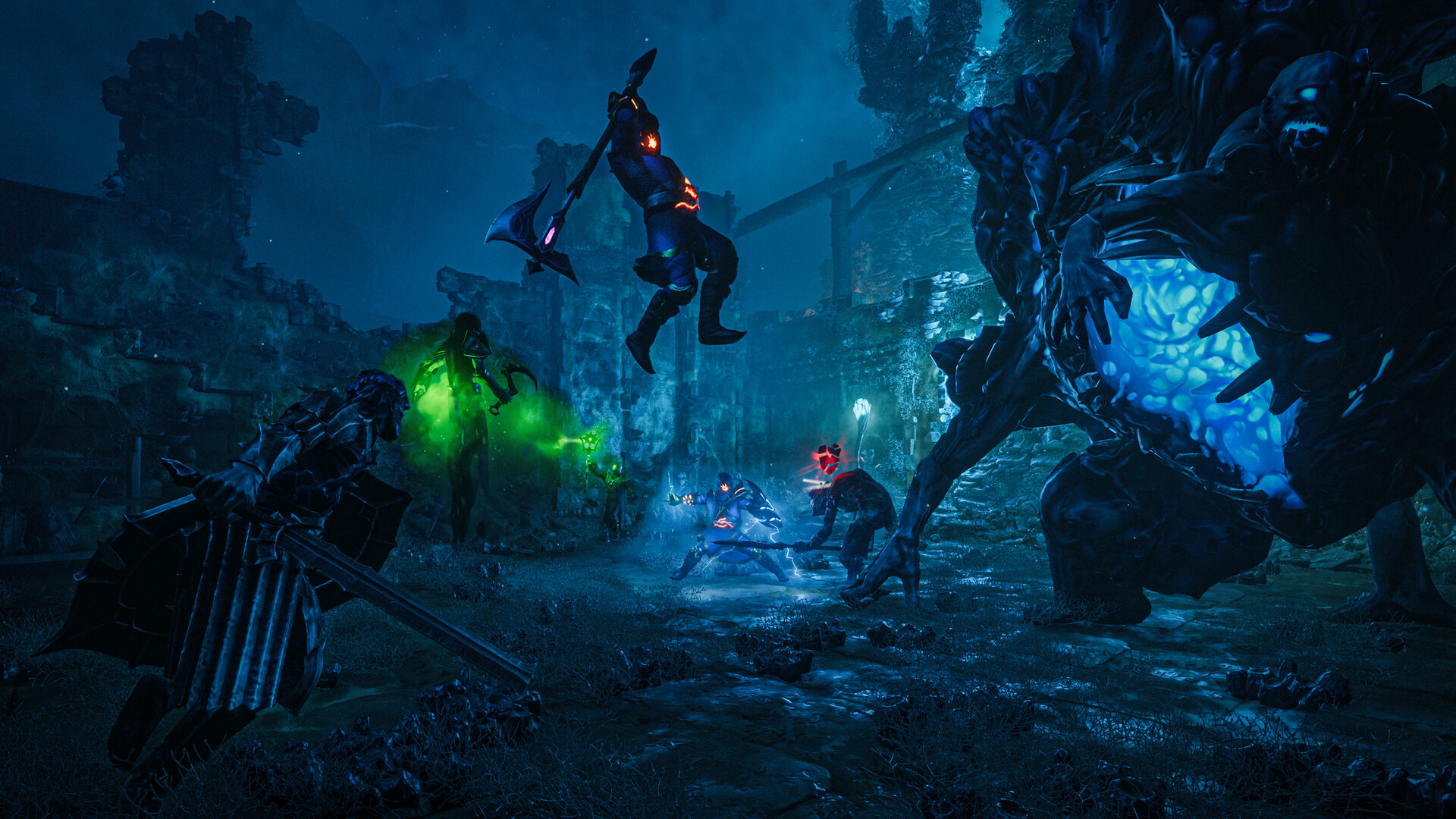
Enshrouded supports larger co-op groups than most survival games — up to 16 players on a dedicated server. Your server's slot count is set by the slotCount value in enshrouded_server.json. This guide shows how to change it, the 16-player hard cap, and how to make sure your plan can handle a full house.
The 16-player hard cap
16 is the maximum for an Enshrouded dedicated server — it's built into the game, not a gamever limit. You can set slotCount anywhere from 1 to 16; you can't exceed 16.
Set slotCount in enshrouded_server.json
The slot count isn't on the Settings tab — it lives in the config file:
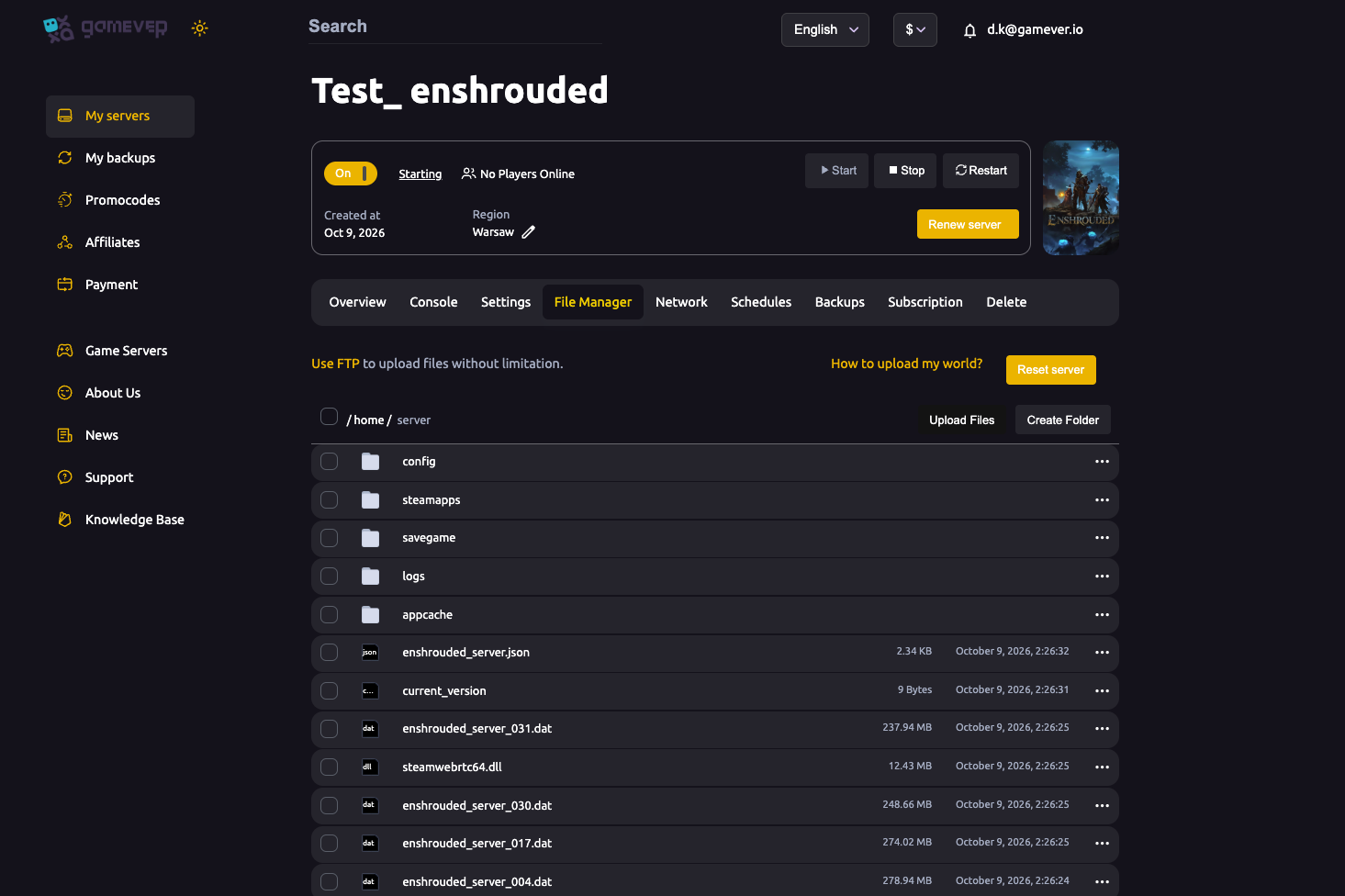
- Stop the server (Overview → Stop). This is essential — Enshrouded overwrites the config when it stops, so a running edit is lost. See the config guide.
- Open File Manager →
enshrouded_server.json. - Find
slotCountand set it to the number you want (1–16). - Save the file.
- Start the server.
Your server now advertises that many slots.
Make sure your plan can handle it
More players means more loaded world and physics, so a full 16-player server uses noticeably more CPU and RAM than a small group:
- Watch the Overview → Usage meters with your group on.
- If CPU or RAM run hot, use Upgrade server for more headroom (see fixing lag).
- Enshrouded leans on CPU for smoothness — give a busy server room to breathe.
Setting slotCount to 16 on an undersized plan just means a laggy 16 — size the plan to the group you actually play with.
Additional Tips
- 16 is the hard cap — not a host limit; you can't go higher.
- Edit with the server stopped — or
slotCountreverts on exit. - It's in the JSON, not the Settings tab.
- Match your plan — a full server needs real CPU/RAM headroom.
- Restart to apply — start the server after saving the file.
Conclusion
Your Enshrouded server's player limit is the slotCount value in enshrouded_server.json, anywhere from 1 to the game's 16-player hard cap. Edit it with the server stopped (so it isn't overwritten), save, and restart — then make sure your gamever plan has the CPU and RAM to keep a full group smooth.
Rent your Enshrouded server at gamever.io — up to 16-player co-op, with easy upgrades when your group grows. Free trial, promo code WELCOME.