
How to Buy Land in Farming Simulator 25
In Farming Simulator 25, buying more land is key to expanding your farm. Adding fields can mean bigger crop yields, more space for livestock, or room for new equipment and projects. Here’s how to buy land, what to consider when choosing fields, and tips to make the most out of your new territory.
Farmland Screen
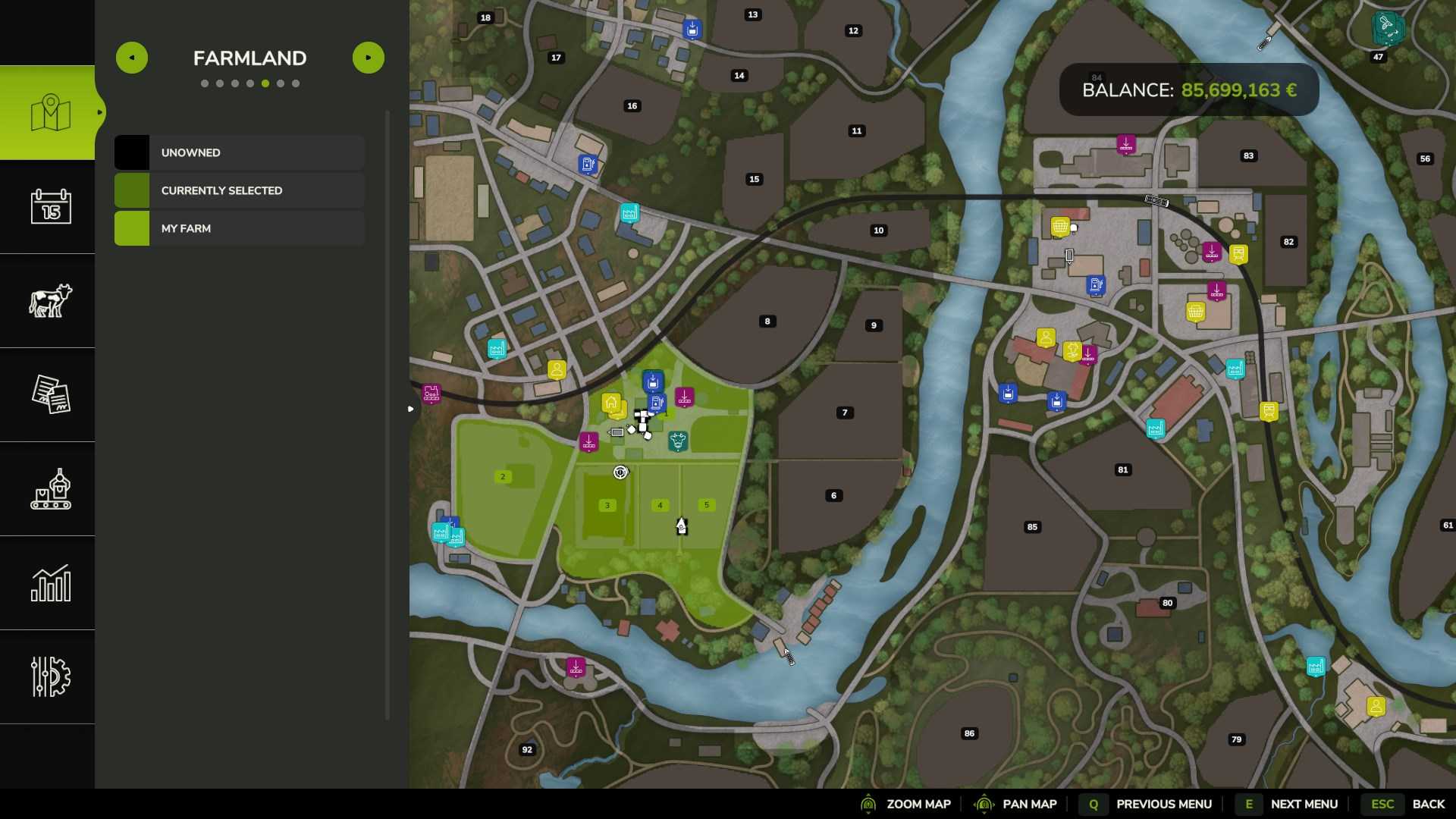
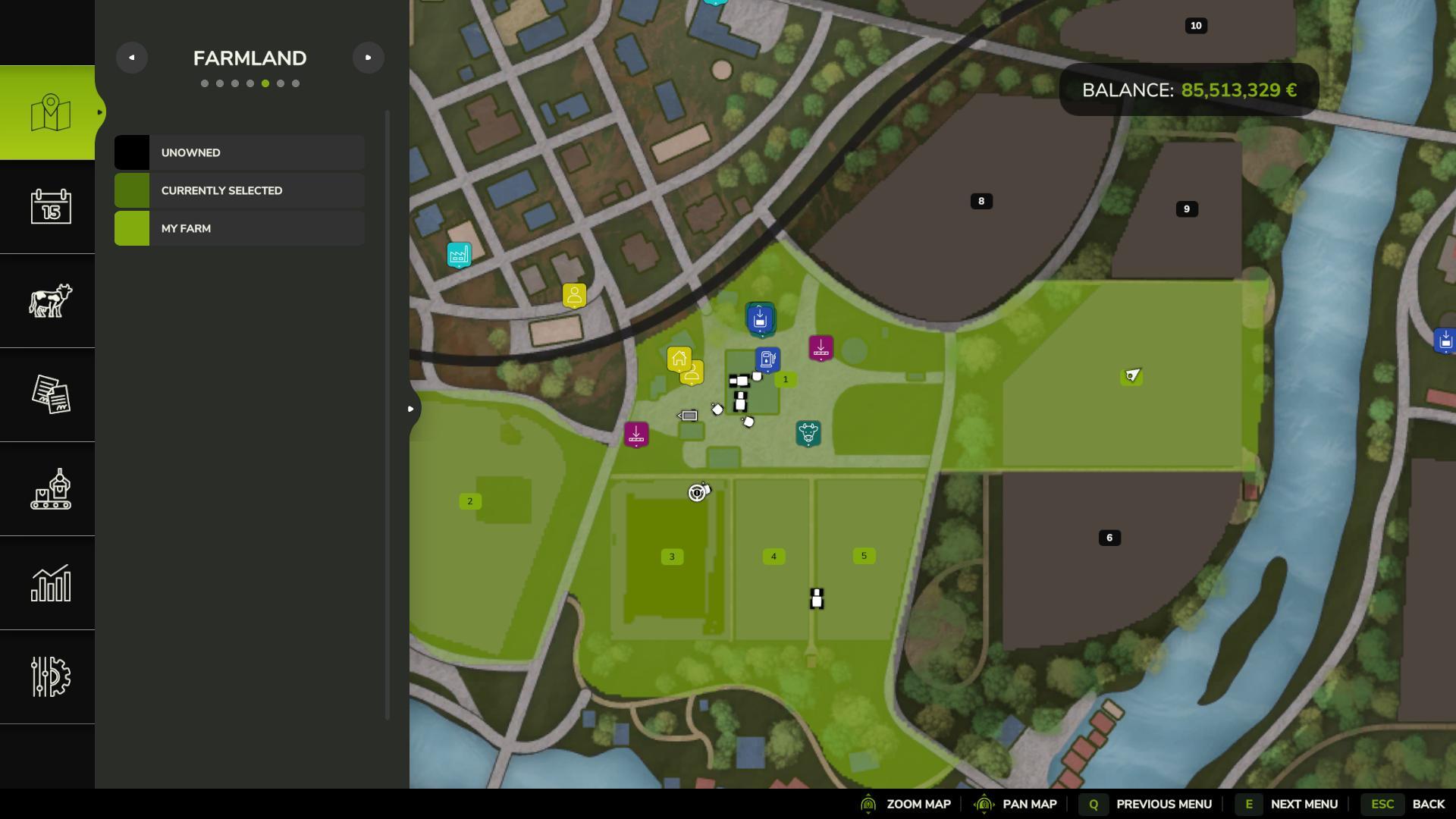
To view available land, open the main menu by ESC and select the “Farmland” tab. This screen shows all land plots on the map, marked with details about ownership and prices. Your owned fields are highlighted, while the rest are available for purchase. Select a plot to see specifics, such as current crops, growth stage, and cost.
Choosing Fields
Before buying, take a moment to see which fields will best support your farm’s goals. In the information panel, you’ll find details about each plot, such as any crops currently planted, crop growth stages, and potential yield bonuses.
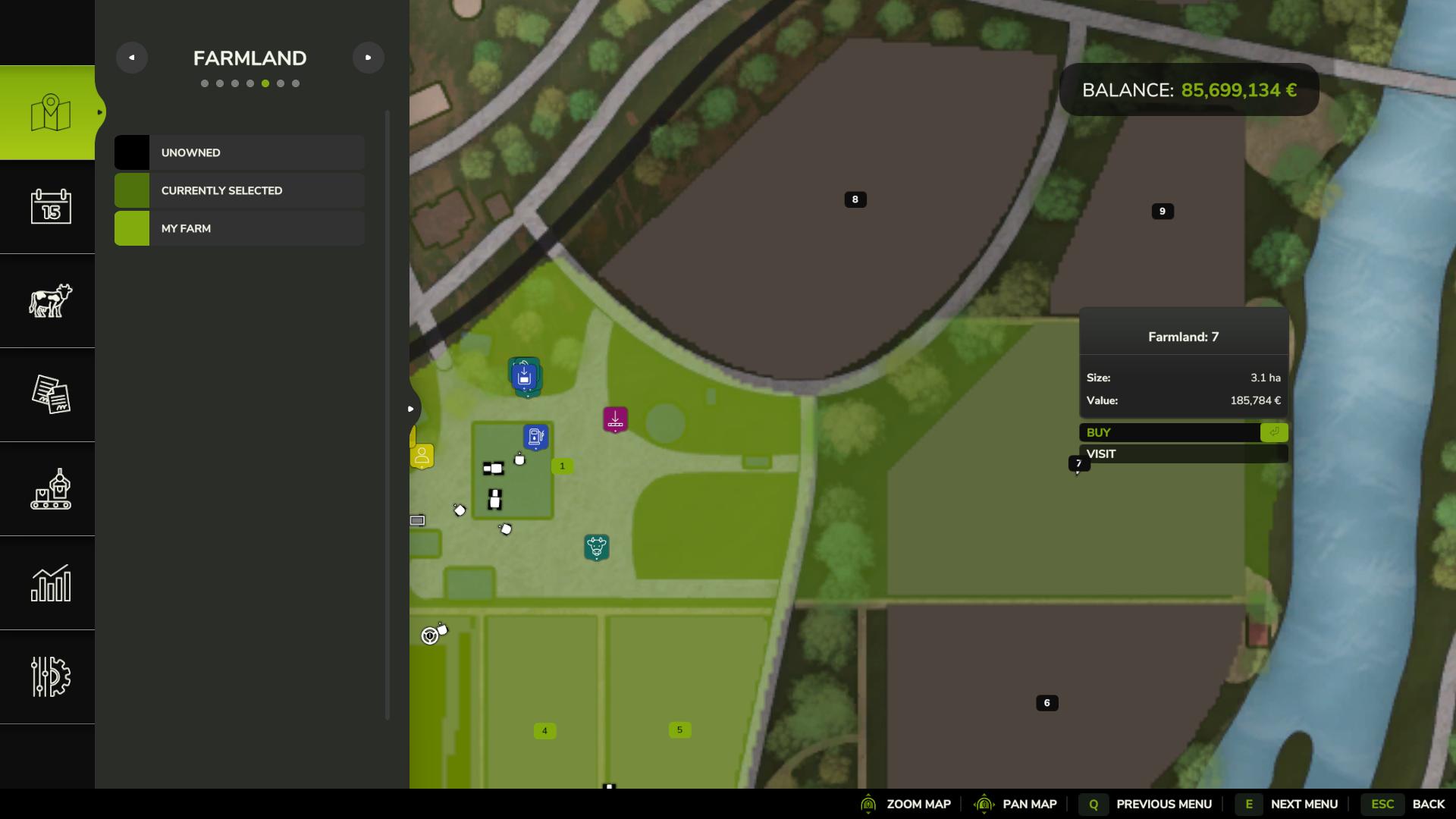
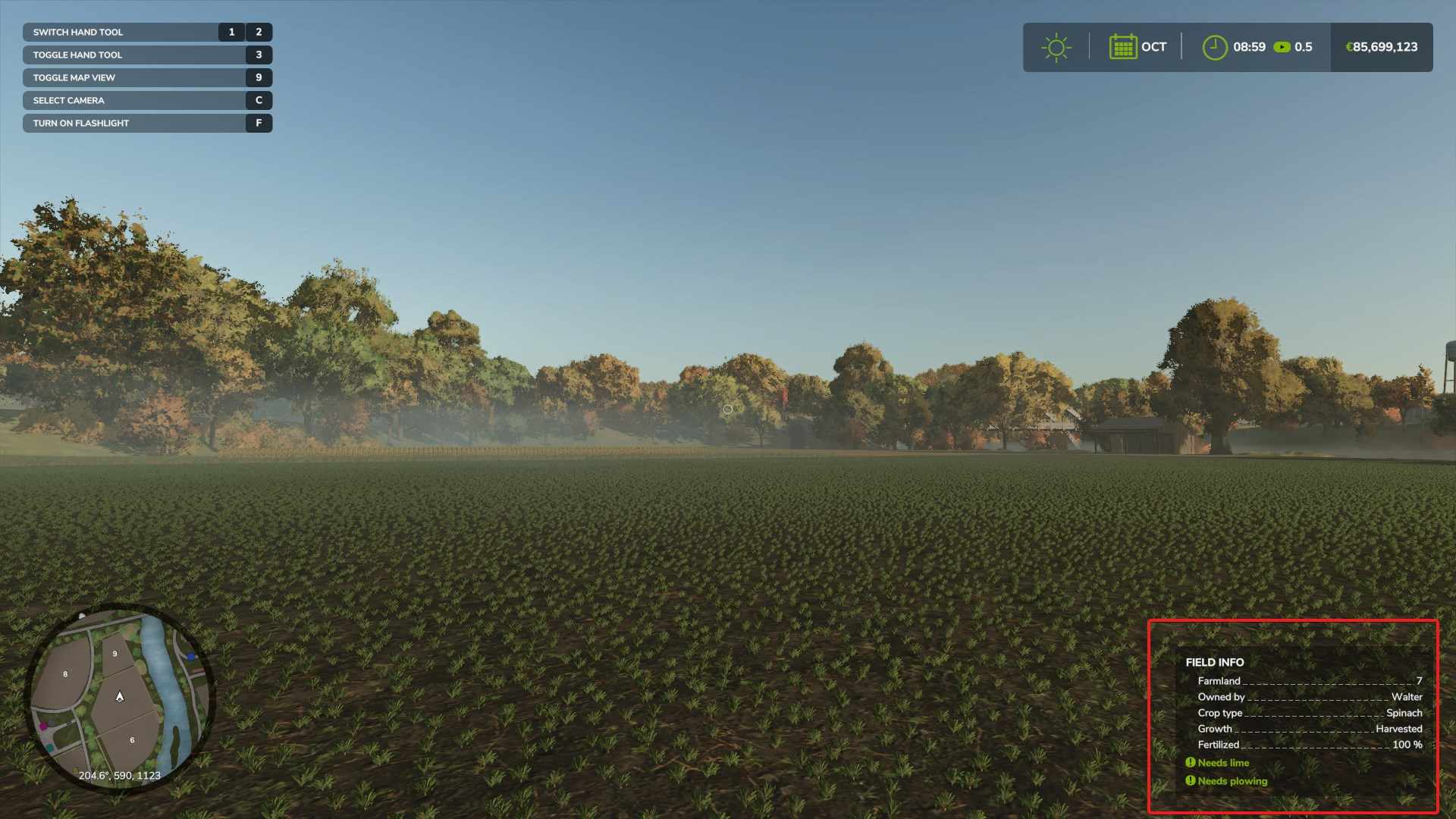
Some fields come with crops already planted, allowing for a quick harvest, while others may need work before they’re fully productive. You'll also see if the field requires fertilizing or weed removal—helpful for understanding any immediate maintenance needs.
Buying Land
Once you’ve selected a field, make sure you have enough money in the bank for the purchase. The cost varies based on the field’s size, location, and soil condition. Select the field, confirm the purchase, and the field will instantly transfer to your ownership.
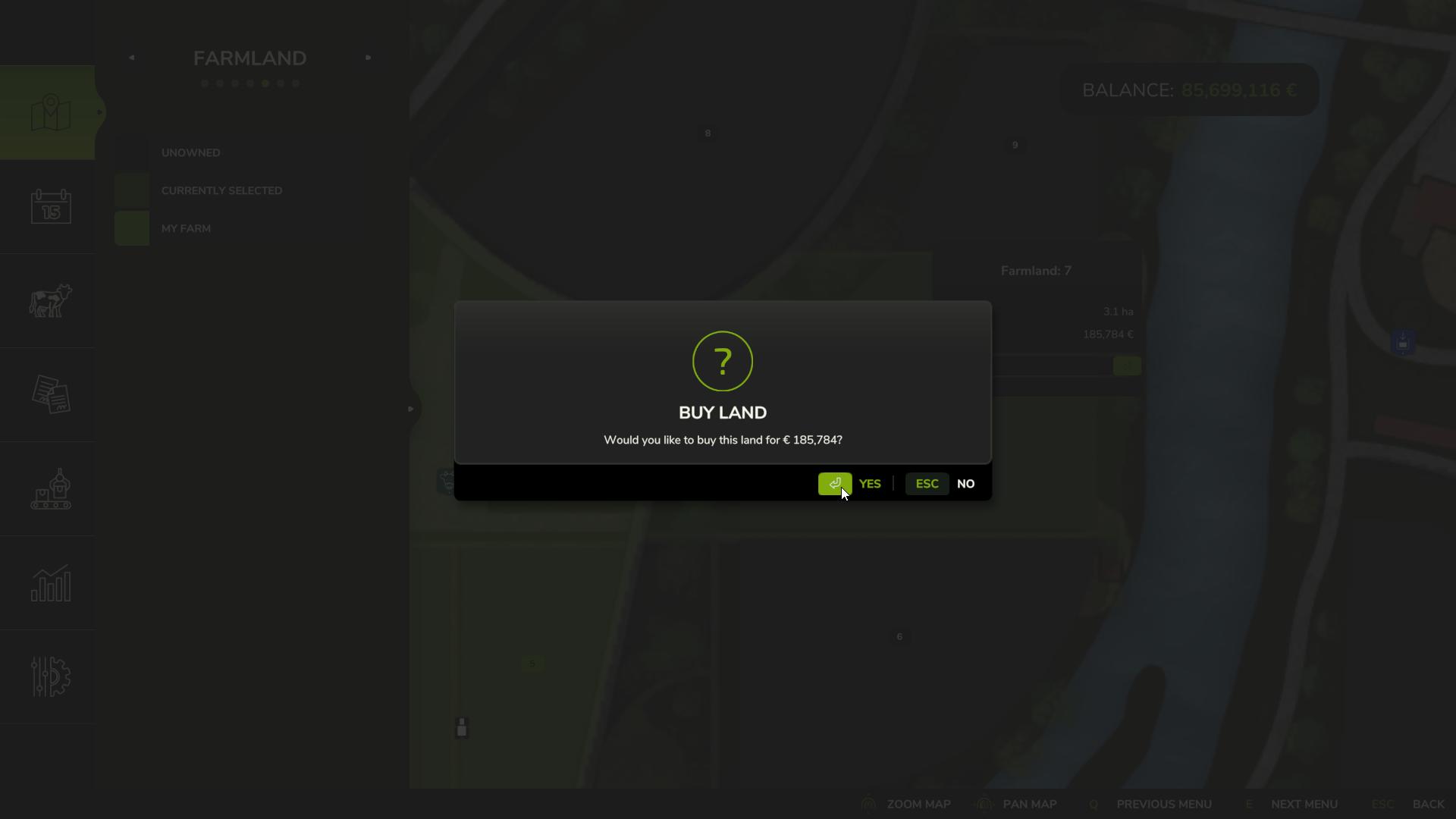
For those on consoles, this is done with a simple button press, while PC players can press the space bar. Newly acquired fields will appear marked on your map, showing that they’re now part of your farm.
Selling Land
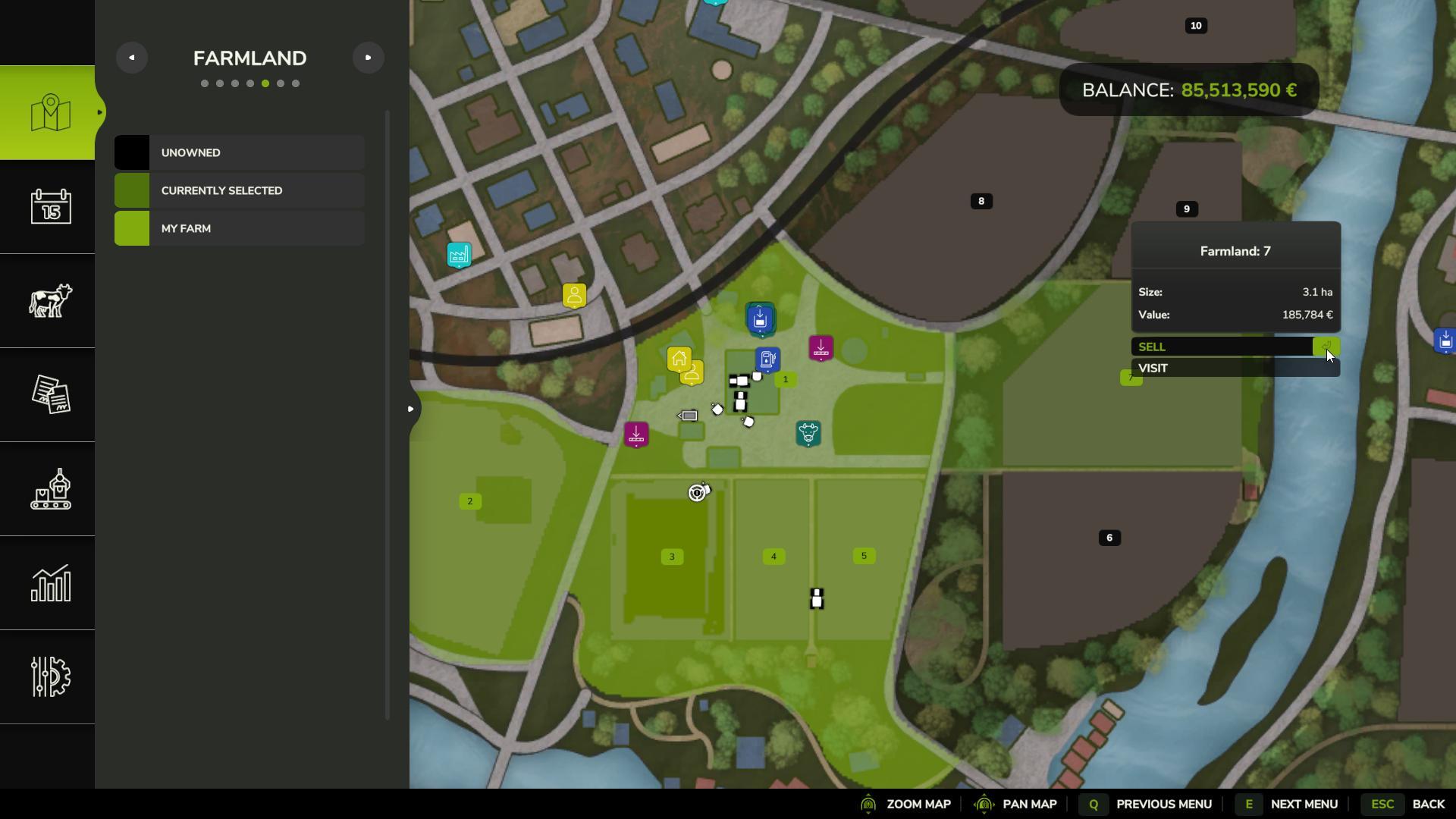
Need extra funds for equipment or other investments? You can sell any field you own. Go back to the farmland screen, select the field, and choose to sell it. Though fields typically sell for slightly less than the purchase price, selling unused land can help cover costs for more valuable investments.
Expanding Fields by Combining or Enlarging
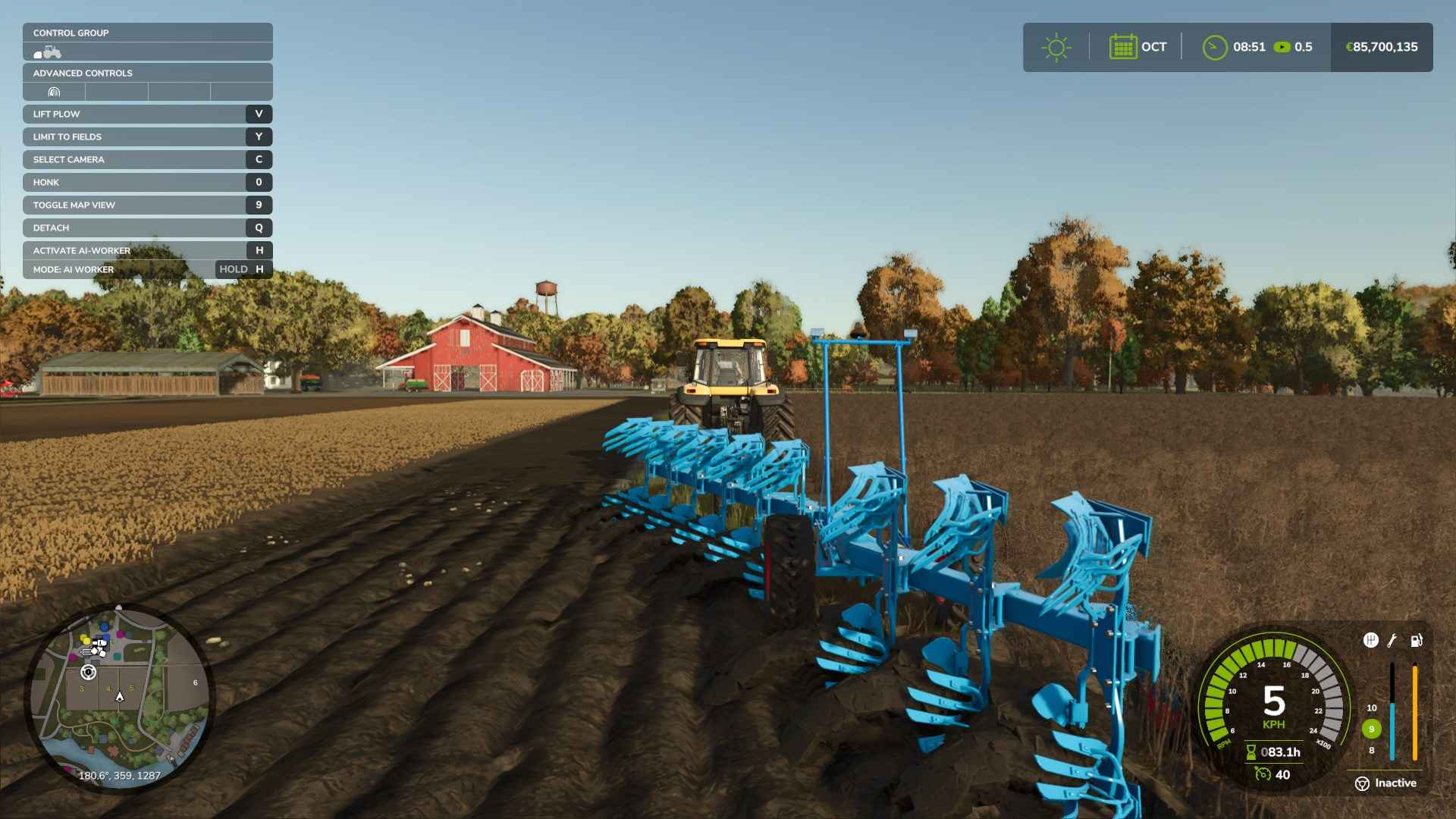
If you own fields that border each other, they can be joined into one larger field. By using a plow and activating the “Allow Create Fields” option, you can clear space between two fields, merging them into a single plot. This is a great way to simplify field management, as larger fields reduce the need for equipment adjustments and turns, making planting and harvesting easier.
Tips for Selecting the Right Land
1. Focus on Fields Close to Your Existing Farm: Buying nearby fields minimizes travel time for your equipment and makes it easier to manage multiple fields.
2. Avoid Fields with Obstacles: Some fields come with trees or other obstacles, which may require expensive forestry equipment to remove.
3. Choose Longer Fields: Working with long, narrow fields instead of square ones can save you time, as fewer turns are needed when planting or harvesting.
Buying land in Farming Simulator 25 opens up new opportunities for your farm. By exploring available fields, selecting the right ones, and combining them when possible, you’ll grow your farm and increase productivity. New fields bring more harvests, new crops, and more options to develop your farm to fit your vision.