
How to Buy and Sell Vehicles in Farming Simulator 25
Buying and selling vehicles in Farming Simulator 25 is the backbone of expanding and managing your farm's operations.
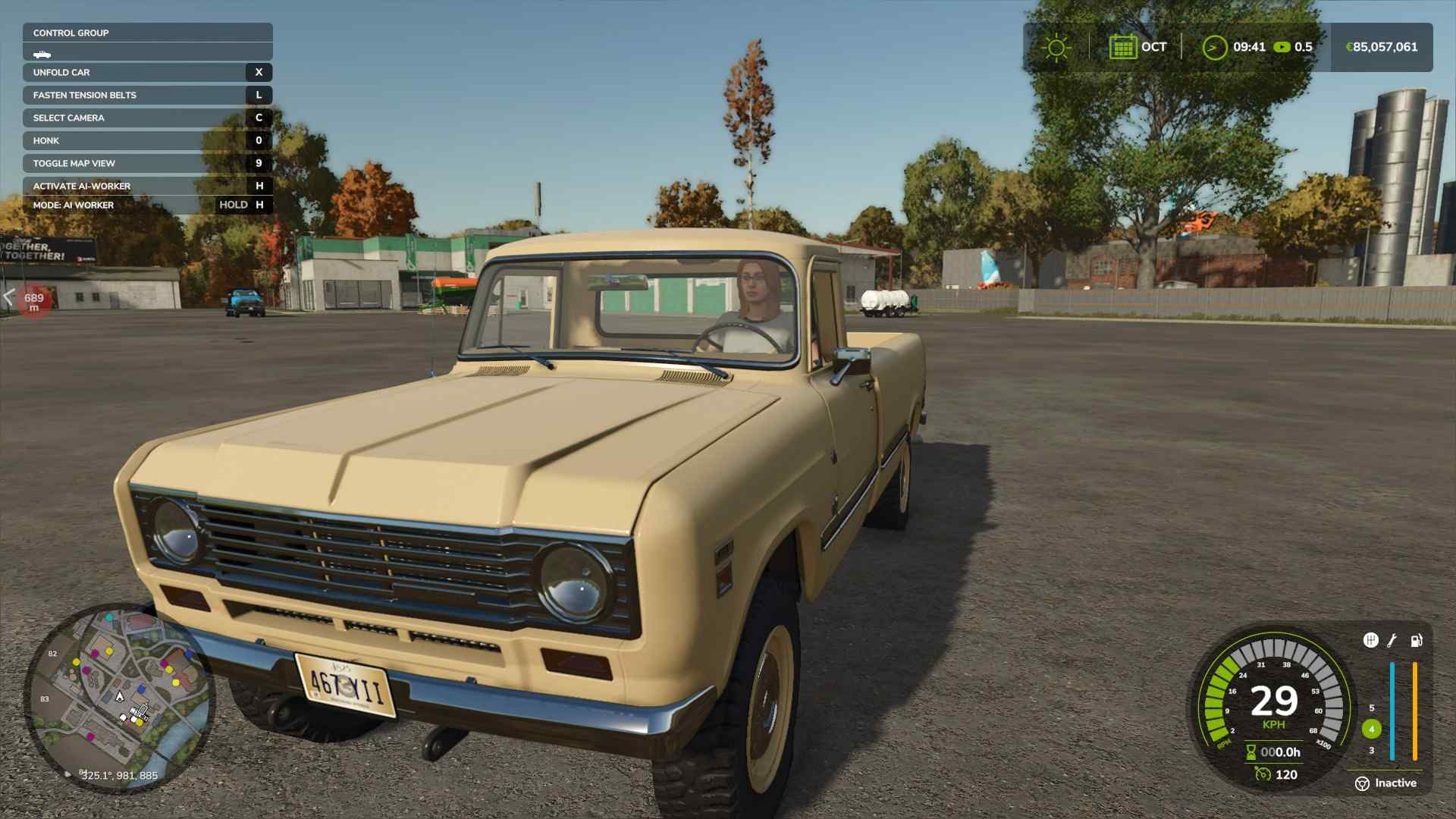
Accessing the Store and Buying Vehicles
To start, open the store menu by pressing P on your keyboard or walking up to the shop icon on your map and selecting it.
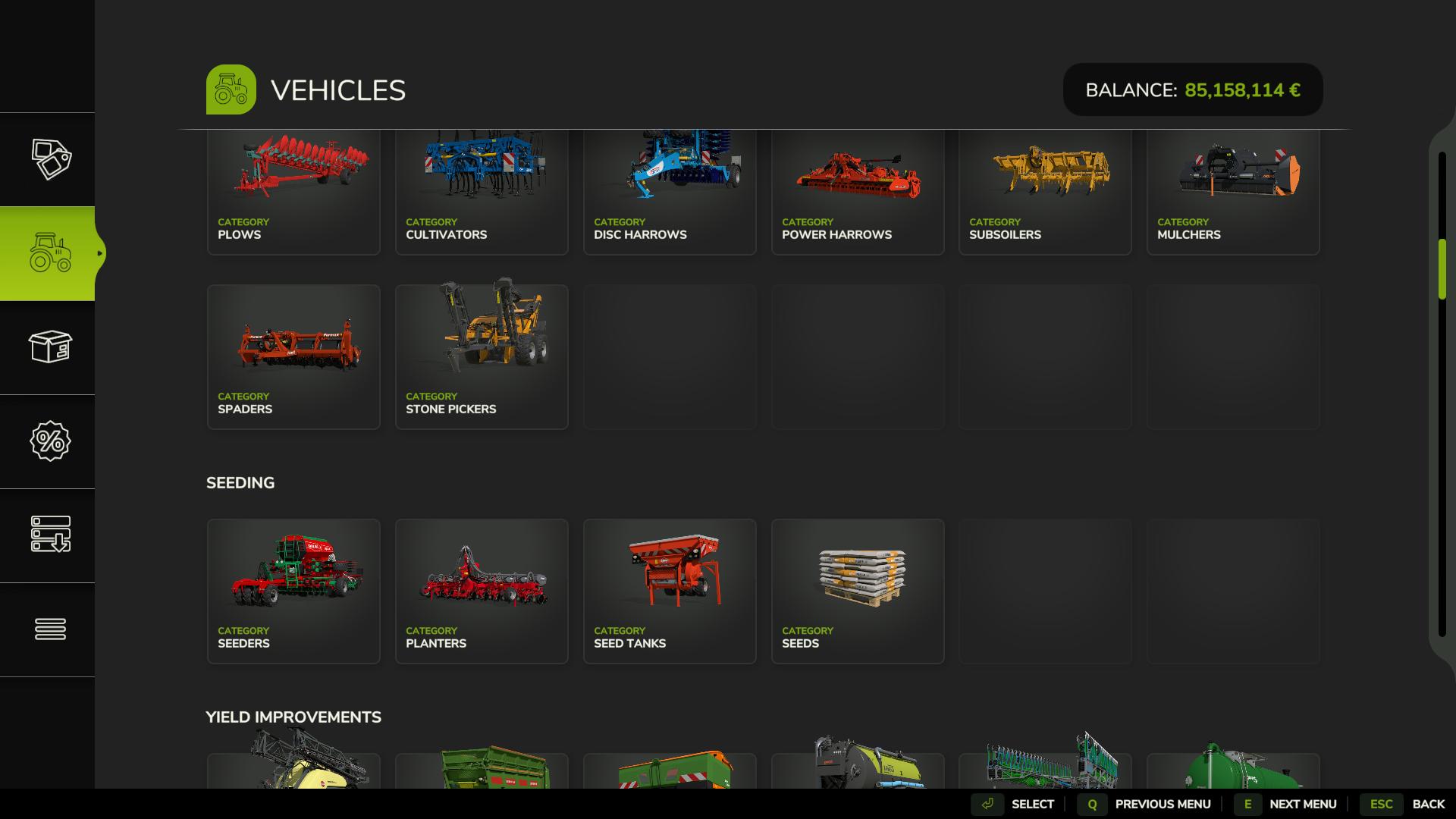
Once inside the store, you’ll see an organized layout, with categories ranging from tractors and trucks to miscellaneous equipment and animal care tools. Vehicles are grouped by type—small tractors, medium tractors, harvesters, and more—so you can quickly locate the right equipment for your farm.
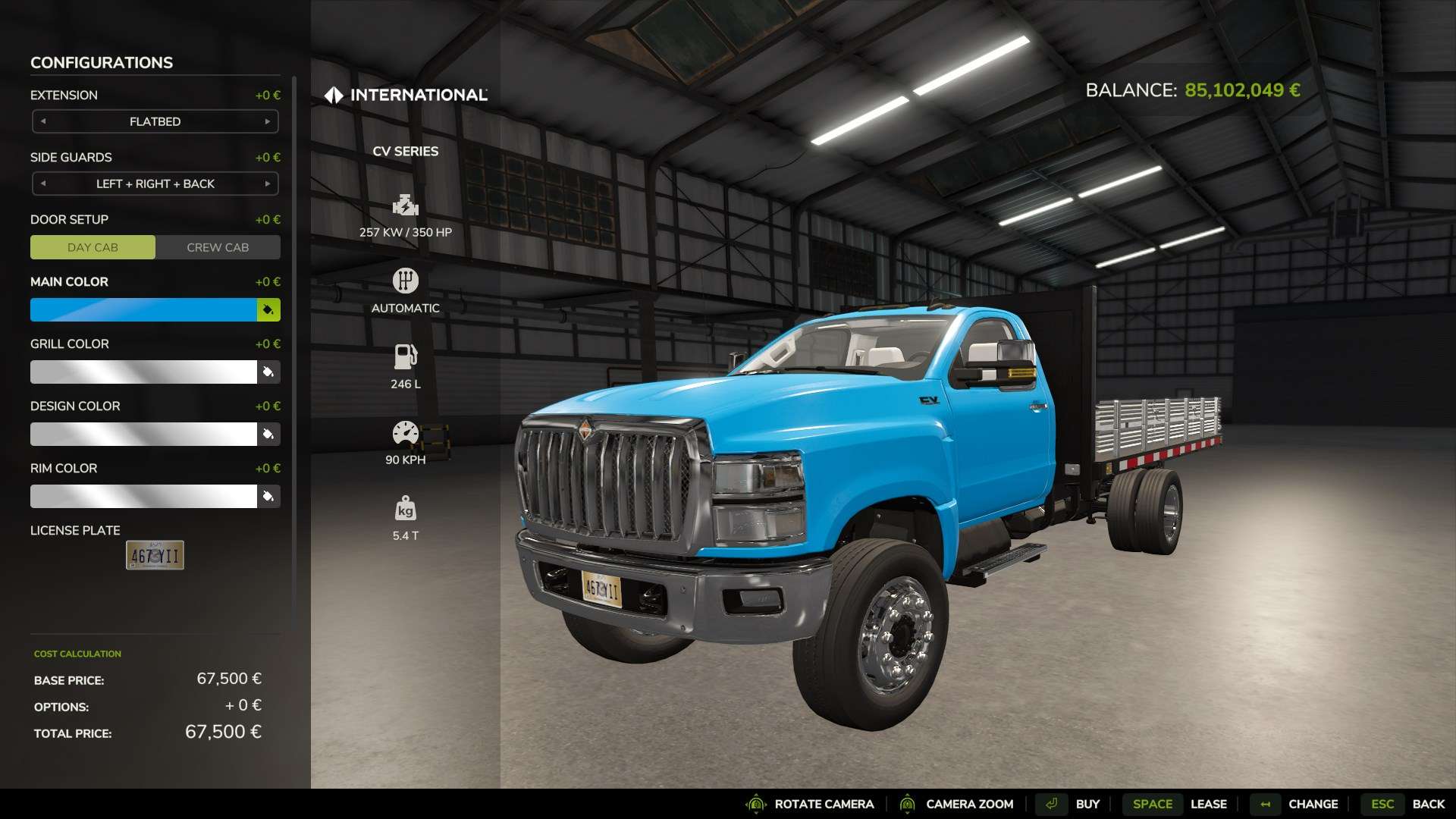
Selecting the right vehicle requires some attention to specs. Each item lists its horsepower, transmission type, and fuel capacity. For example, the Fendt 1000 Vario tractor offers options for tire brands, wheel weights, and engine upgrades. You can further customize your purchase with different color options, tire setups, and license plates to suit your farm’s needs. Once you’re satisfied, confirm the purchase, and your new vehicle will appear in the store’s lot, ready for action.
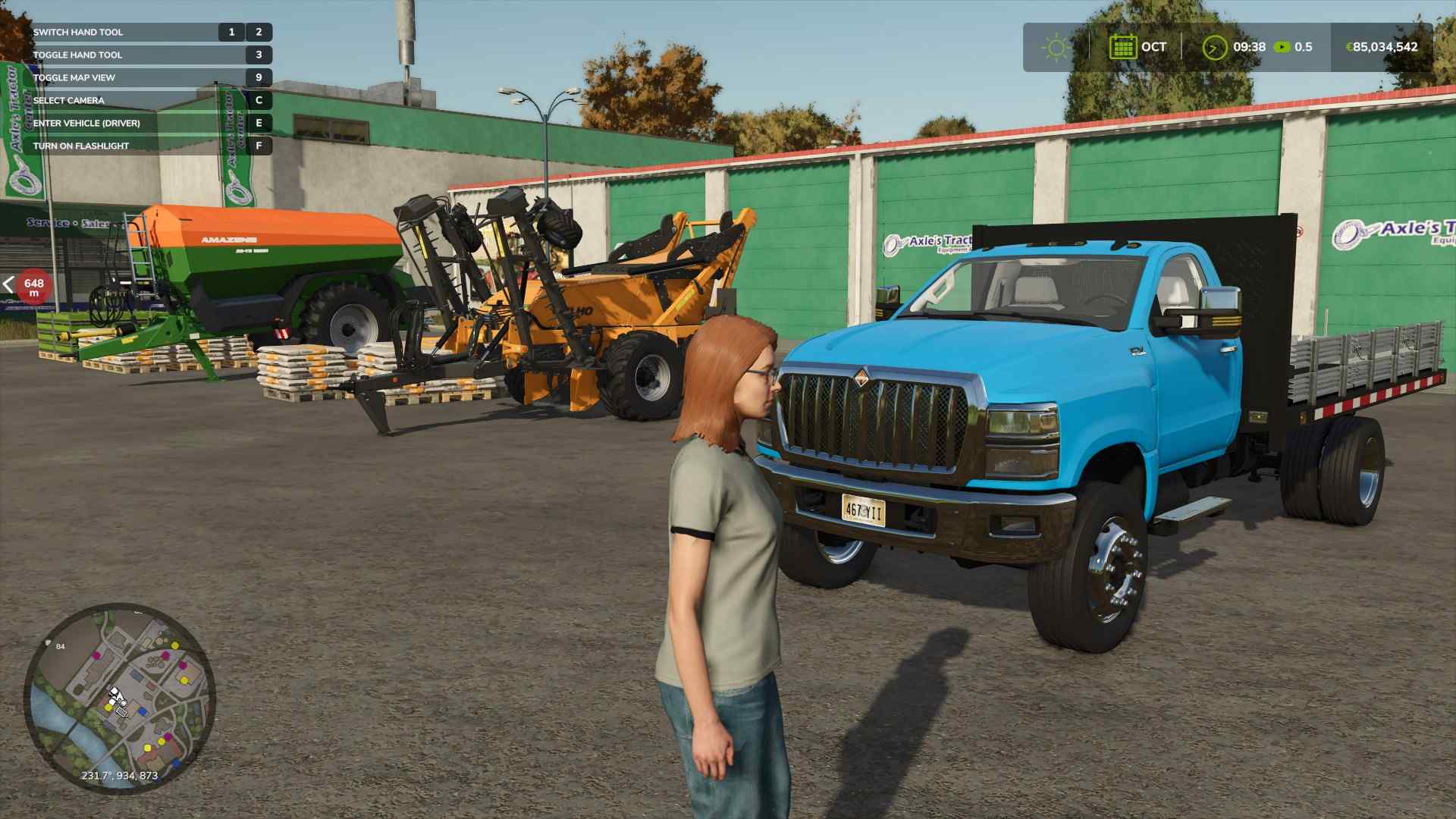
Now, head to the dealer to collect your purchased vehicle. It’s parked near the shop, and you can approach it and interact by pressing E. To reach the shop, press ESC, locate the dealer on the map, click the icon, and select Visit.
Tips for Smart Equipment Choices
When selecting vehicles, consider the terrain and tasks you need to cover. For instance, if you have large fields, investing in a high-horsepower tractor will pay off, especially for heavy-duty tasks like plowing and towing large trailers. For transport tasks, a mid-range truck or utility vehicle can help you move equipment and goods quickly across the map. Additionally, many machines can attach various tools or trailers, so be sure to explore the combinations option to see compatible equipment for each vehicle.
Selling and Trading in Your Vehicles
Go into the store menu by pressing ESC and choose the Vehicles Section. Find your list of owned vehicles and select the machine you want to sell. Confirm the sale to remove it from your farm and get cash back for your next upgrade.
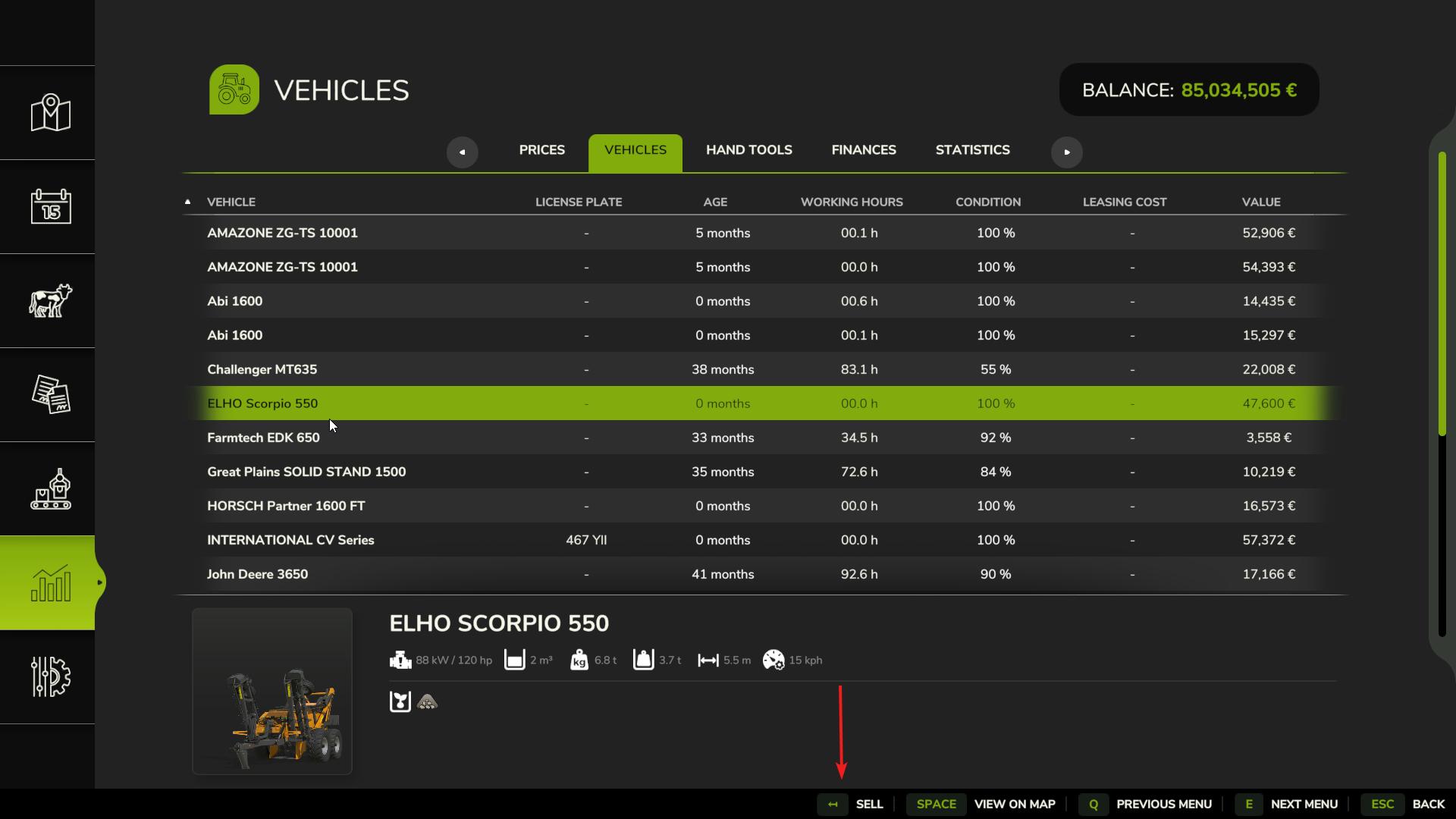
If you have a vehicle with wear and tear, you can also consider repairing it at the store’s workshop to boost its resale value. Selling repaired vehicles can sometimes help you recover a higher price than selling them in worn condition.
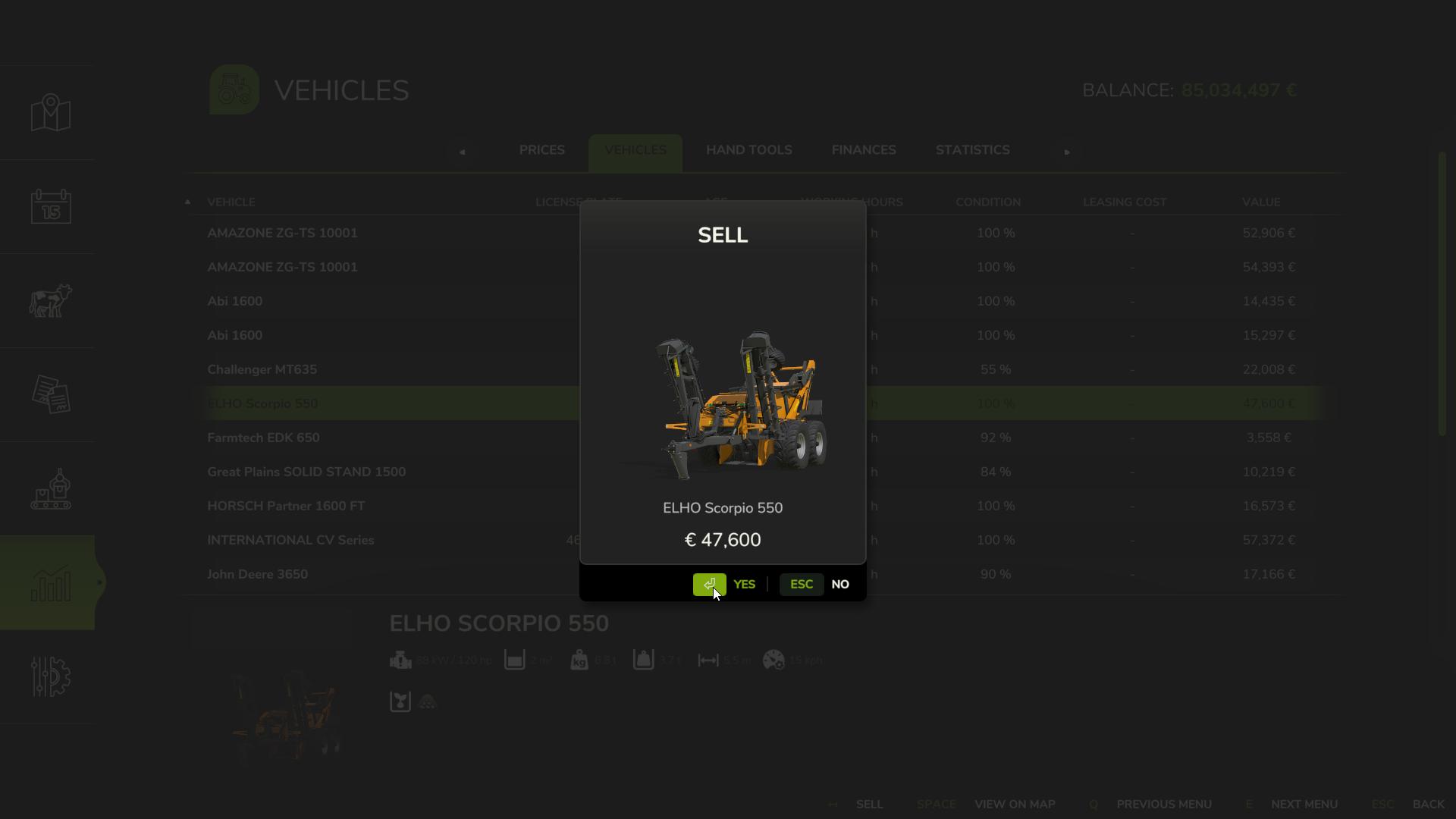
Understanding how to buy and sell vehicles in Farming Simulator 25 keeps your farm running at peak efficiency. Whether you’re upgrading to faster tractors, adding specialized harvesters, or clearing out equipment you no longer need, managing your vehicles wisely helps you focus on farming. As you grow, experiment with different brands and equipment to find the best setups for each task. Keep the vehicles you love, sell those you don’t, and enjoy the flexibility that Farming Simulator 25 offers in tailoring your fleet.