
How to Buy and Sell Buildings in Farming Simulator 25
Accessing Build Mode
To buy or sell buildings, start by opening Build Mode. On PC, you can do this by pressing Shift + P. If you’re on a different platform, check your controls for the exact key.
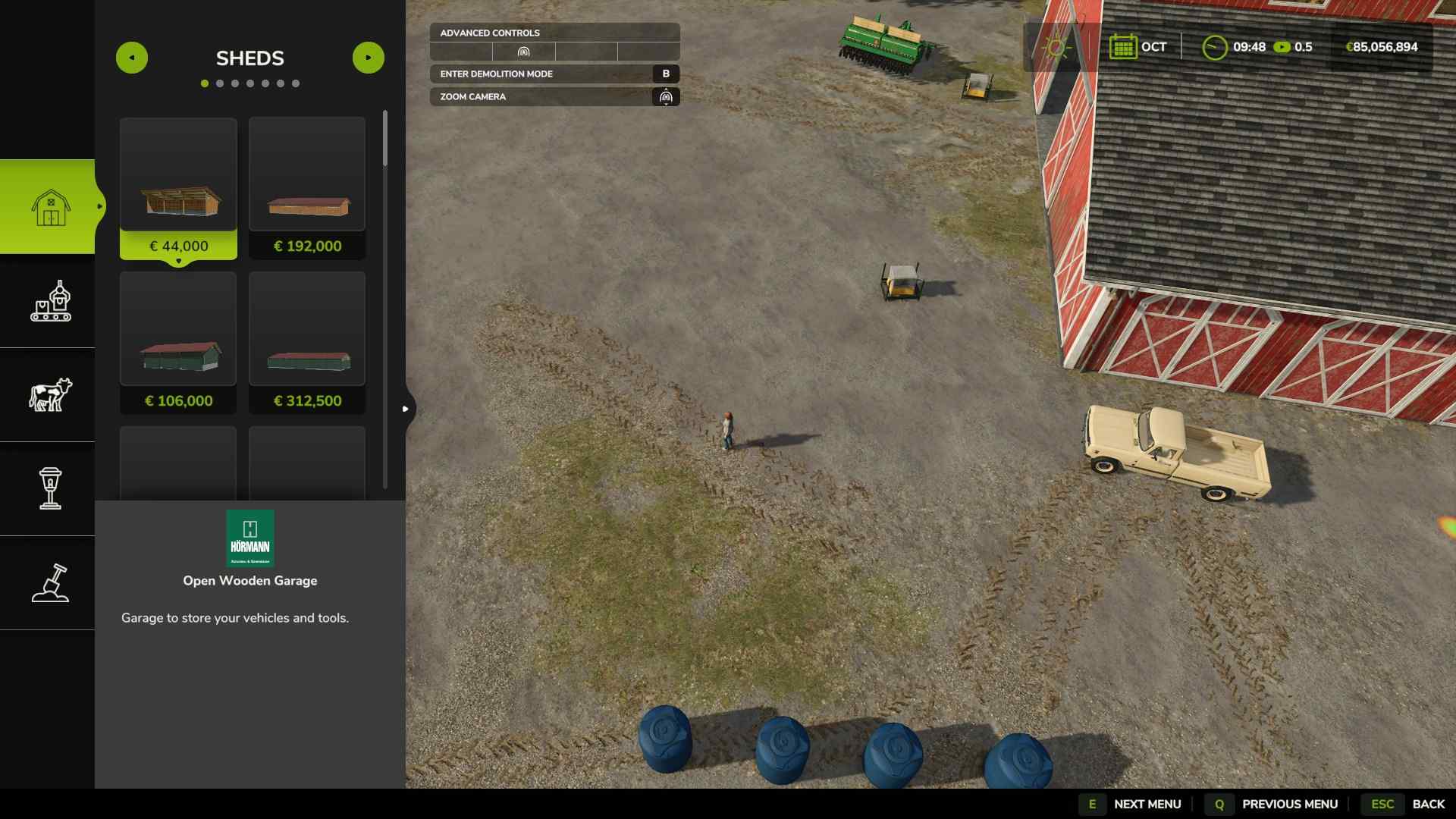
Once in Build Mode, you’ll see an overhead view of your farm, where you can manage buildings and landscaping.
Buying and Placing New Buildings
With space cleared, it’s time to add new buildings. To start:
1. Go to the Buildings section within Build Mode and browse your options. From storage sheds to animal pens, there’s a wide variety to choose from.
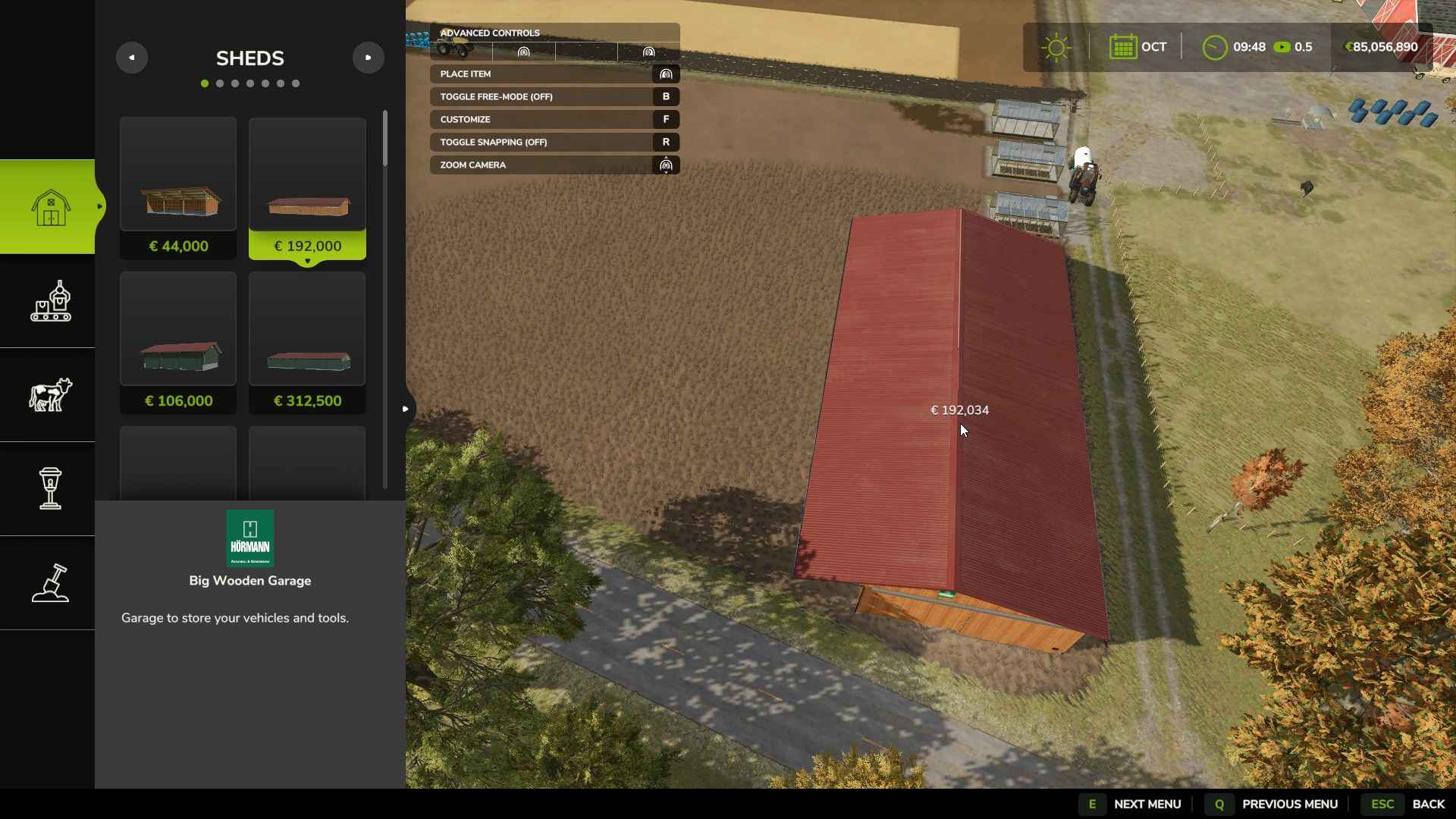
2. Choose a building that fits your current needs and place it on any land you own. As you position it, pay attention to the surrounding terrain. Placing a building on uneven ground can cause it to appear slightly raised or awkwardly angled, so use the Landscape Tool to smooth out or level the area before placement if needed.
3. Place the building in your chosen spot, and the ground will automatically flatten around it, adjusting to its foundation.
Selling a Building
Before you can sell a building, it must be on a plot of land that you own. Here’s how to do it:
1. Open Build Mode and hover over the building you want to sell. If it’s eligible for sale, you’ll see a price pop-up.
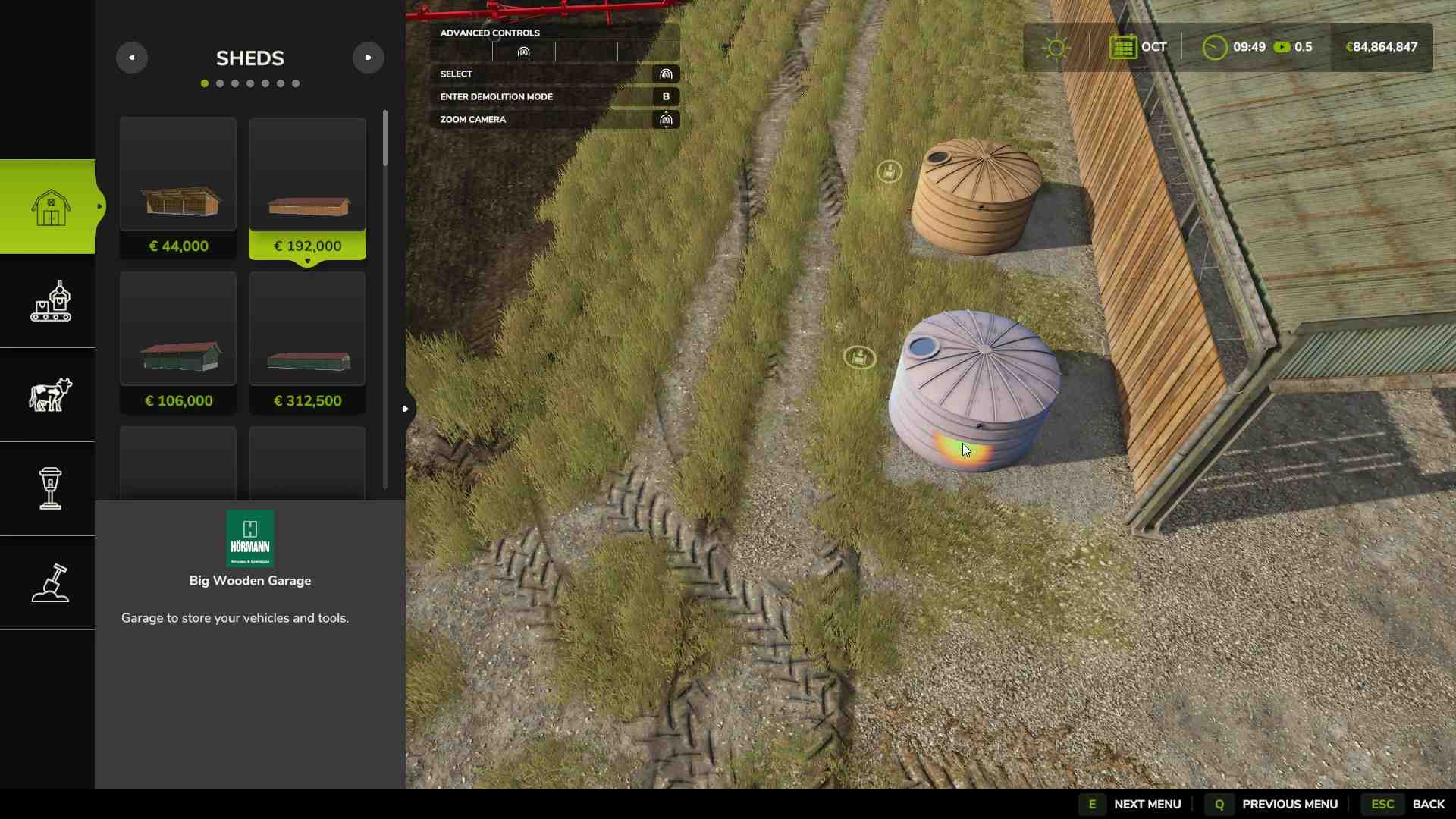
2. Click on the building, select Sell, and confirm to get rid of it. The game will tell you the amount you’ll receive for the sale.
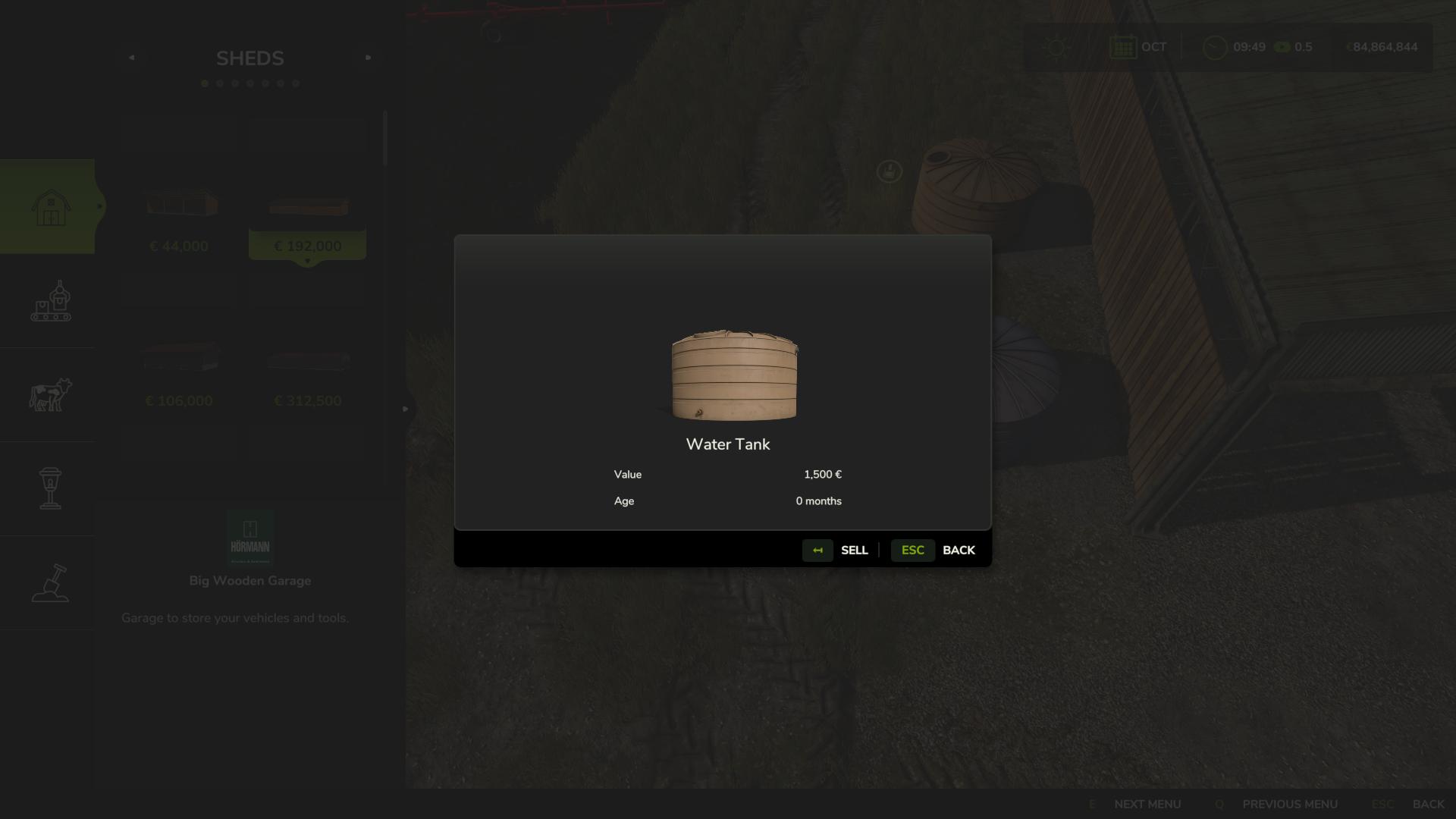
3. Certain structures may not be available for sale—especially small decorative items near houses or objects that come standard on your land. If you try to click on something and don’t see the option to sell, it’s likely unsellable.
Demolition Mode for Special Items
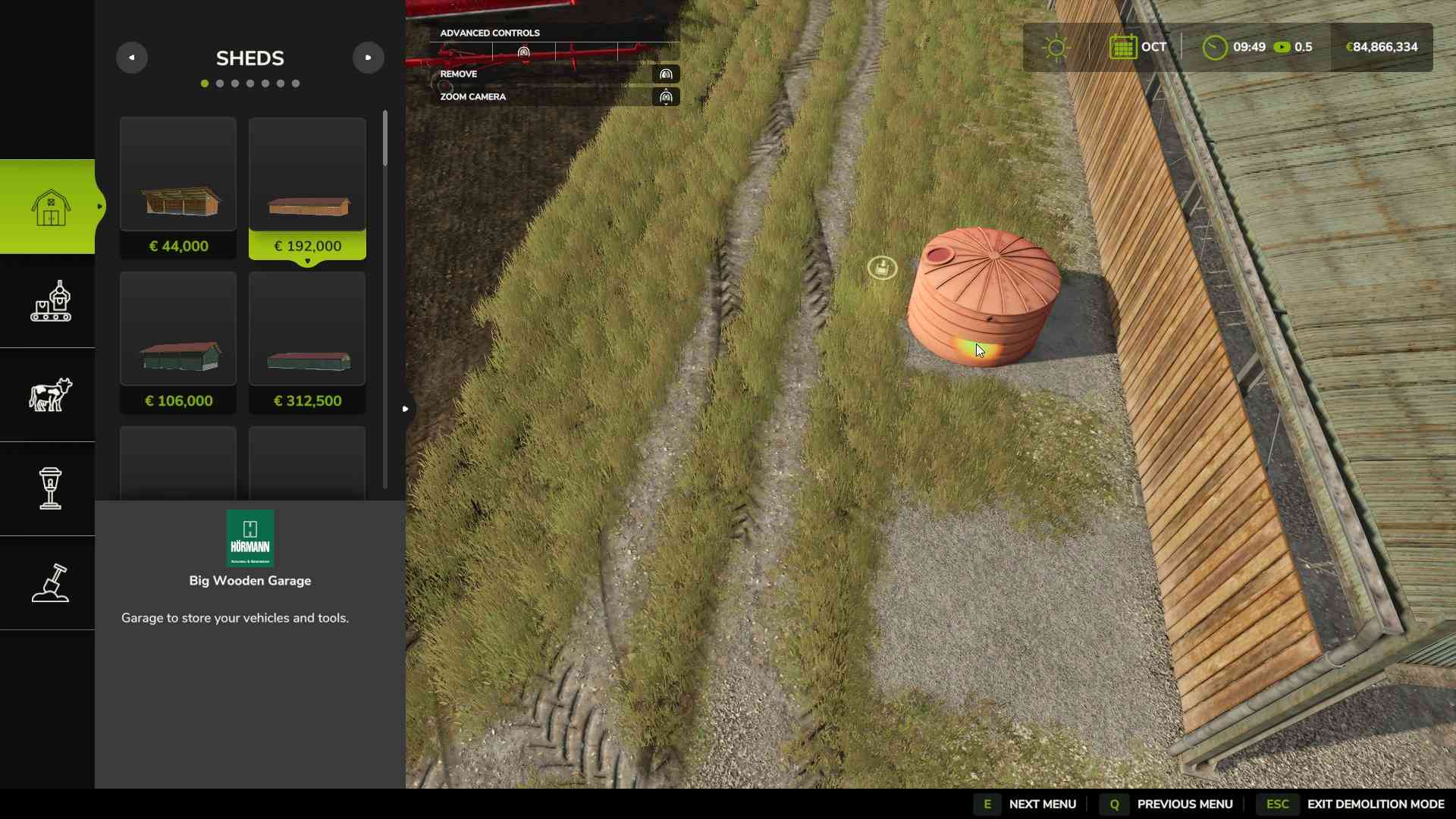
For some items, you’ll need to use Demolition Mode. To access this, press B when in Build Mode. This mode allows you to delete certain structures or objects. However, remember that you won’t receive any funds from items you simply demolish, so use this for clutter or unwanted decor rather than functional buildings.
When Buildings Can’t Be Sold
Not all structures in Farming Simulator 25 can be sold. Items like small decorations or map-specific objects might be unclickable or lack a sale option. For these, either use the Demolition Mode, or if it’s decorative and immovable, plan your placements around it.
Managing buildings in Farming Simulator 25 adds flexibility to your farm’s layout, making it easy to clear space or add new structures as your needs evolve. With Build Mode, you can place, sell, or demolish buildings to keep your farm running efficiently and looking just how you want it.