
How to Build Portals in Satisfactory Release 1.0
Today, we’re exploring how to unlock and build those fantastic portals, so you can zip from one location to another with style. Get comfy, and let’s dive into the exciting world of teleportation!

Unlocking Portals
To kick things off, head over to your Hub. This is where you’ll unlock all your goodies. Focus on the Milestone category and scroll to Tier 9. That’s where the magic of portals begins! Look for Spatial Energy Regulation.
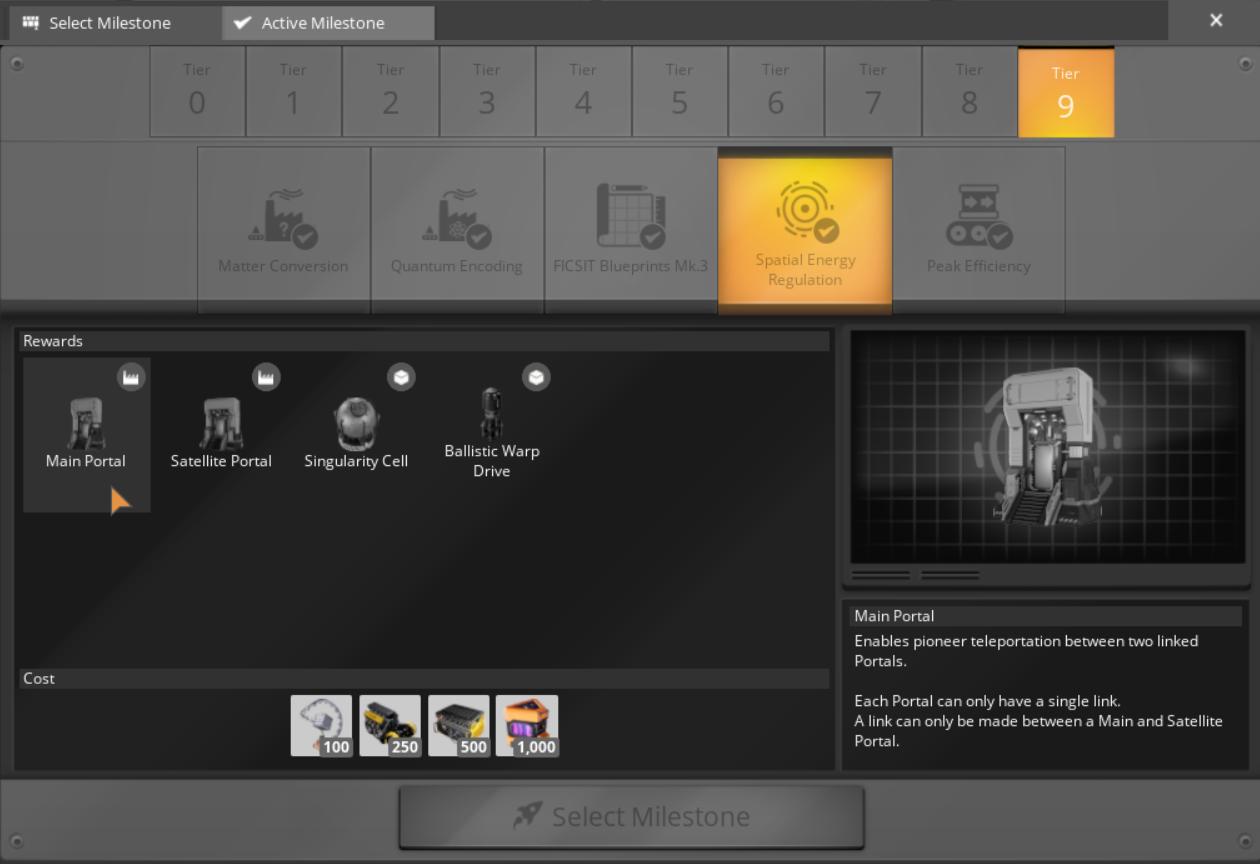
This milestone unlocks the Main Portal, the Satellite Portal, and the all-important Singularity Cell. Just a heads up: making Singularity Cells isn’t a walk in the park. They require some pretty rare materials, so gather those resources! Open Building menu and choose Transport Tab – Portal Section to see the details.
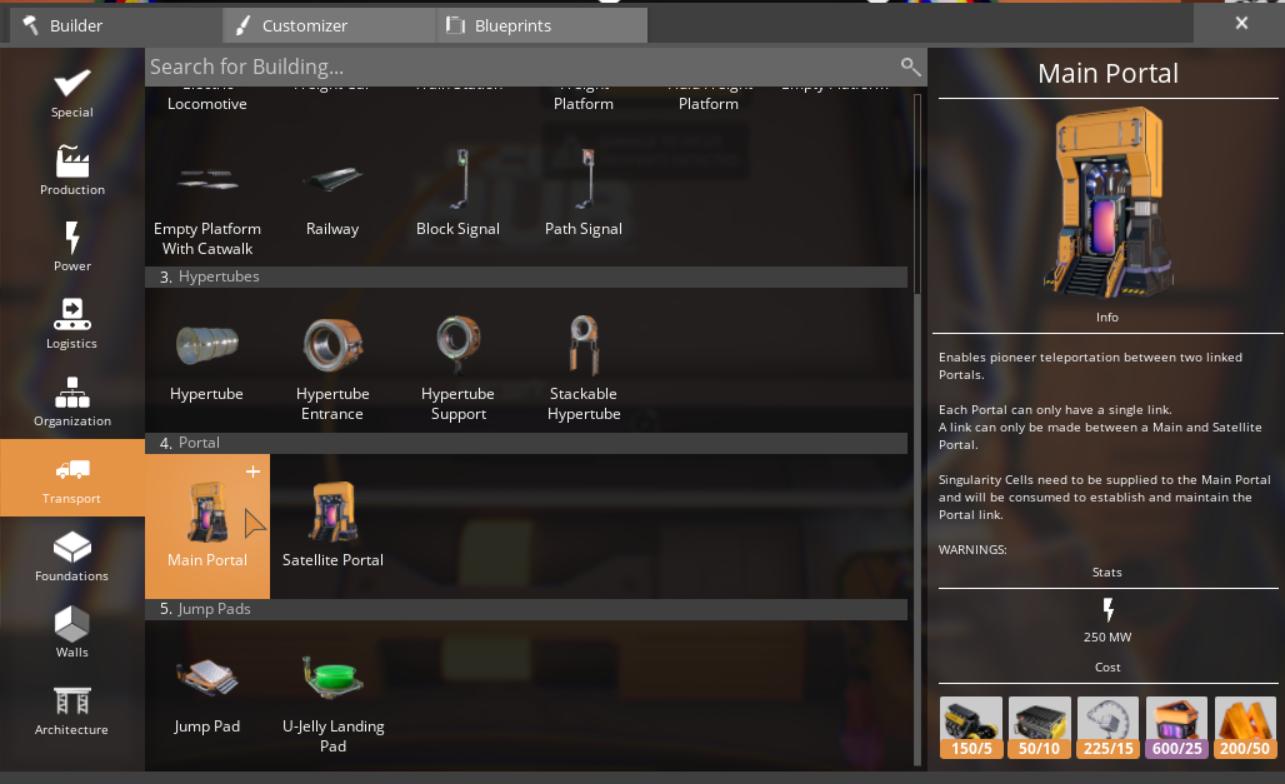
Building the Main Portal
Once you’ve unlocked the portals, it’s time to build! The Main Portal is a giant structure—about four to five times the height of your Pioneer. It’s an impressive sight, and it features an input/output slot that you’ll need to manage. This portal requires Singularity Cells to operate. Make sure you have a steady supply, as producing these cells involves some tricky resources, including nuclear pasta and dark matter crystals.
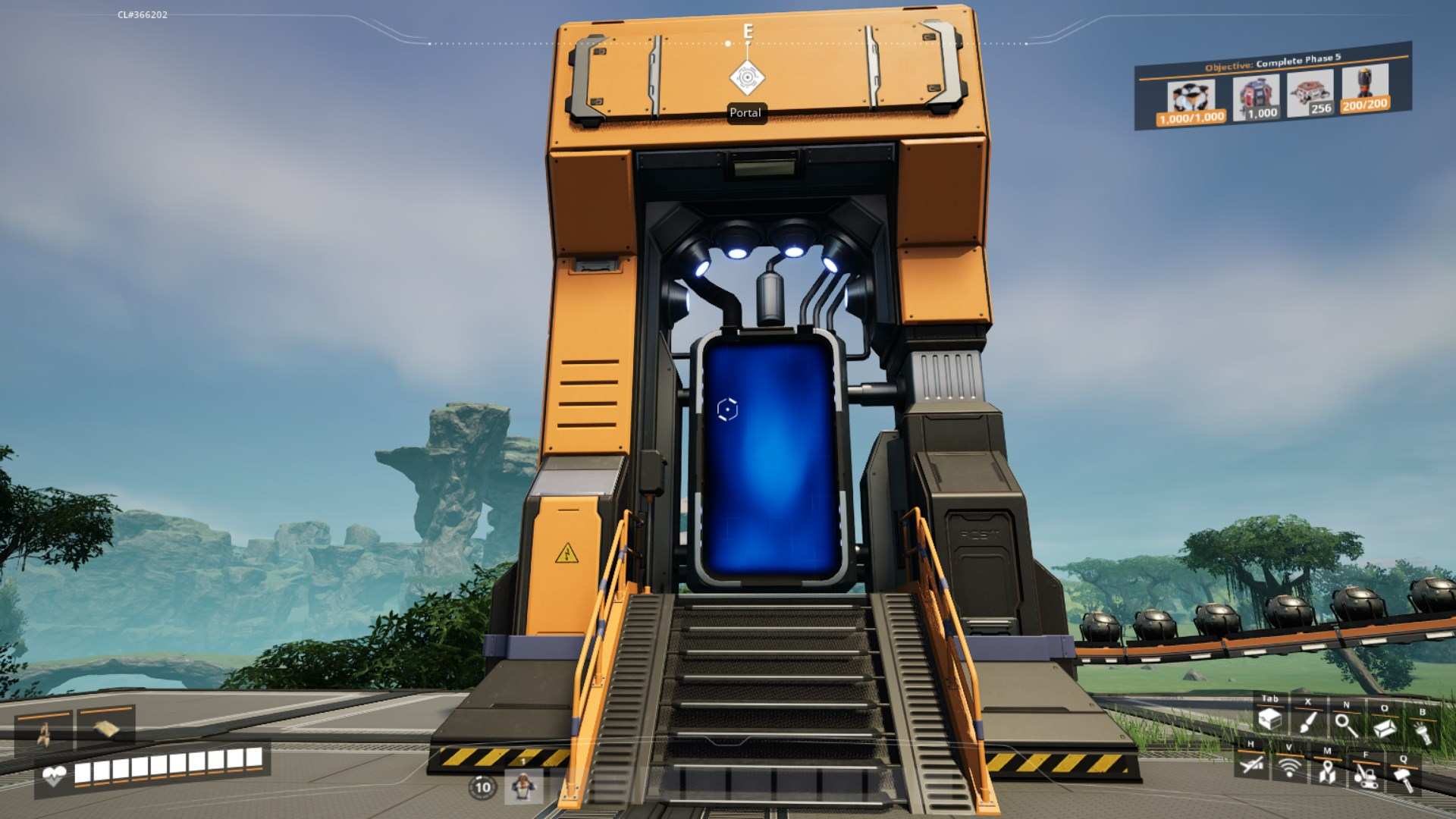
When you set up the Main Portal, don’t forget about power! These things are power-hungry, consuming 250 MW each. Ensure your factory can keep up with the demand, or you’ll find yourself in a bit of a pickle.

Setting Up the Satellite Portal
Next up is the Satellite Portal. This one plays a supportive role, helping you travel in and out of your main hub. Remember, you can only link a Main Portal to a Satellite Portal. Each portal can have just one link, so it’s a good idea to name them clearly to avoid confusion.
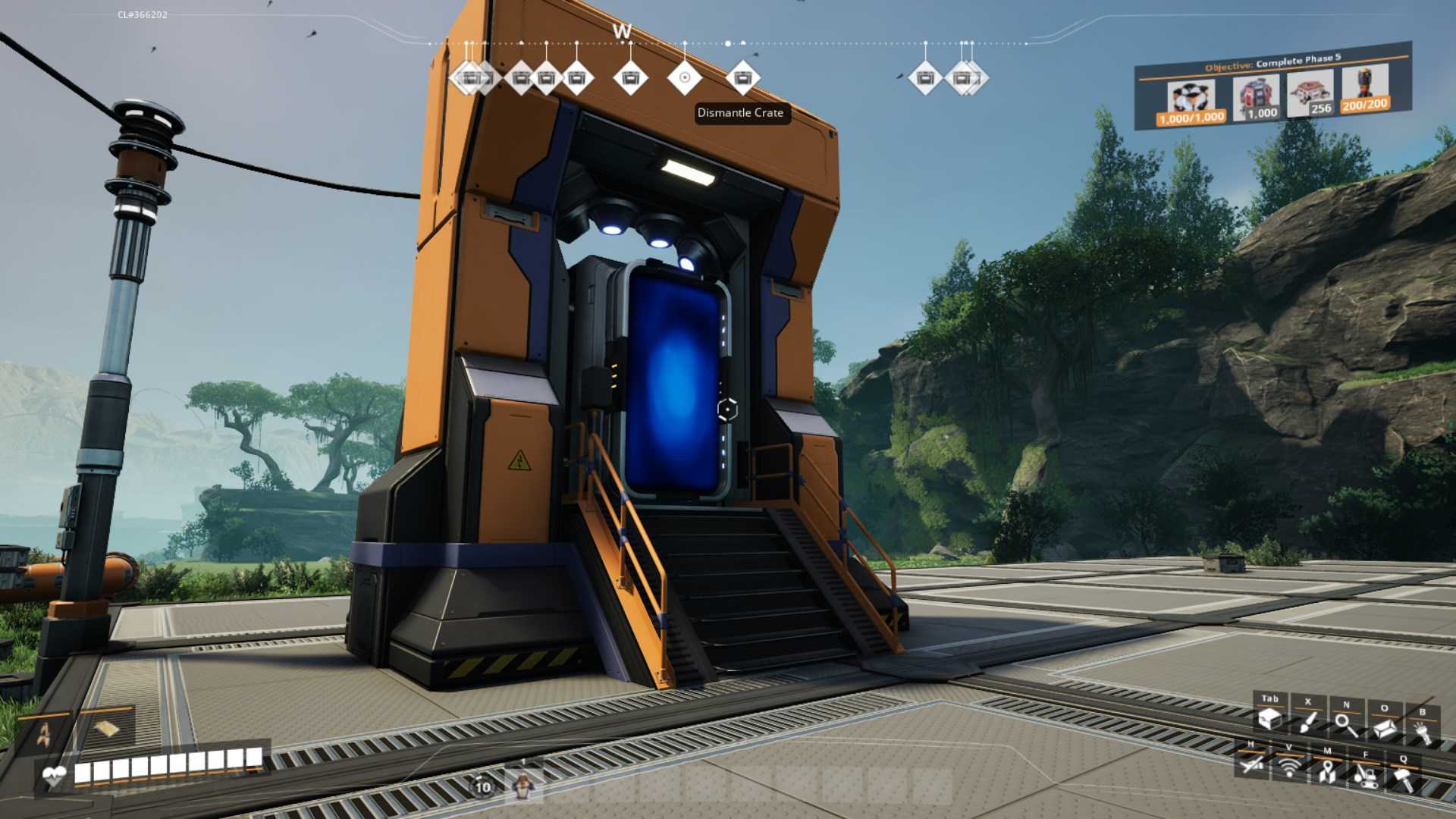
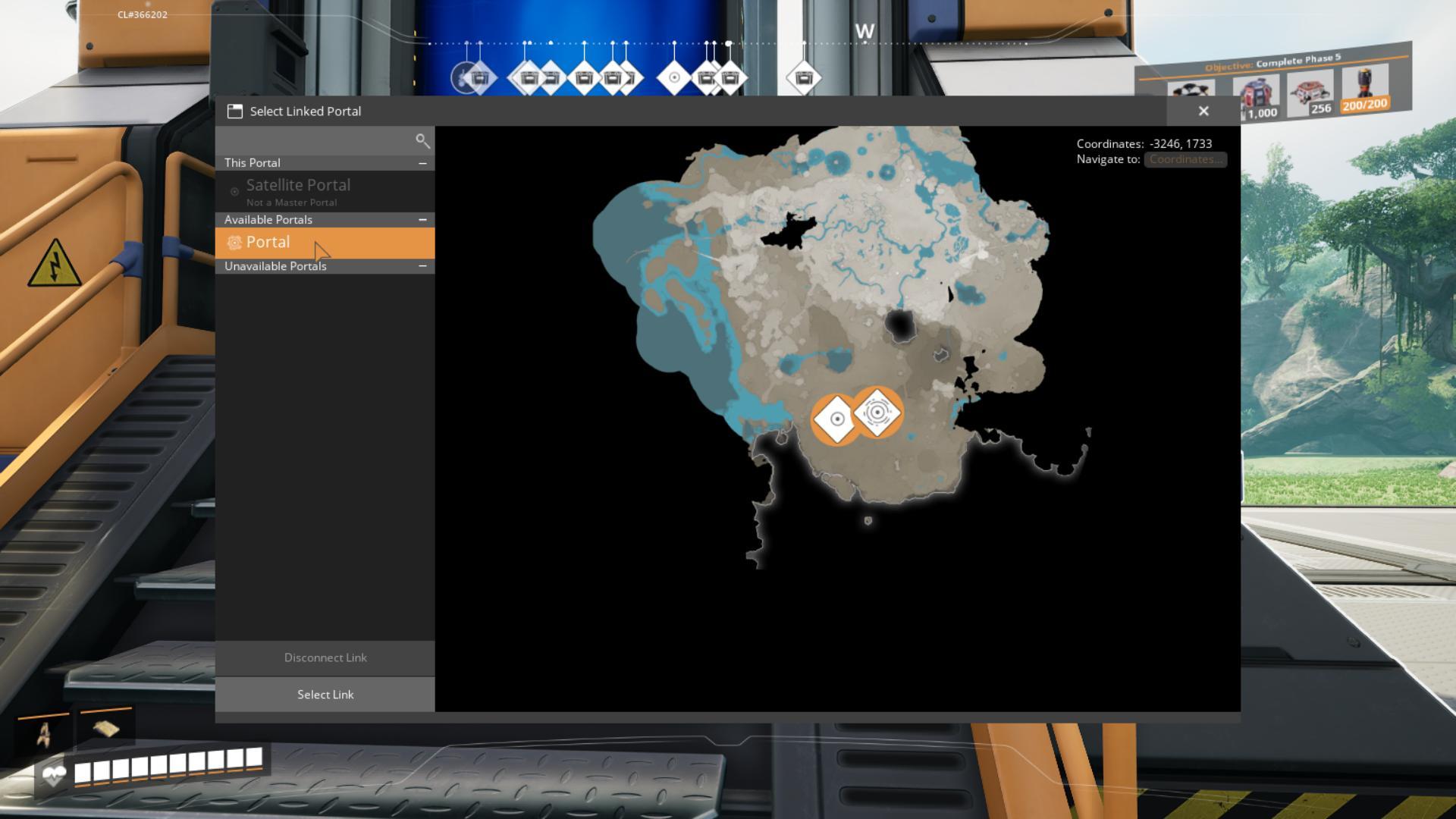
To link the Satellite Portal, you’ll want to go through the UI of the Main Portal. Choose the portal you wish to connect to, and just like that, you’ve created a teleportation route! Just ensure that the connection stays active—if it expires, you’ll need to re-establish it.
Linking Your Portals
Linking your portals is straightforward but super important for seamless travel. After building both portals, approach your Main Portal and select the link portal option. Choose your Satellite Portal, and there you go! When it’s time to return, repeat the process at the Satellite Portal. Keep those names consistent (like Main1 and Satellite1) to make life easier.
Power Management
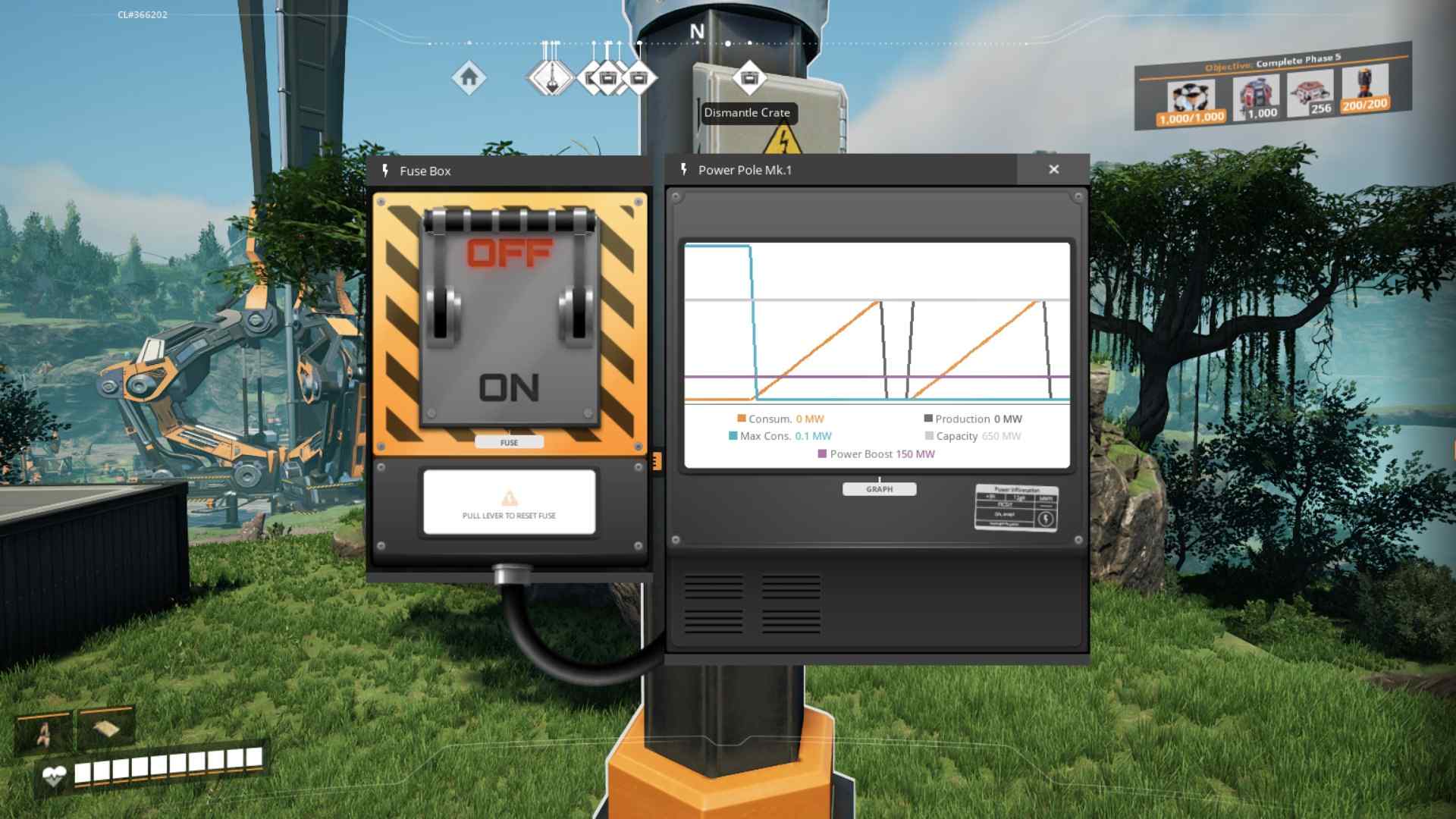
Remember, portals require a hefty amount of power. During startup, the power consumption will surge up to 1,000 MW before settling back down to 250 MW. It’s vital to keep your energy levels high! If you run out of Singularity Cells or your power dips too low, the link will drop, leaving you stuck. Monitor those numbers closely!
And that’s how you build and operate portals in Satisfactory Release 1.0! This feature isn’t just about looking cool; it’s about maximizing your efficiency and exploration. With a little planning and resource management, you’ll be zipping around the map in no time. Share your teleportation adventures with fellow players and enjoy your travels through this incredible world!