
How to Build Doors and Windows in Icarus
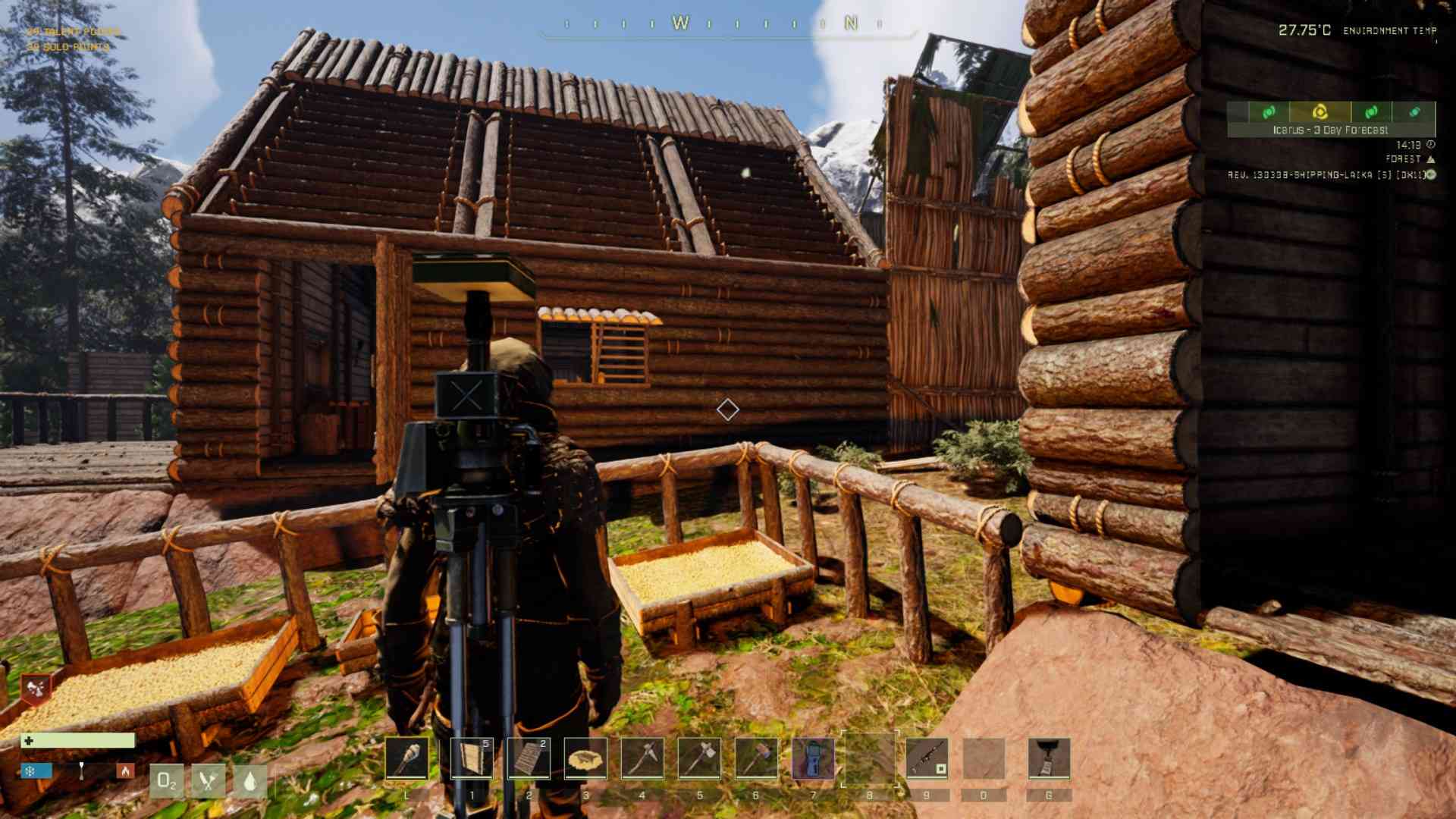
Building in Icarus is all about balancing functionality and safety, and nothing exemplifies this better than adding doors and windows to your structures. Doors keep out the harsh weather and unwanted predators, while windows offer a peek into the world outside without compromising security. Let’s explore how to design, craft, and place these essential base elements with ease.
Unlocking the Blueprint
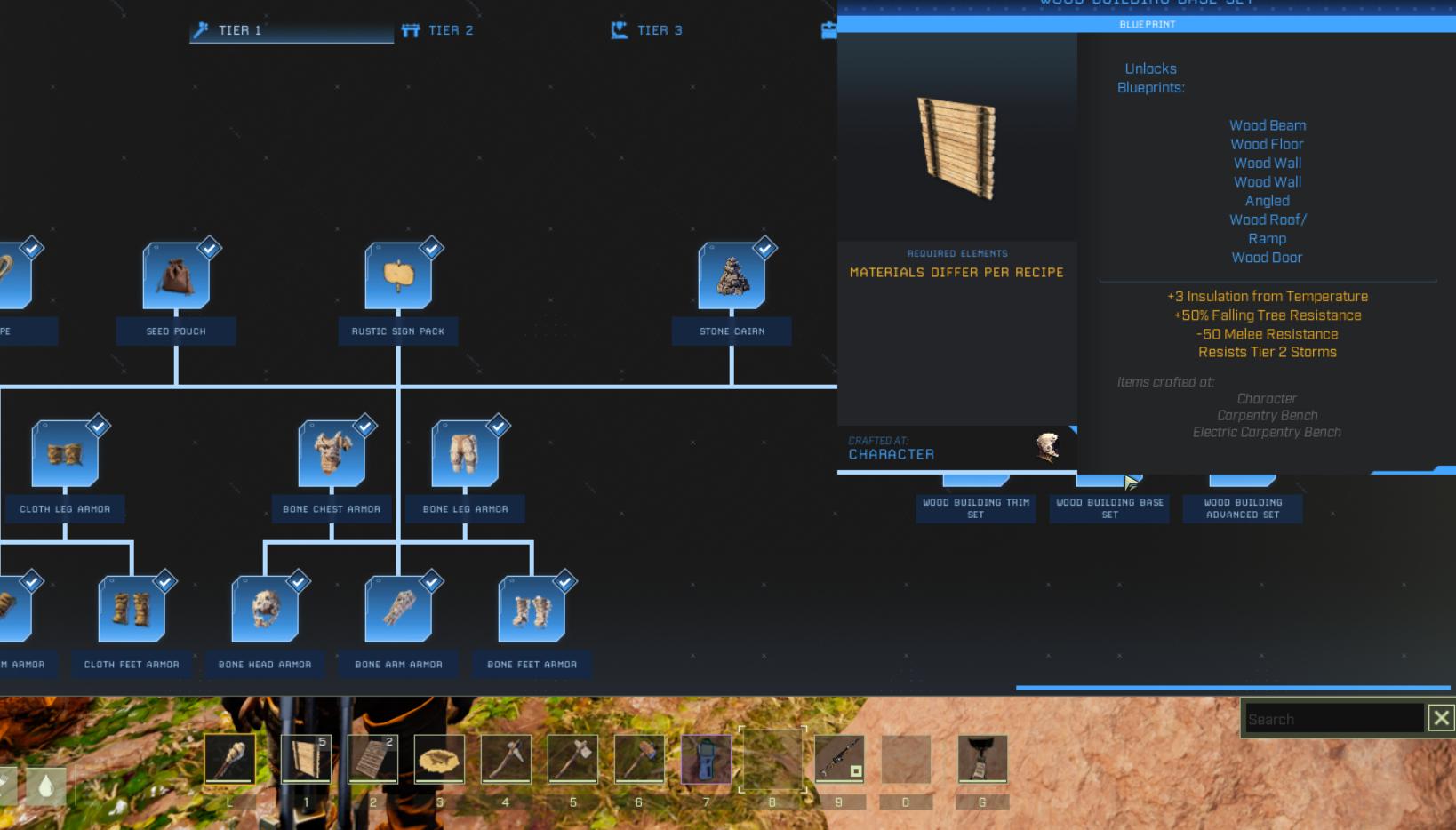
Before you can build doors and windows, you’ll need to unlock their respective blueprints in the tech tree. Start by choosing the material tier you want to use. Thatch is quick and basic, while wood, stone, and concrete provide increasing levels of durability.
1. Go to the tech tree and select a wall type, like a wood or stone wall.
2. Unlock the corresponding door and window blueprints for the same material.
3. Ensure you have enough blueprint points to unlock them.
Once you’ve done this, you’ll have everything you need to start crafting.
Crafting the Components
With blueprints unlocked, it’s time to gather materials and craft your doors, windows, and frames. Here’s a quick rundown of what you’ll need:
- Fiber and sticks for thatch structures.
- Wood for wooden structures.
- Stone and nails for stone frames.
- Concrete mix for advanced builds.
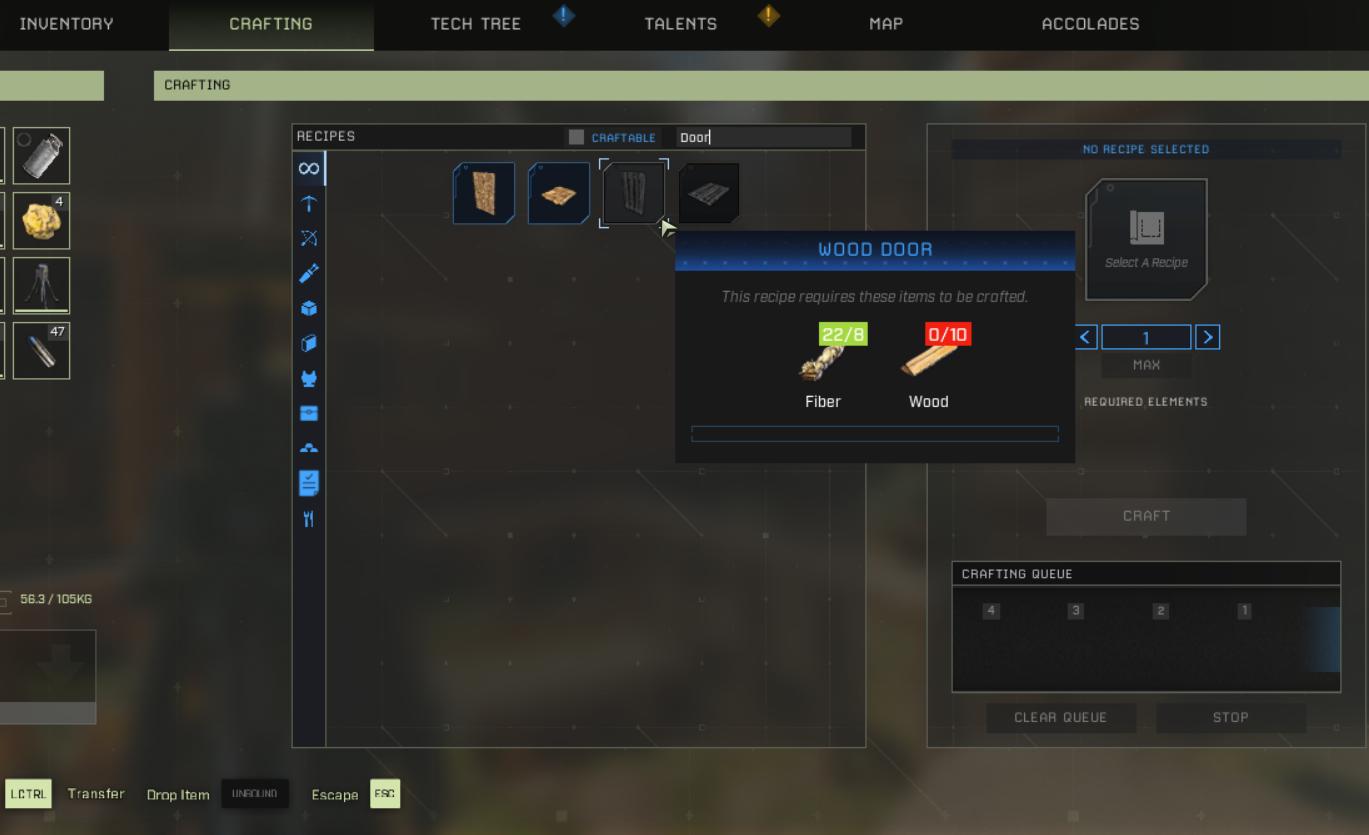
Use your crafting menu to make the following:
1. Walls
2. Door frames
3. Window frames
4. Doors
5. Windows
Remember to stockpile extra materials, as storms or attacks might require emergency repairs.
Placing Door and Window Frames
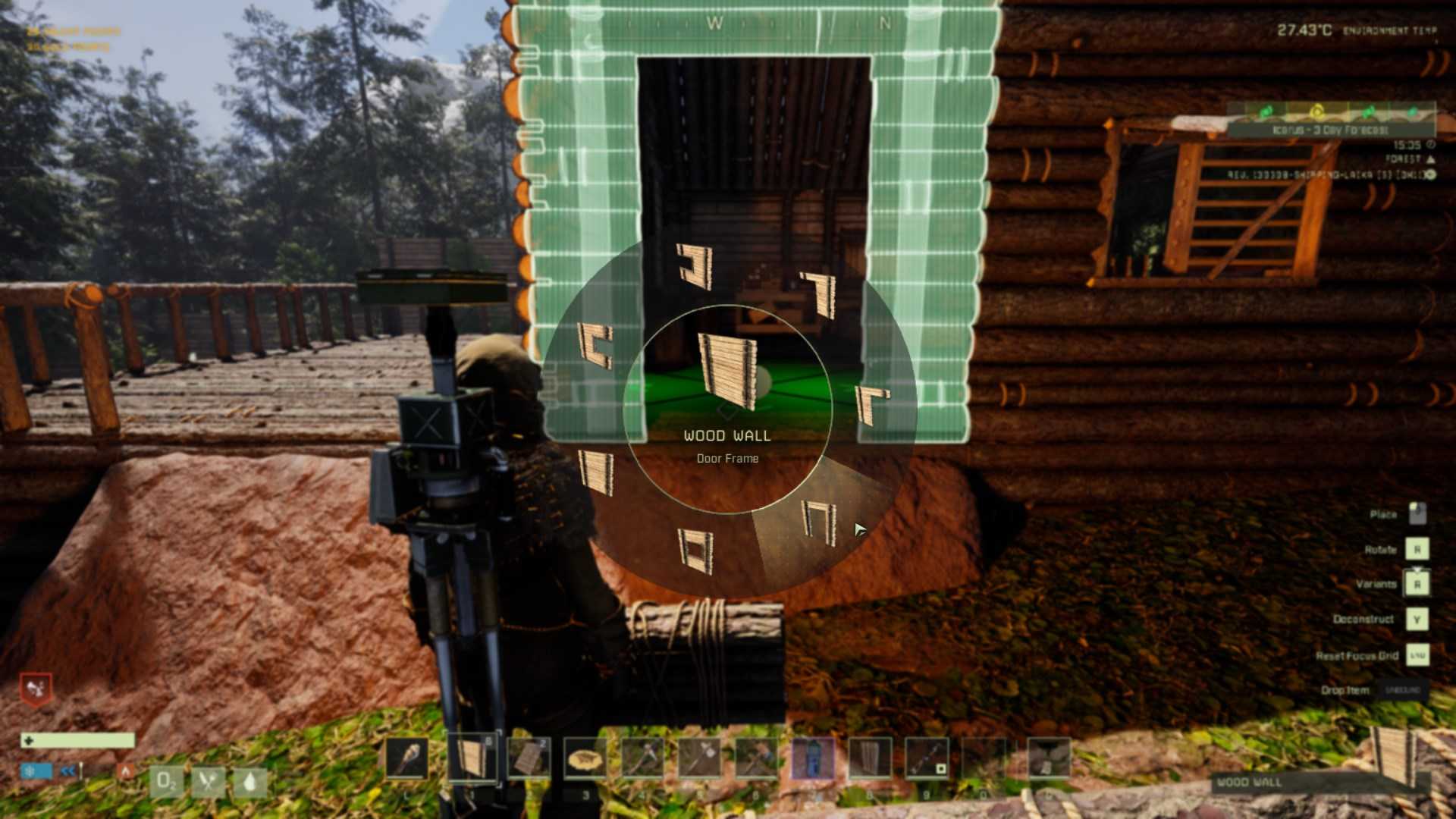
Frames act as the foundation for your doors and windows. You can’t install these features without frames, so make them your priority.
1. Drag the wall from your inventory into your hotbar.
2. Equip the wall and position it where you want to build.
3. Hold the R key to open the radial menu and select the type of wall you want, such as one with a door frame or window frame.
4. Place the wall frame by clicking on the desired spot in your structure.
Frames automatically snap into place, ensuring they fit seamlessly with the rest of your base.
Installing Doors and Windows
Now that the frames are in place, it’s time to install the doors and windows.
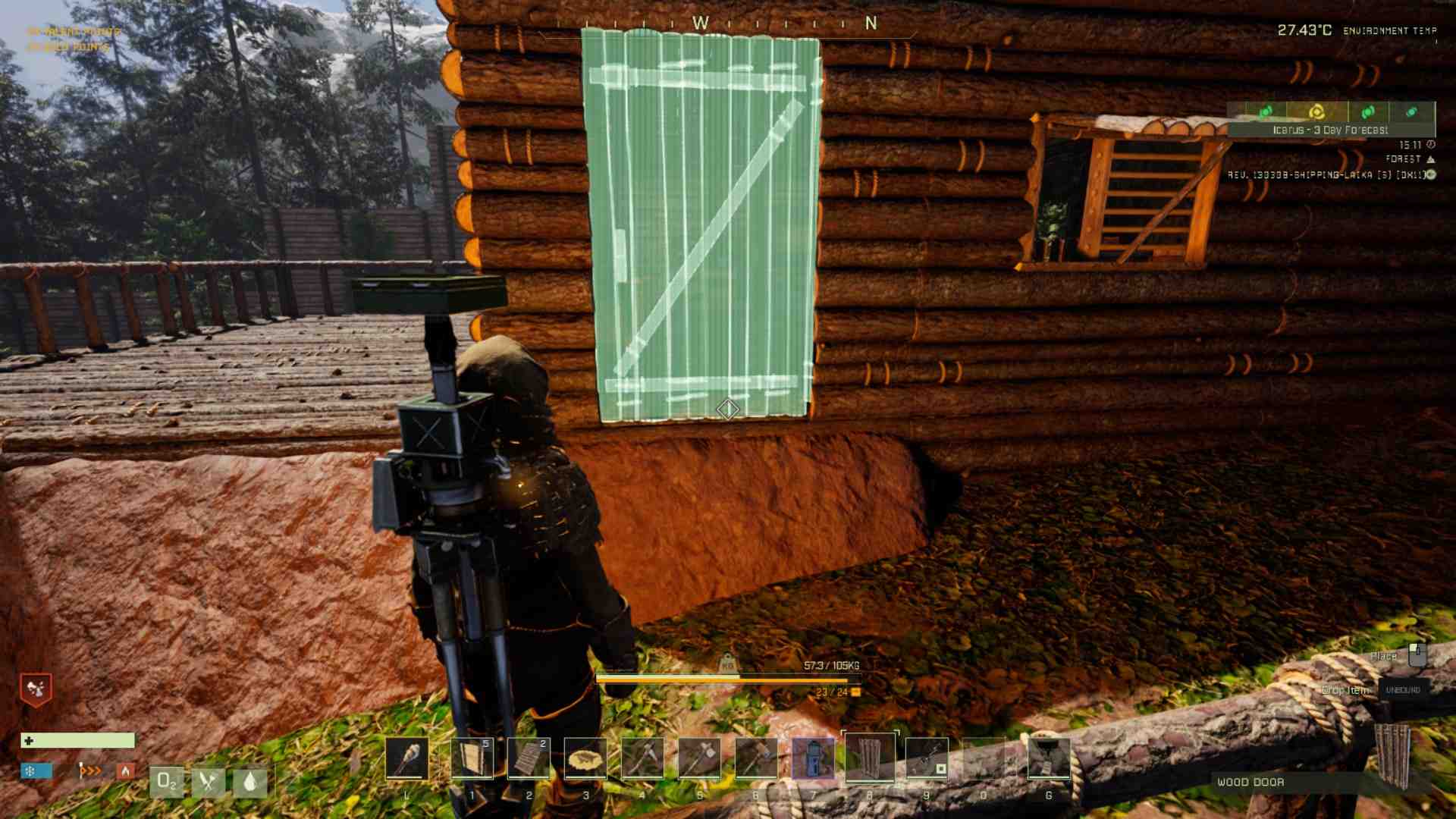
1. Select the crafted door or window from your inventory and drag it into your hotbar.
2. Equip the door or window and aim at the respective frame.
3. When you see the item snap into place, left-click to install it.
4. Test the functionality by opening and closing the door or window using the interaction key (typically F).
This simple process adds the final touch to your frames, making your base more functional and secure.
Customizing Your Structures
To add a personal touch, consider using the customization options available in higher-tier builds. For example, stone and concrete structures may offer variations like double windows or reinforced doors. Use these options to improve aesthetics and protection.
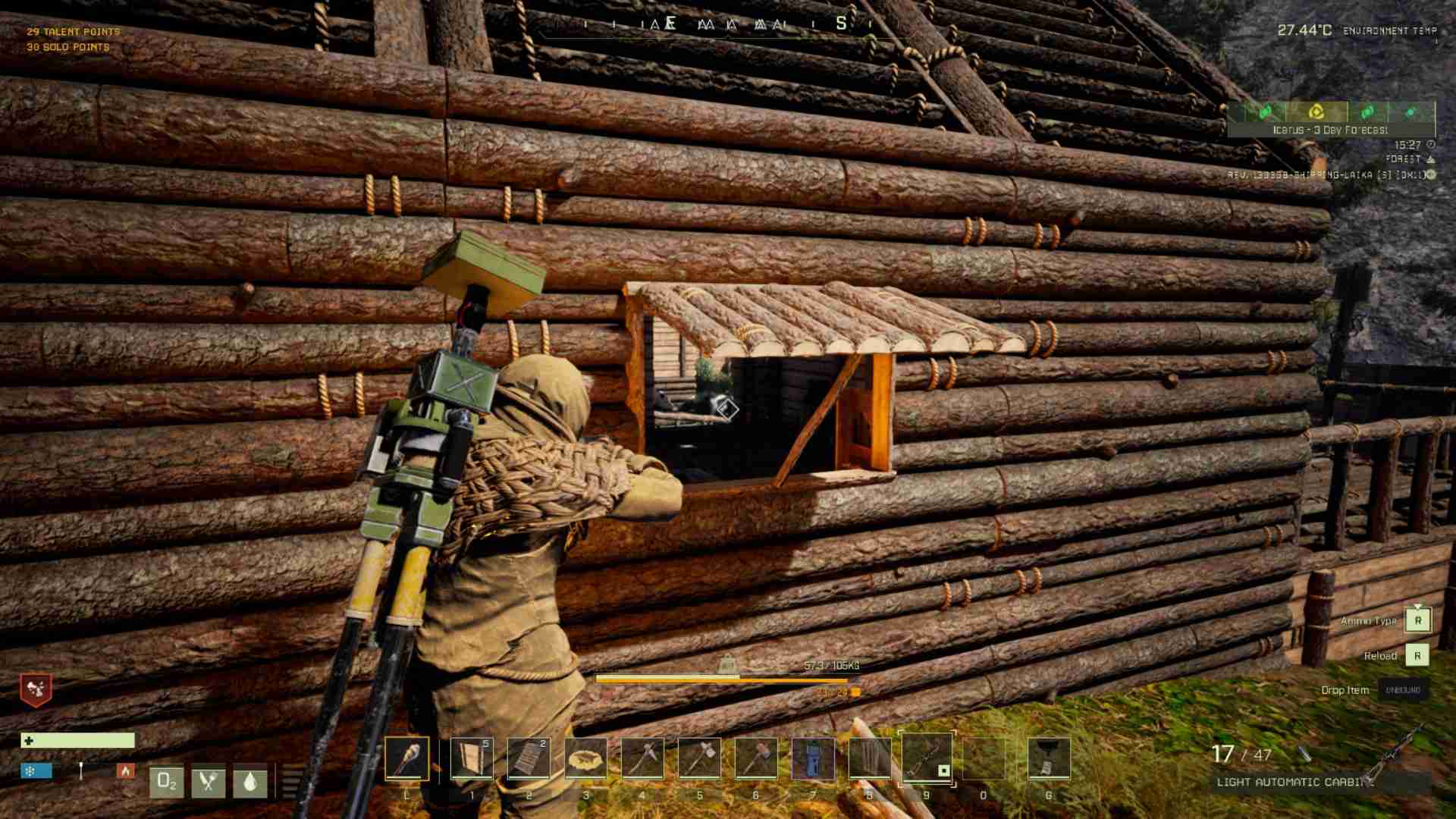
Building doors and windows in Icarus is a straightforward process that adds both functionality and style to your base. With the right blueprints, materials, and a bit of patience, you can create a safe haven that’s ready for anything the game throws at you. Take pride in your handiwork and enjoy the peace of mind that comes with a well-fortified structure.