
How to become admin on Valheim Server
1. Open File Manager and navigate to the config folder.
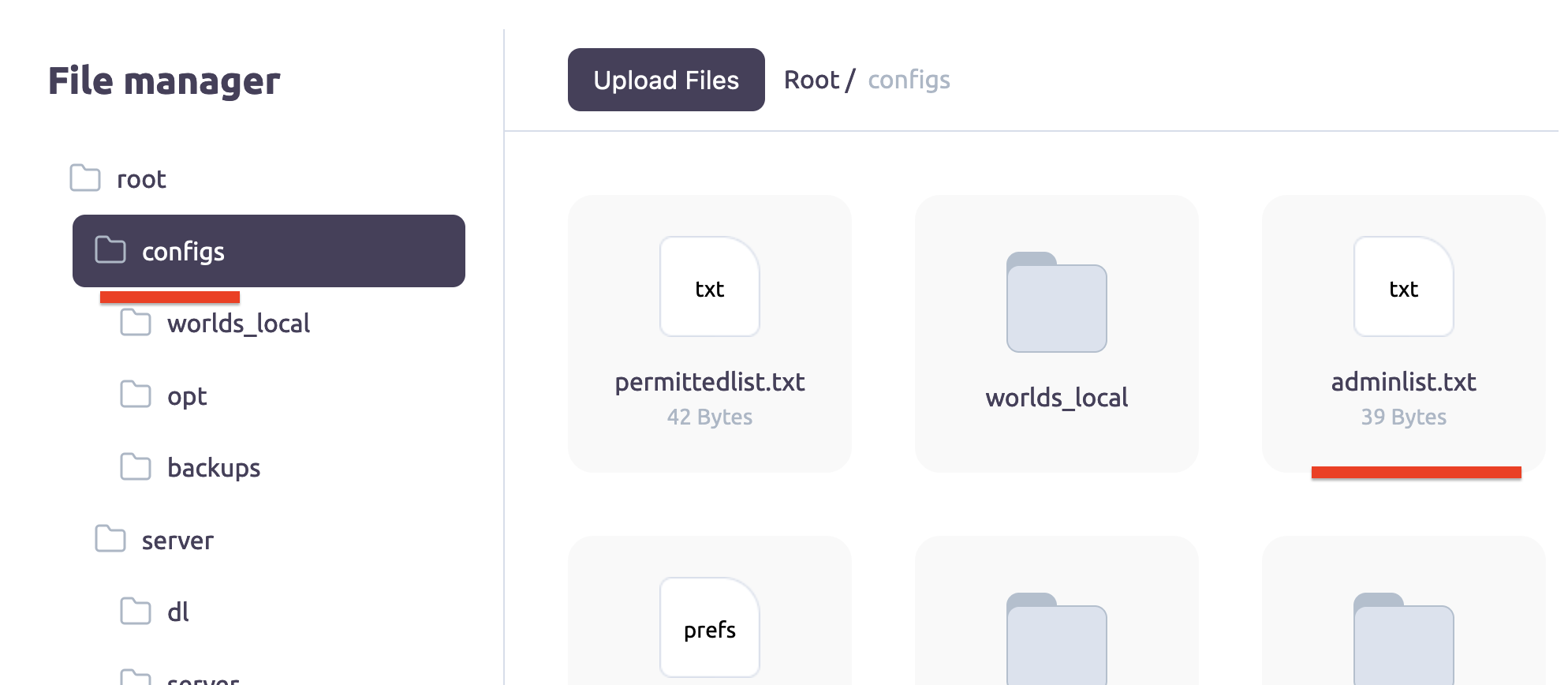
2. Download the adminlist.txt file.
3. Add your Steam 64 IDs from your Steam profile page to this file.

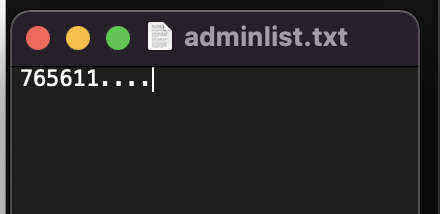
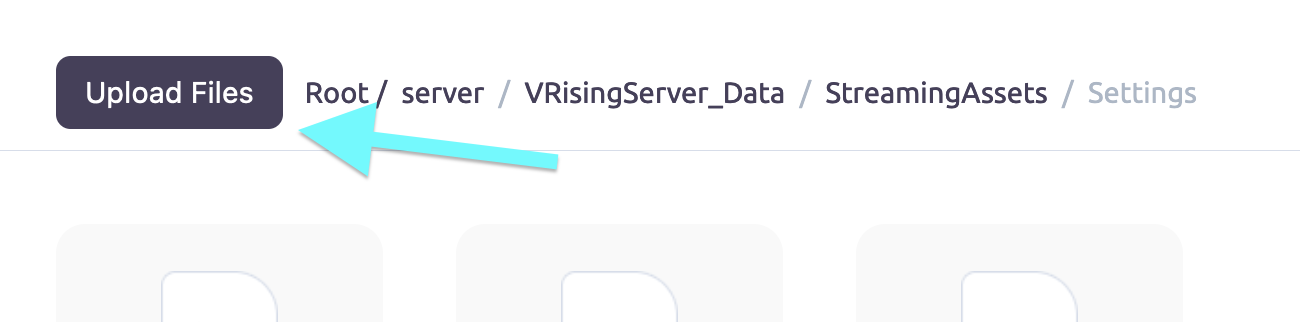
4. Upload this file to the config folder.
5. Restart your server.
6. You should now be an admin on your Valheim dedicated server.