
How to Back Up and Restore Your Satisfactory Server
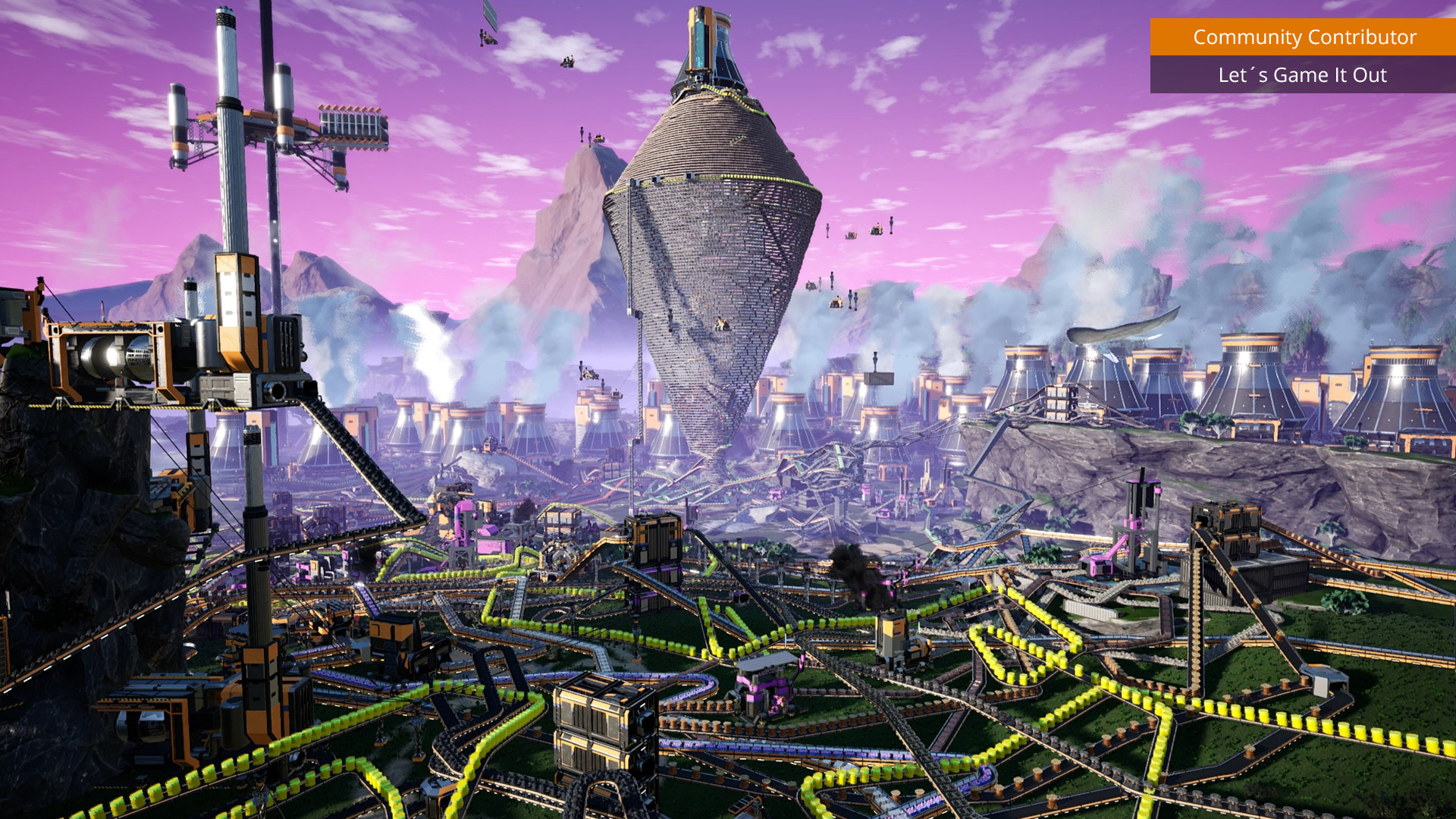
A Satisfactory save is a lot of hours — belts, trains, a sprawling power grid. On gamever your server is backed up automatically, you can take backups on demand, and you can download the raw .sav to keep a copy on your own PC. This guide covers all three.
Automatic and on-demand backups
Open the Backups tab in your gamever panel. There you'll see your server's backups and a button to create one now.
- Automatic backups run on a schedule so there's always a recent restore point.
- On-demand backup: click to snapshot the server immediately — do this before an update, a branch switch, a mod install, or importing a save.
To restore, pick a backup from the list and restore it; the server rolls back to that point. (A restore overwrites the current world, so take a fresh backup first if you might want to come back to "now".)
Download the save to your PC
Want a copy off the server? Two ways:
In-game (easy): connect, open the Server Manager → Manage Saves, and download the active save to your PC. See connecting and claiming.
Over FTP: grab the .sav straight from the server's save folder in the File Manager (or an FTP client — FTP address IP:27820, login on Settings → FTP):
/home/server/gamefiles/FactoryGame/Saved/SaveGames/server/
Copy the .sav somewhere safe. That single file is your entire factory — it's also exactly what you'd re-upload to restore manually or move hosts.
When to back up manually
Always take a manual backup before:
- Updating the server or switching to/from experimental.
- Installing or removing mods.
- Uploading a different save.
- Any big change you're not sure about.
Restoring after a problem
If a world corrupts or an update breaks something:
- Go to the Backups tab and restore the most recent good backup; or
- Re-upload a
.savyou downloaded earlier via Manage Saves.
Then Restart and check the Console that it loads cleanly.
Additional Tips
- Back up before every risky change — updates, mods, save swaps.
- Keep a local
.savcopy too — belt-and-braces beyond the panel. - A restore overwrites "now" — snapshot the current state first if unsure.
- The
.savis the whole world — one file to download, keep, or move. - Verify after restoring — watch the Console for a clean load.
Conclusion
Your Satisfactory factory is safe on gamever: automatic backups run in the background, the Backups tab lets you snapshot and restore on demand, and you can always download the raw .sav in-game or over FTP for an off-server copy. Back up before anything risky, and even a corrupted world or a bad update is a quick rollback away.
Rent your Satisfactory server at gamever.io — automatic backups, one-click restore, and full FTP access to your saves. Free trial, promo code WELCOME.