
How to Automate Biomass Burner in Satisfactory Release 1.0
Hey there, Satisfactory fans! If you're eager to take your biomass burner setup to the next level, you're in the right place. We’re diving into how you can automate your biomass burner with the cool new features from Release 1.0. This setup will help you keep things running smoothly and efficiently.
Setting Up Storage Bins
Begin by constructing a 5x7 platform. This will serve as your base for setting up everything you need. It’s the foundation of your automated biomass system.
Place two storage bins at the back left corner of your platform. One bin will be for leaves and the other for wood. This setup ensures that both resources are readily available for processing.

Constructors and Merger
In front of these storage bins, add a constructor. This constructor is where the biomass magic happens. Use a Mark 2 belt to connect the storage bins to the constructor. If Mark 2 belts aren’t available yet, Mark 1 belts will work until you can upgrade.
Place a second constructor in front of the merger. Connect this constructor with Mark 2 belts to the previous setup. This constructor will handle the other part of your biomass processing.
Set up the first constructor to turn wood into biomass, and configure the second one to process leaves into biomass. This division of labor keeps your biomass production efficient.
Install a merger in front of the constructor, making sure its output faces away from the constructor. Connect the belts from the constructor to the merger. The new straight belt-building mode in Release 1.0 simplifies this step, making it much easier.
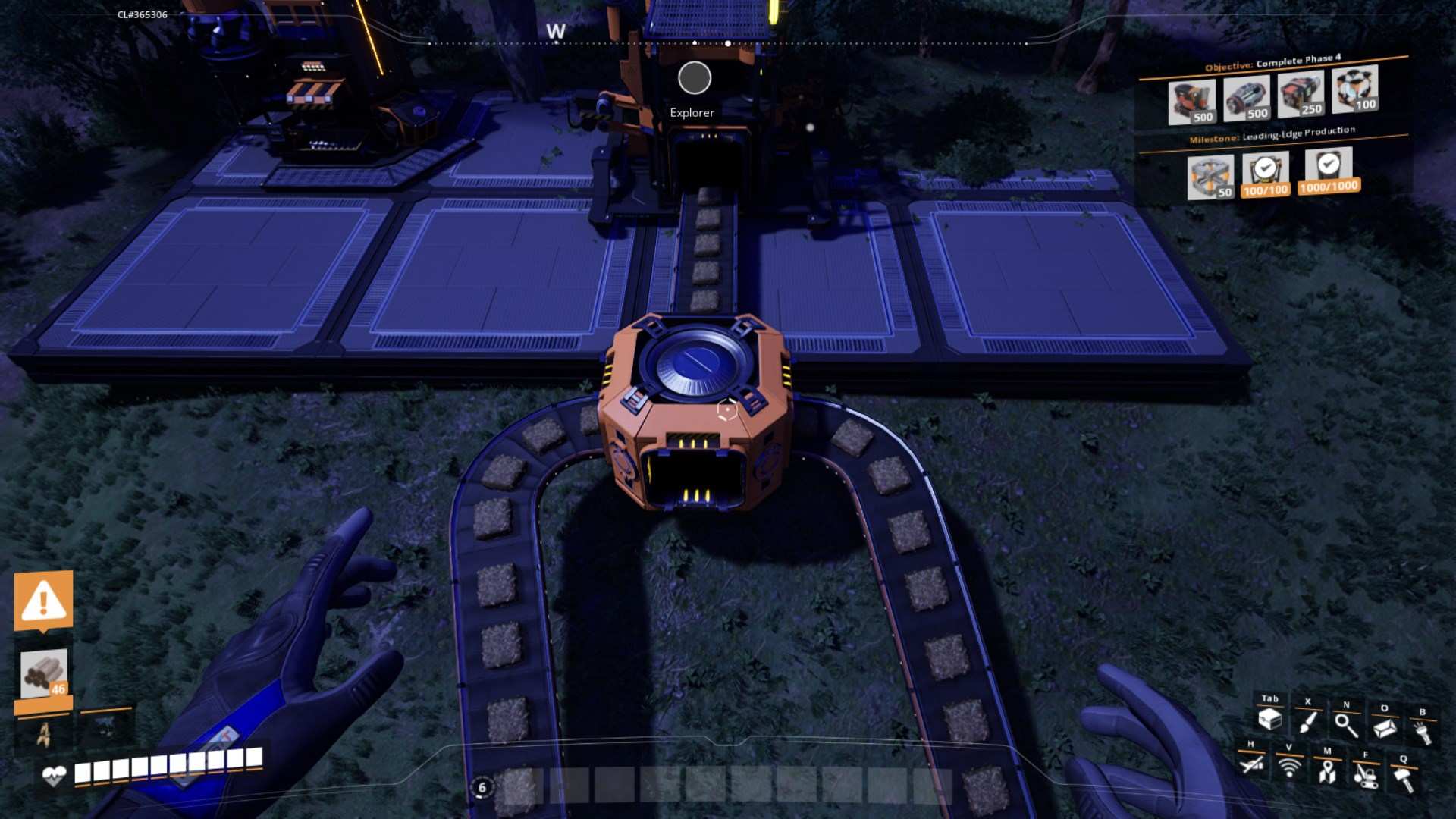
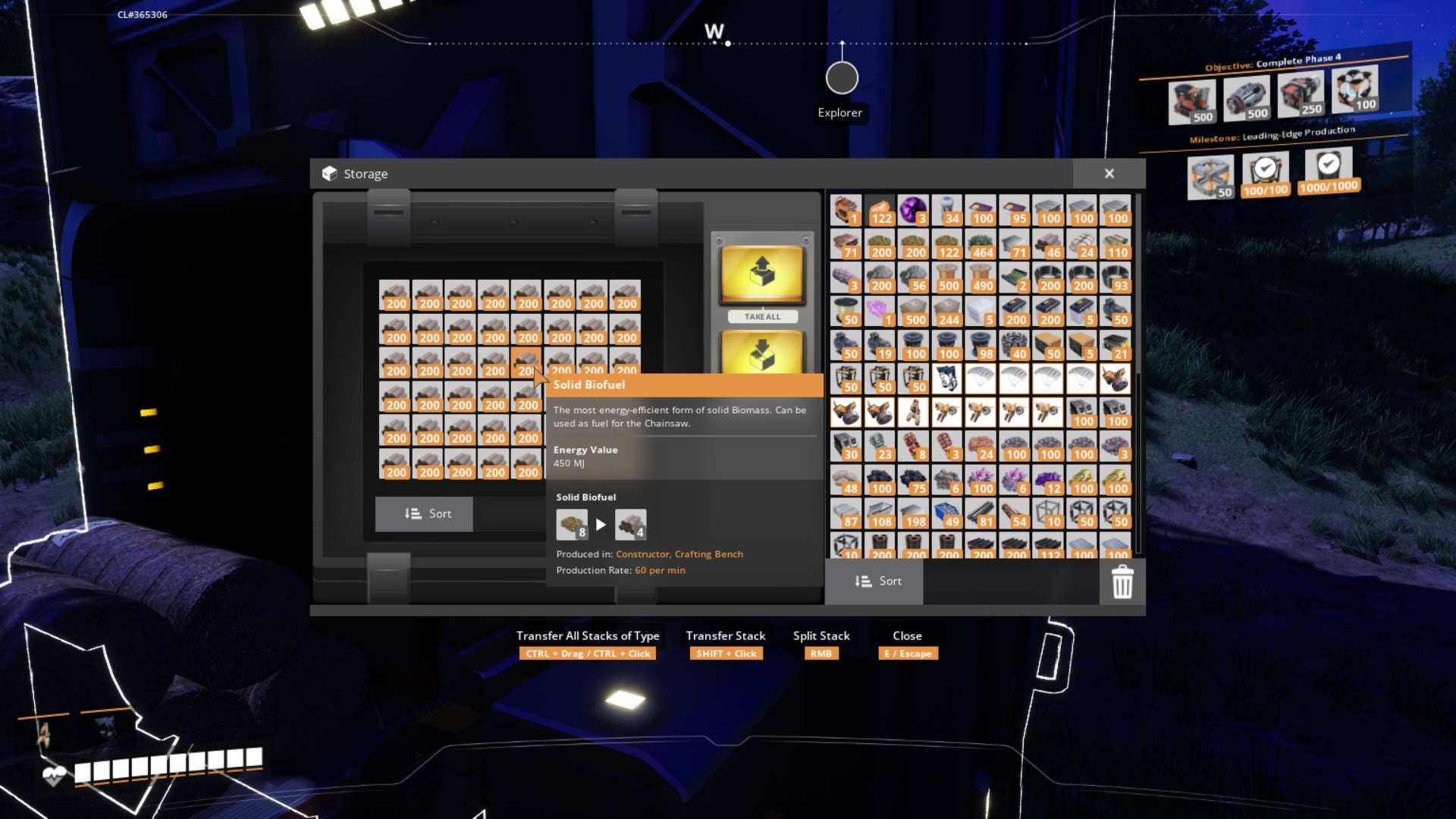
Storage for Solid Biofuel
Put a storage container in front of the second constructor, positioning it centrally on the platform. Use a Mark 2 belt to link the output of the second constructor to this container. This setup keeps your solid biofuel organized and ready for use.
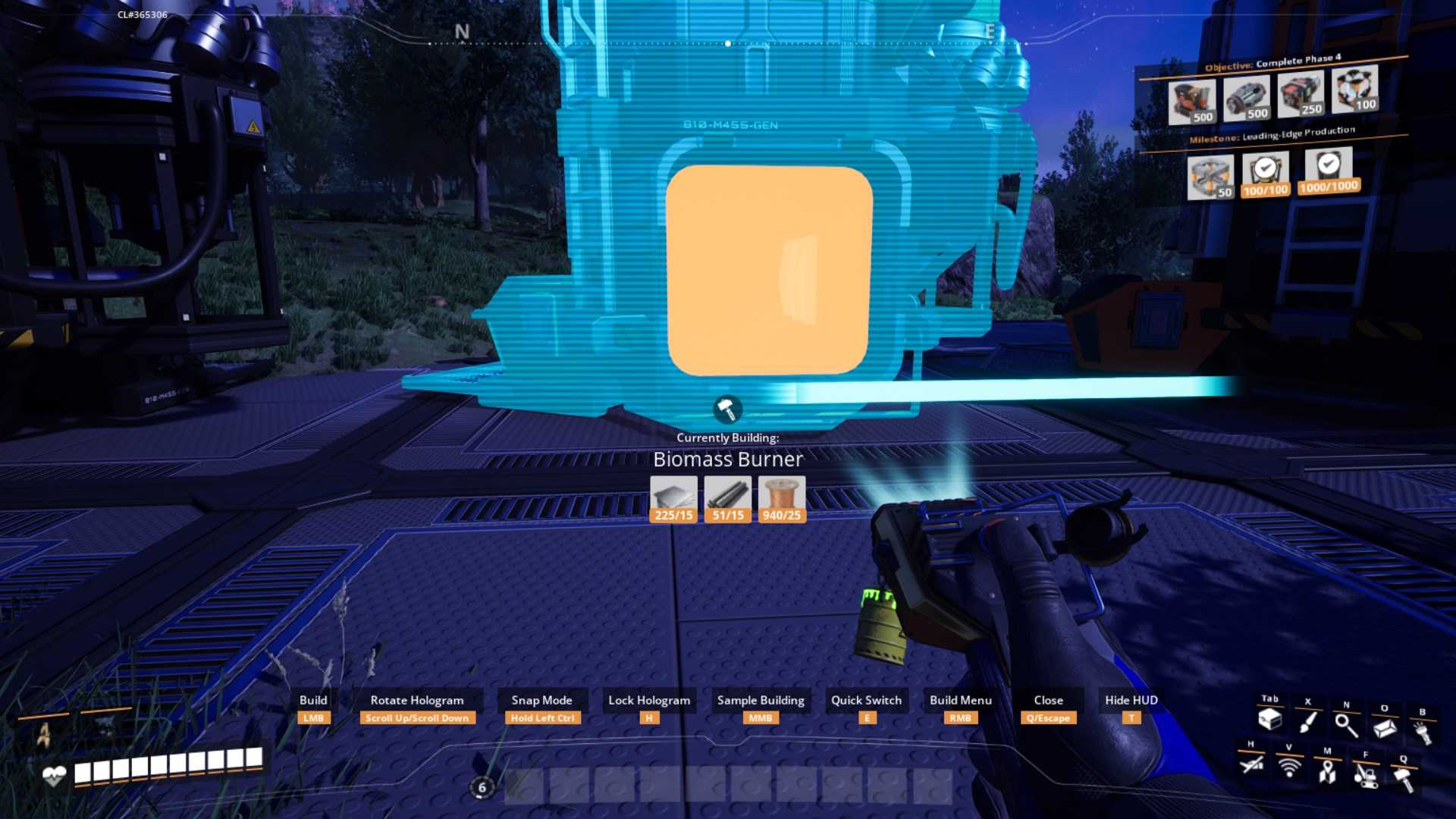
Adding Biomass Burners
Install up to 12 biomass burners on your platform, spreading them out evenly. Align them neatly to ensure a consistent flow of energy.
Creating the Manifold Line
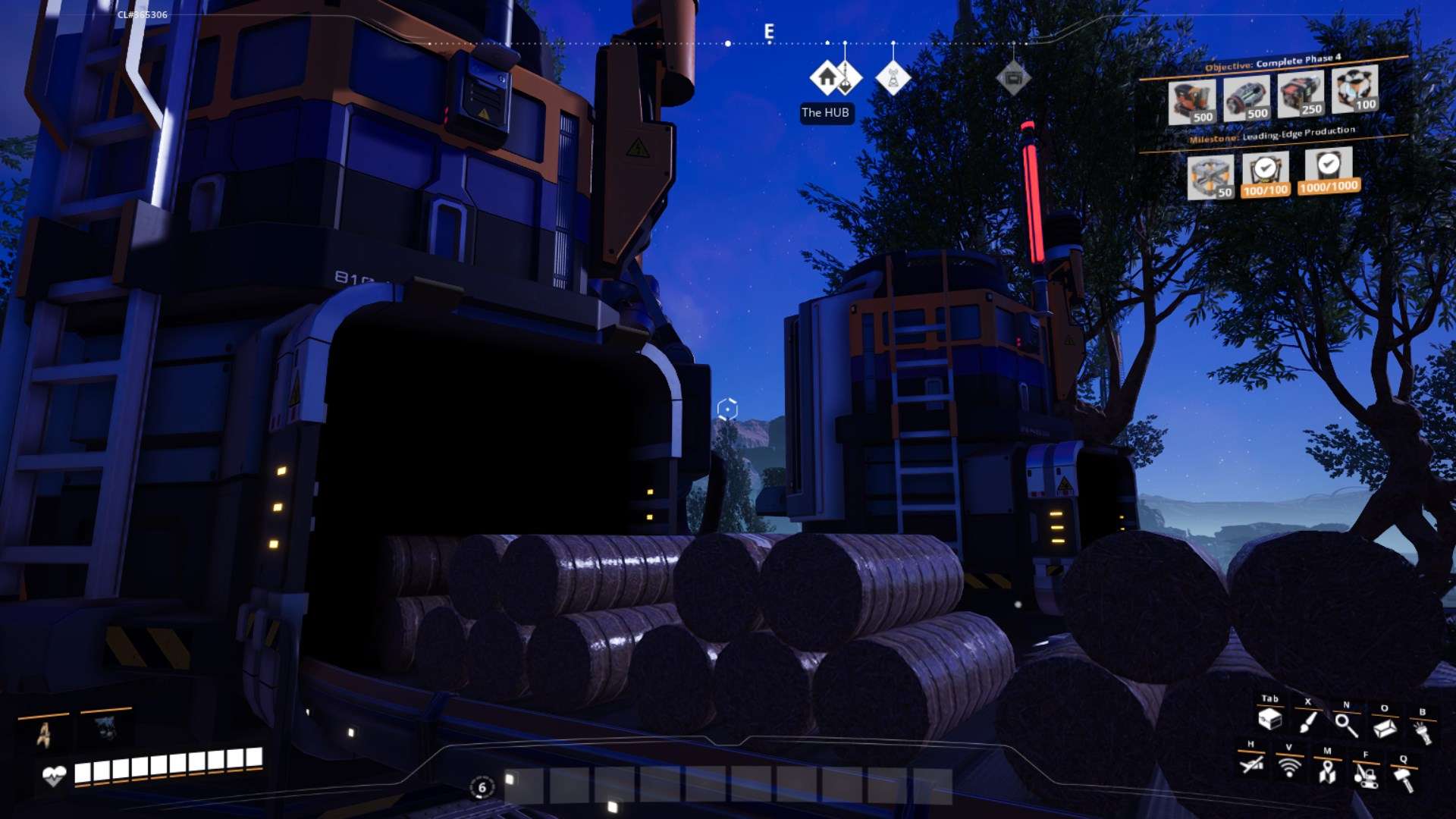
Build a manifold line to distribute biomass evenly across your burners. Place splitters between each biomass burner to ensure equal distribution. Use Mark 2 belts for the main line to boost efficiency. For the other connections, Mark 1 belts are sufficient.
Connect power lines to all the biomass burners to get everything operational. With this setup, you’ll achieve a power capacity of 360 MW, more than enough for your early-game requirements.
If you need more advice on factory layouts, check out videos on "five perfect starter factory layout" and the "Ultimate Beginner's Guide series number five" for some excellent tips and ideas.
That’s it! Your biomass burner is now fully automated, and you’re set up for success. If this guide was helpful, give it a thumbs up and subscribe for more Satisfactory content. Happy building, and may your biomass production run flawlessly!