
How to auto run in Rust
Rust, an expansive and immersive game, often requires players to traverse long distances between objectives. Continuously holding down the W key for movement can become tiresome and impractical. However, there is a solution to this predicament. By binding a relevant key for auto running, players can effortlessly navigate the vast Rust world without the need for constant manual input.

Console command
To begin, press the F1 key while playing Rust to open the in-game console. The console serves as a command interface, allowing you to execute various actions and configurations.
Decide which key you want to bind the auto run command to. This key will initiate the auto run feature, enabling your character to move forward automatically.

Put the key you want to use for auto run. For example, if you wish to bind it to the Q key, the command would be: bind q forward; sprint
Additional knowledge
With the binds set up in Rust, you can now create binds for other inconvenient actions to further simplify your gameplay experience. After configuring all desired binds, type the command writecfg into the console and press Enter. This command saves your key bindings for future use.
After you initiate an auto run, you can press Shift and W simultaneously to cancel the auto run.
Expanding Auto Run
Utilize auto run for other means of transportation, such as boats or horses.
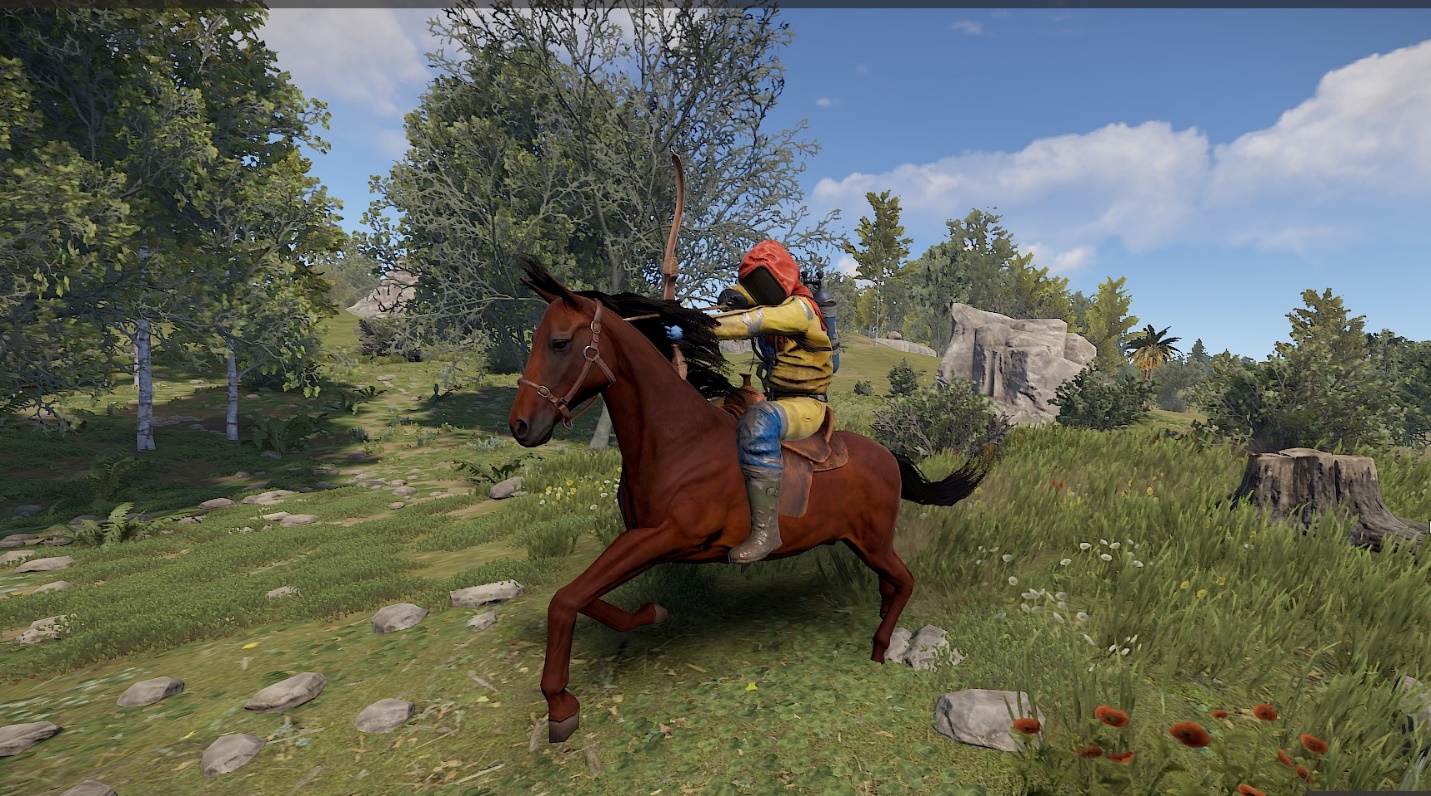
And this is particularly advantageous for boats, as there are many interesting locations far out to sea

Conclusion
By following these steps, you can easily set up auto run functionality in Rust, eliminating the need to continuously hold down the W key for movement. With the ability to bind different keys for various actions, you can enhance your gameplay experience and make navigating the Rust world more efficient and enjoyable. Give it a try and explore the vast landscapes of Rust without the burden of constant manual input.