
How to Assign Tribesmen to Crafting Stations in Soulmask
In Soulmask, efficient crafting is vital for survival. By appointing tribesmen to manage the crafting table through the crafting table menu, you can streamline your crafting processes. Follow this guide to get started.
Crafting Table Menu
Walk up to the crafting station in your base.
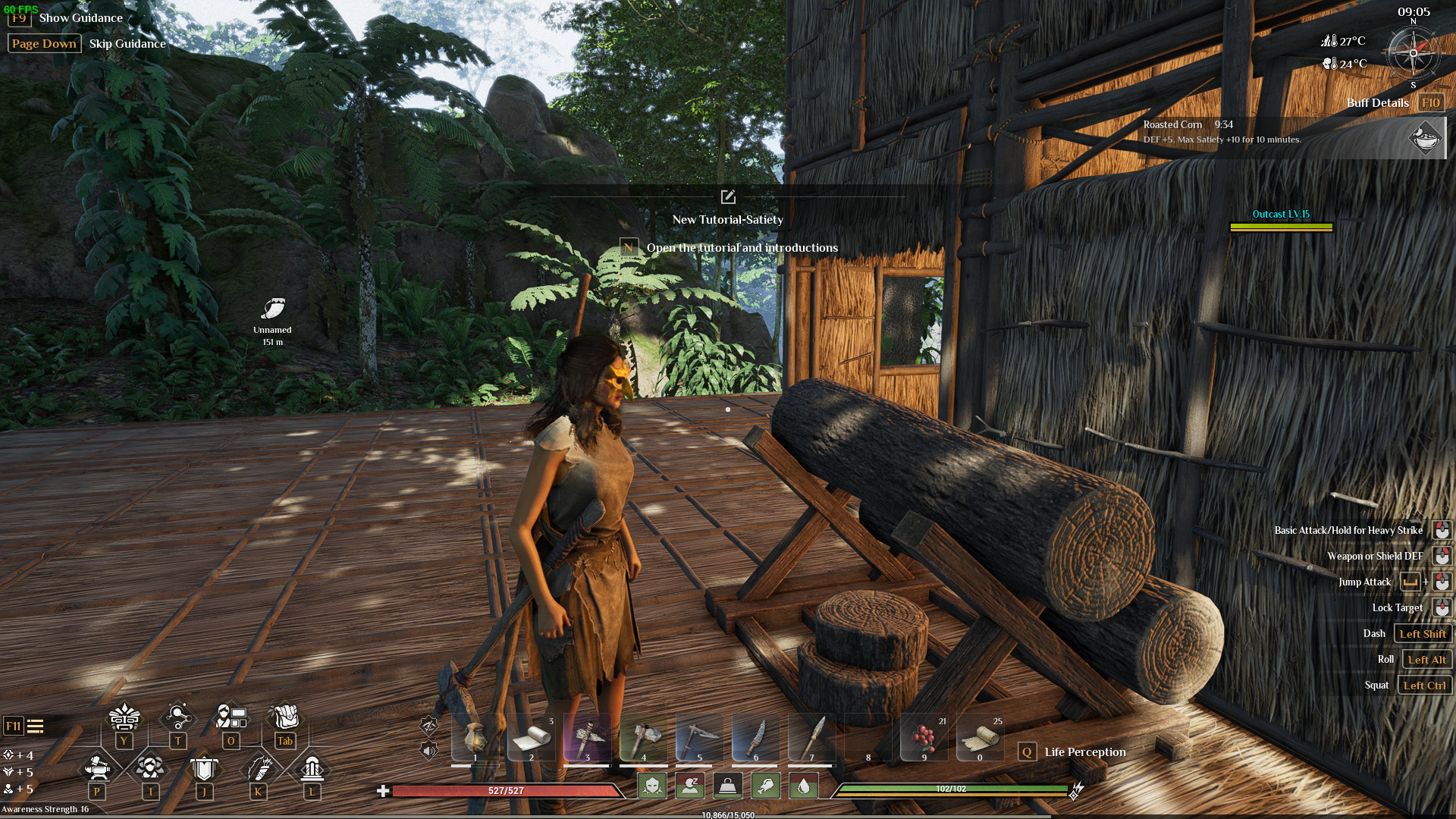
Approach the crafting station in Soulmask.
Interact with the table by pressing ‘E’ to open the crafting menu.
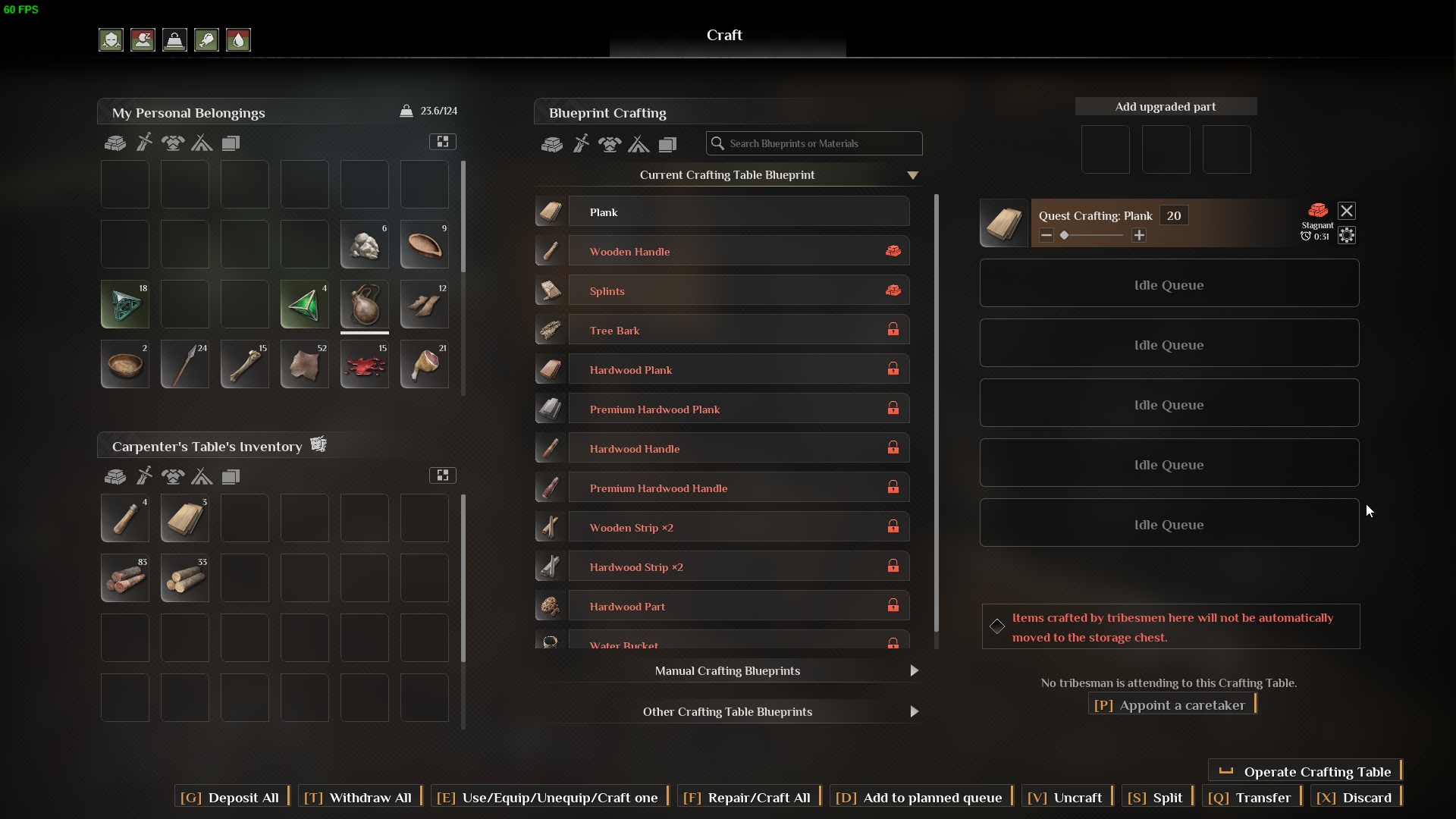
Open the crafting menu by pressing ‘E’ in Soulmask.
Assigning Caretaker
In the crafting menu, click on the ‘Appoint a caretaker’ button (or press ‘P’) to open the list of your tribesmen. Choose anybody you want and hold left mouse button.
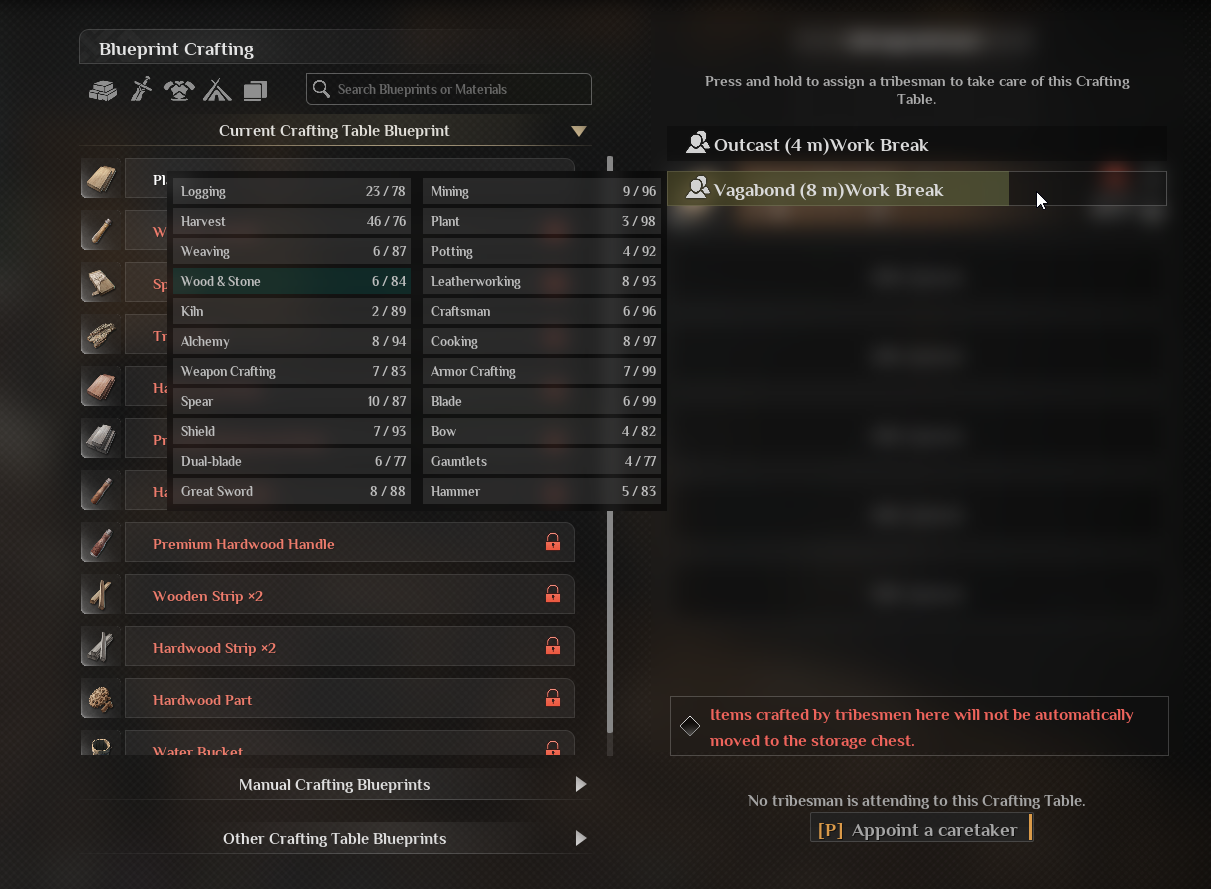
Click ‘Appoint a caretaker’ to select a tribesman in Soulmask.
Assign a caretaker by holding the left mouse button in Soulmask.
Now, if you put any blueprint into the Idle Queue, the assigned caretaker will start completing the task automatically.
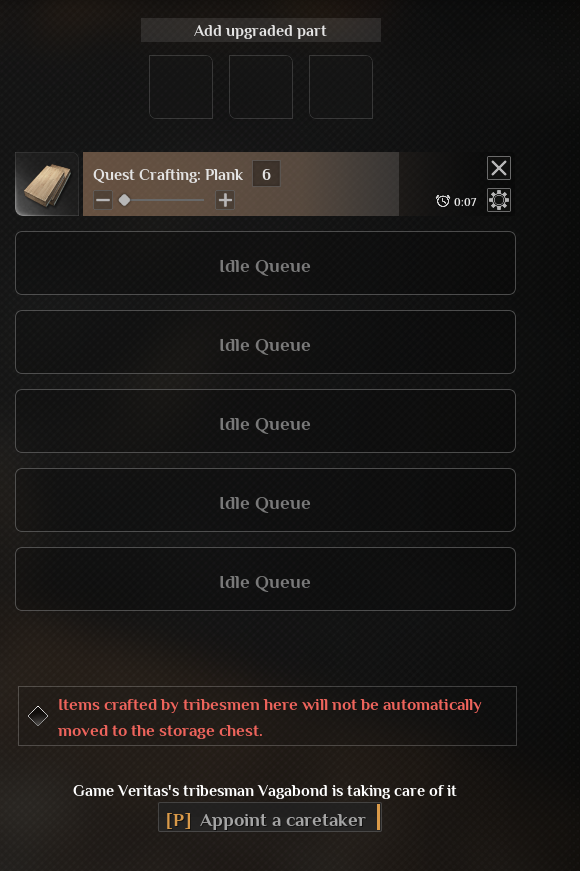
Put the tasks in the Queue slots of the Crafting Station.
Providing Necessary Resources
Ensure that all necessary materials are available at the crafting station. Also, provide your tribesmen with tools and resources needed for crafting.
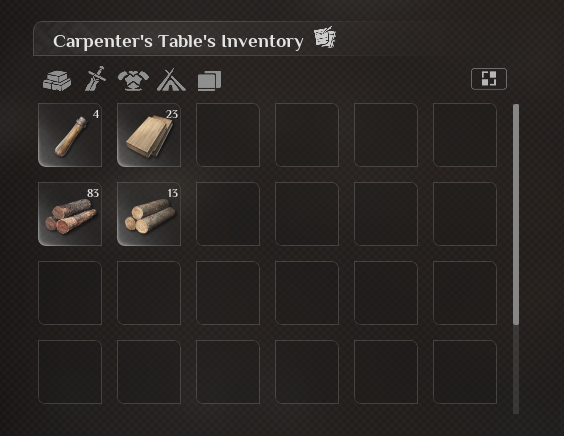
Ensure materials are available at the crafting station.
Conclusion
By appointing tribesmen to manage your crafting table through the crafting table menu, you can enhance your tribe’s productivity in Soulmask. Efficiently organizing and prioritizing crafting tasks ensures a steady supply of essential items, allowing you to focus on other aspects of survival.