
How to Assign Beds to NPCs in Enshrouded Souls of the Frozen Frontier Update
In Enshrouded Souls of the Frozen Frontier Update, assigning beds to NPCs is a key part of ensuring your village runs smoothly. With the latest updates, your NPC helpers now have a need for beds, just like you and your villagers. Don't worry, though—getting this done is a straightforward task.
Building Shelter
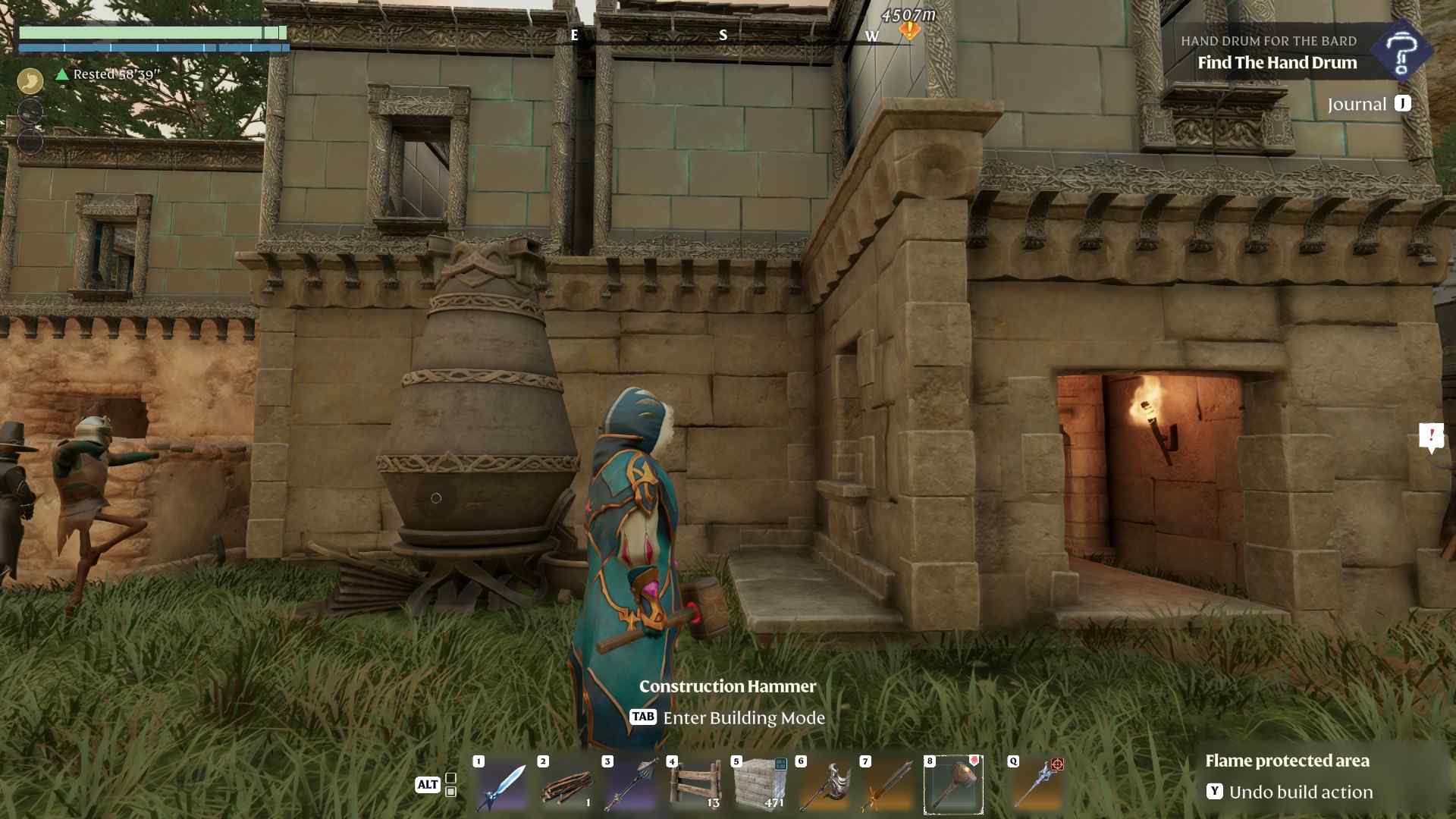
You need to make sure your NPCs have a sheltered space for their bed. Start by constructing a roofed structure using the hammer tool. It doesn't need to be fancy—just a simple roof to keep them protected from the elements. Once the roof is in place, you can move on to building the actual bed.
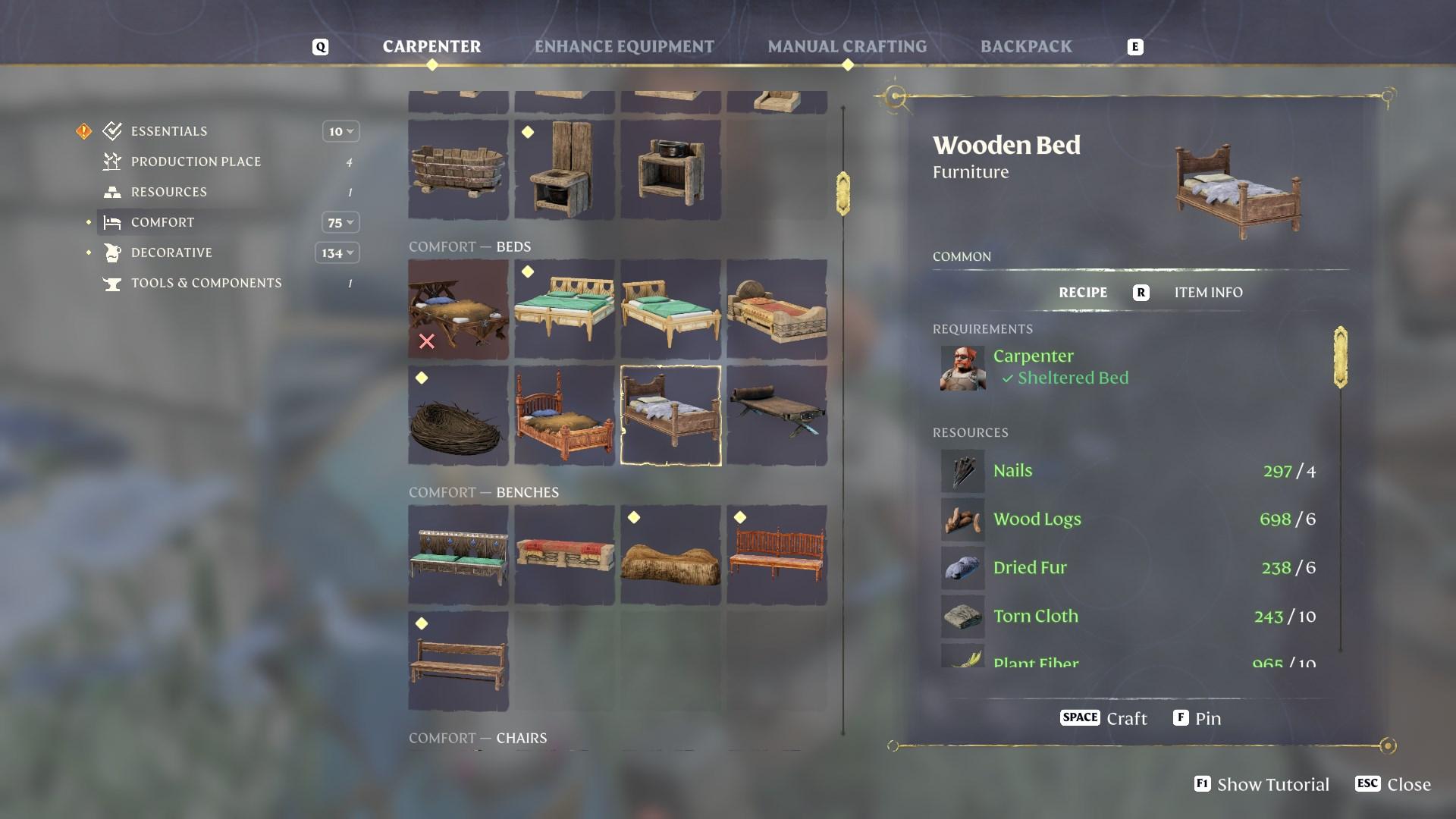
For this, head over to your workbench to craft a crude mattress. You’ll need to gather fibers, string, and torn cloth to complete it. Or, if you have enough resources, you can craft beautiful beds at the Carpenter’s instead.
Crafting the Bed
Now that you have the materials, head to the crafting menu and select the bed under the 'comfort' section. It's a simple item to make, so don’t worry about gathering too many rare materials. Once crafted, it's time to place it in your shelter.
Finding Out Who Needs a Bed
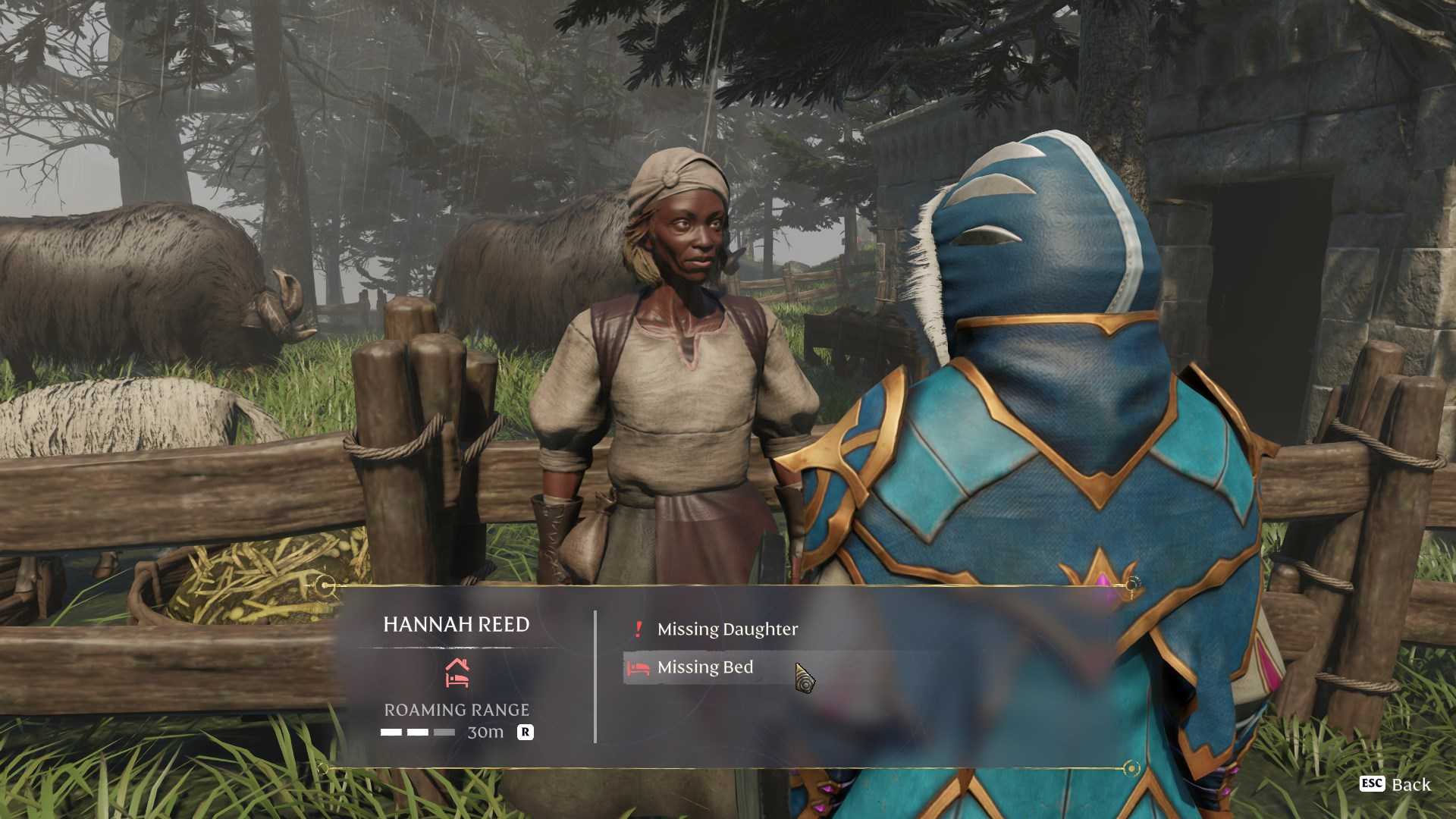
With the bed ready, it's time to find out which NPCs still need one. The game will show you a bed icon above the heads of the NPCs who haven't been assigned a bed yet. This makes it super easy to spot who needs one, and you won’t have to guess or check them one by one.
Using the Staff of Summoning
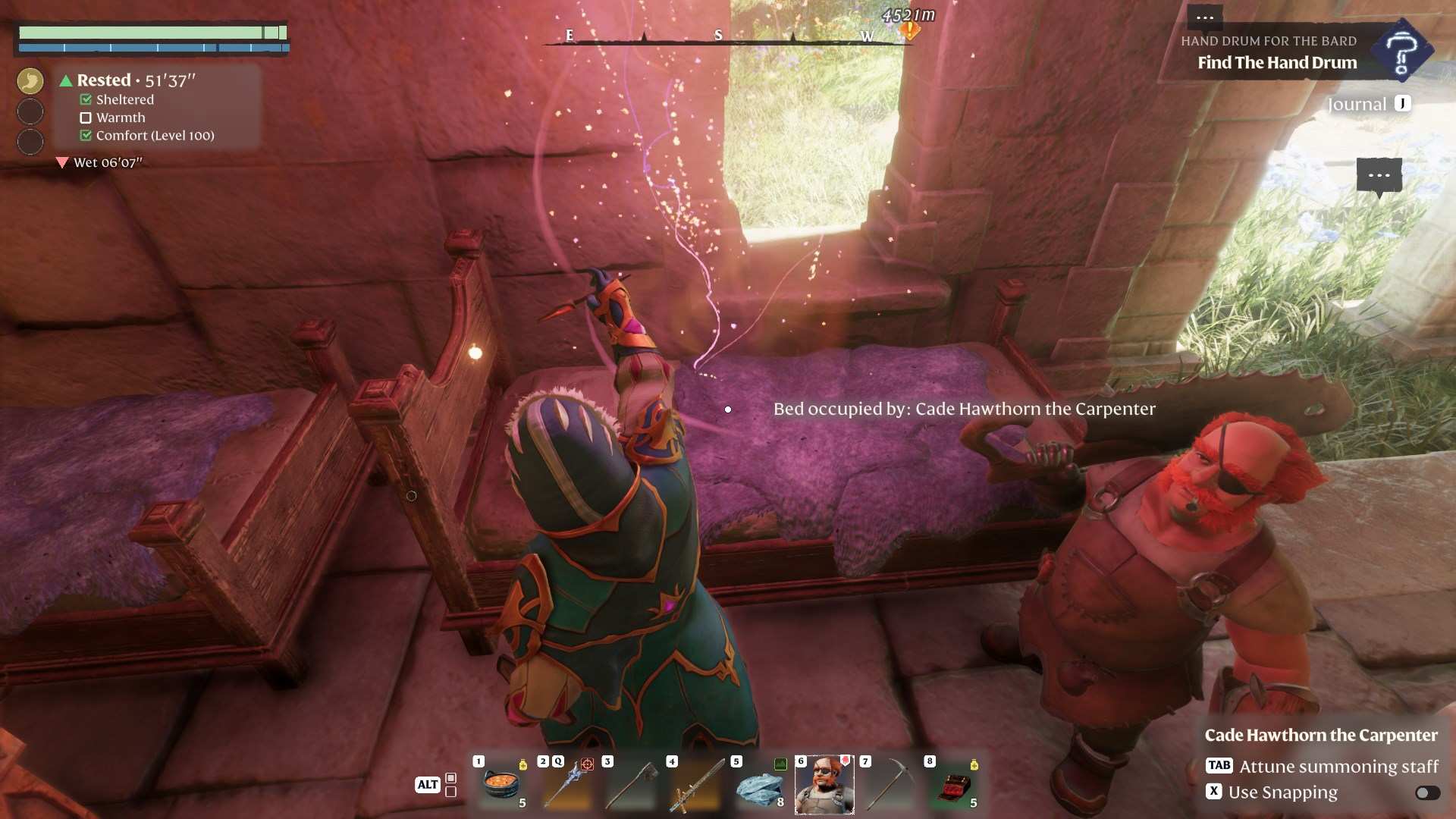
Now comes the fun part! To assign the bed to a specific NPC, you’ll need the Staff of Summoning. This magical staff lets you summon NPCs, and it’s the key to assigning them their sleeping space. To do this, simply summon the NPC you need to assign, and hover your cursor over the bed. Left-click, and voila! The bed is now assigned to that NPC. You’ll see the NPC’s mood improve, and they’ll be happy to have their own space.
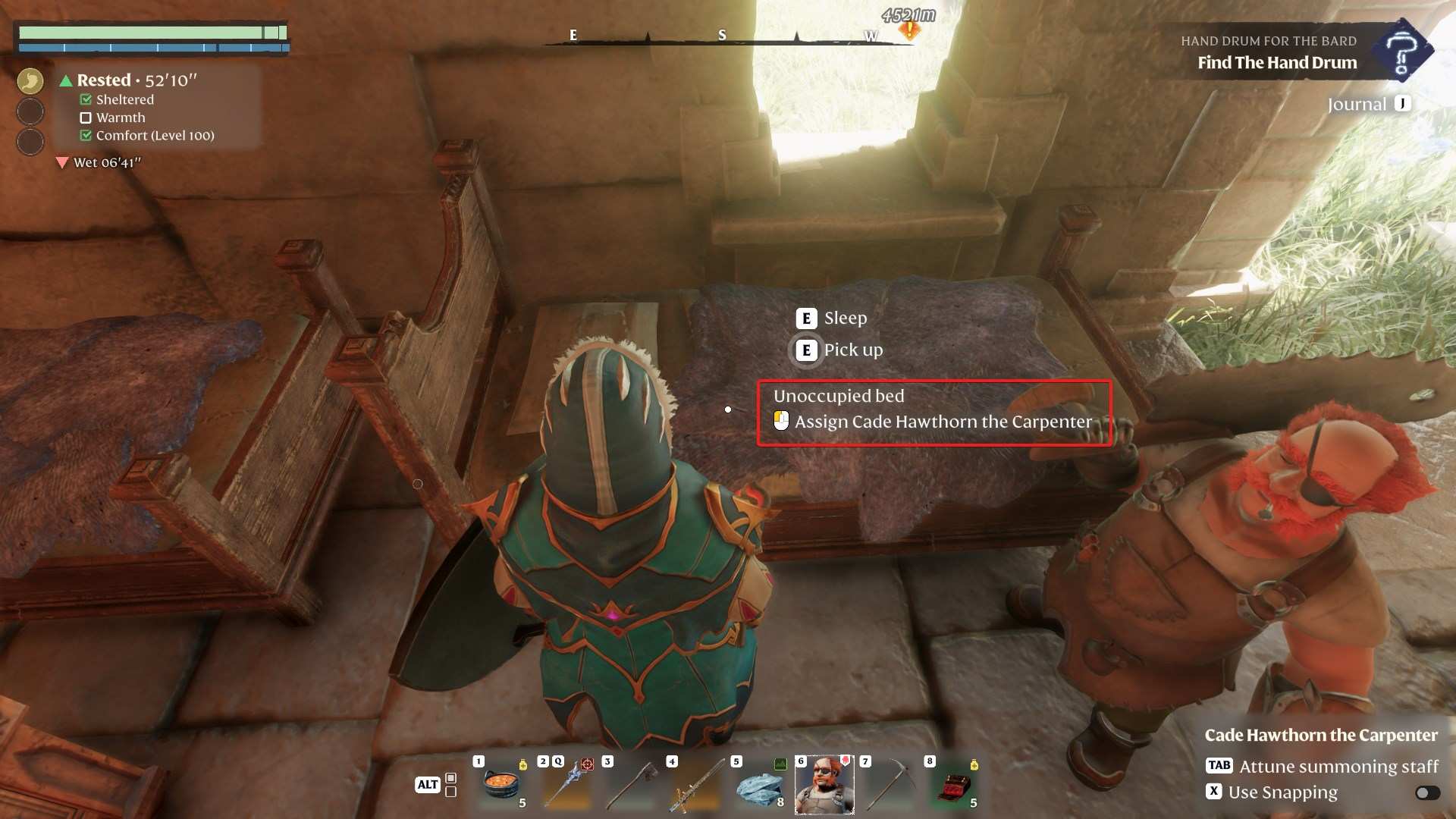
Managing Roaming NPCs
Keep in mind that if your NPCs roam around too much, they might not always use the bed you’ve assigned to them.
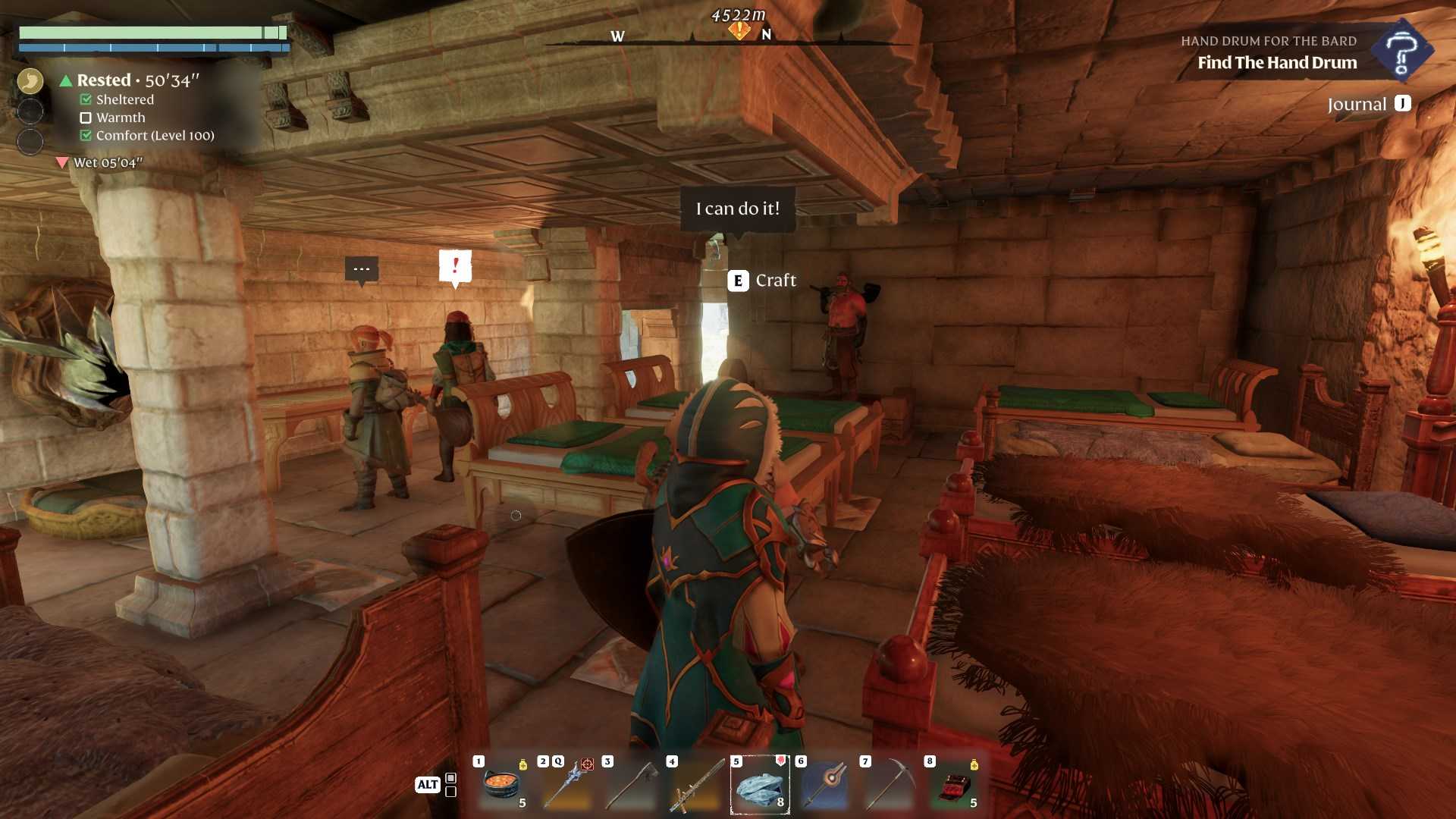
To ensure they stay in place, adjust their roaming range. You can do this by talking to the NPC and cycling through the roaming distance options. Setting their roaming distance to zero will keep them near their workstation and, more importantly, their bed. This way, they won’t wander too far and will stay right where you need them.
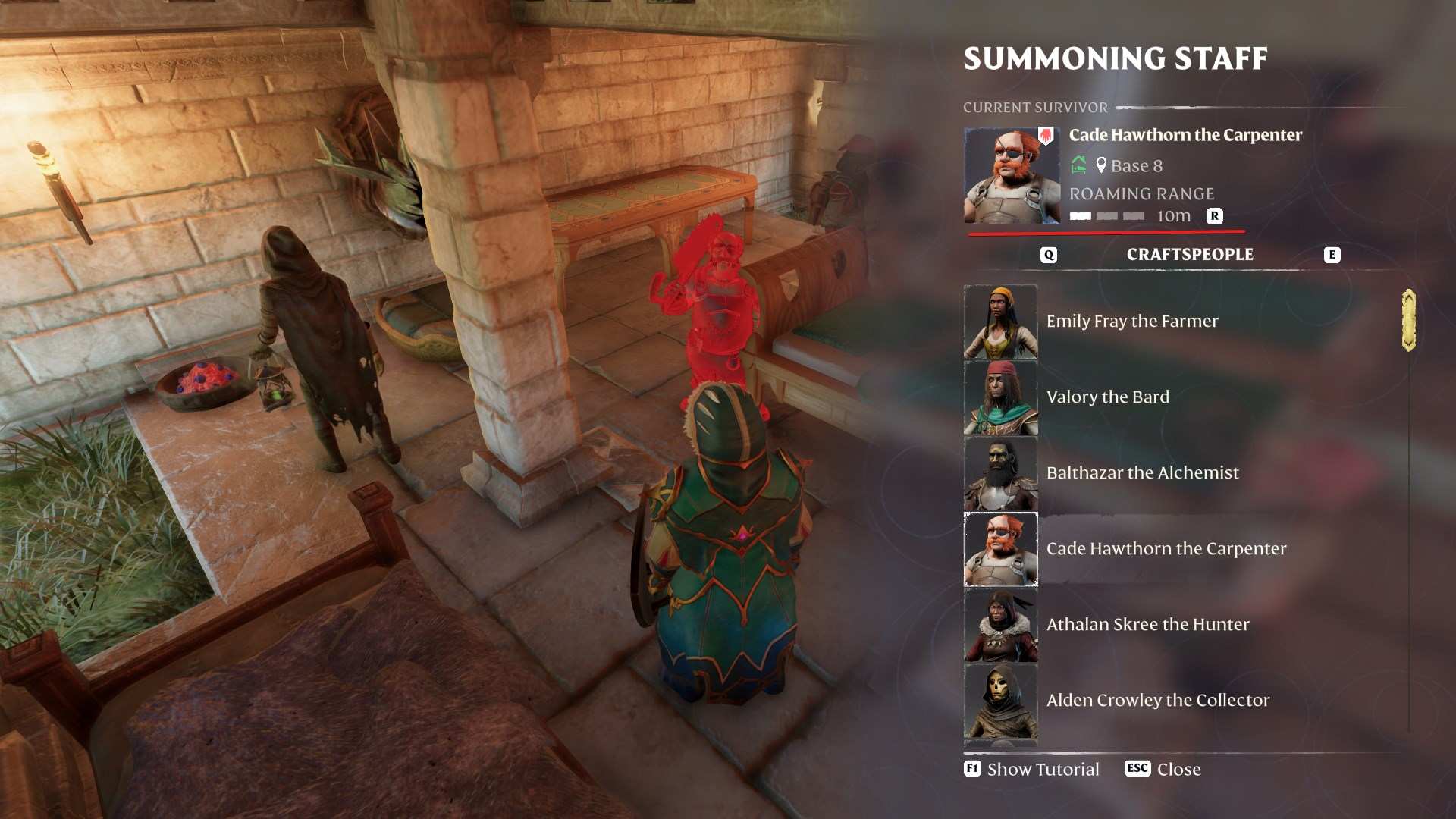
Keeping Everything Organized
You may need to create multiple beds for all your NPCs, depending on how many helpers and villagers you have. The good news is, once you’ve figured out how to assign beds, the rest is just a matter of repeating the process for everyone in need. Beds help keep your NPCs happy and productive, so don’t skimp on the basics!
Assigning beds in Enshrouded Souls of the Frozen Frontier Update is a quick and essential task to ensure your NPCs remain productive and happy. With a bit of crafting, summoning, and strategic bed placement, you'll have your village running like a well-oiled machine. So grab your hammer, summon your helpers, and get ready to make the most comfortable village in the game!