
Getting Started with Your Sons of the Forest Server on gamever
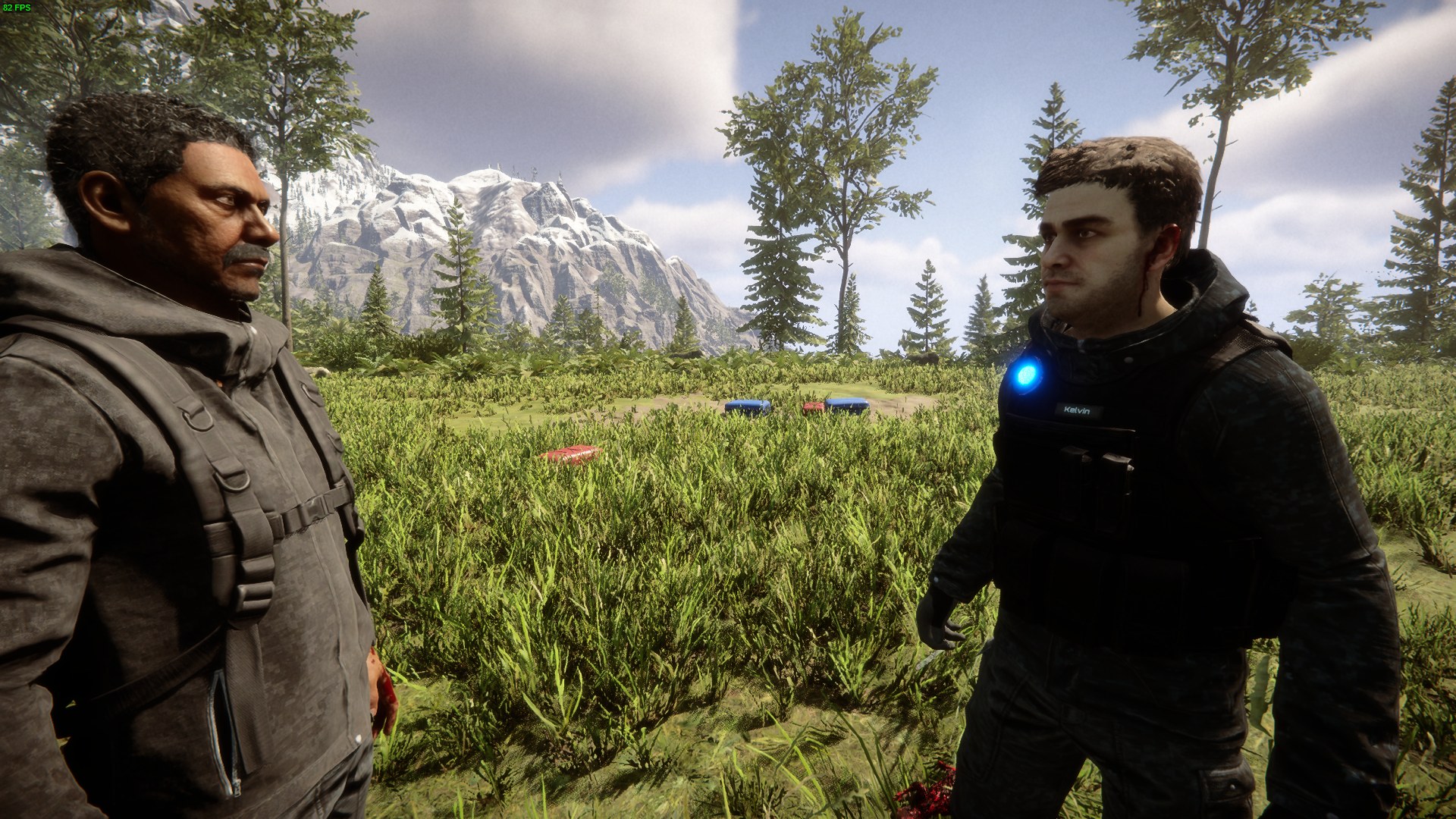
Welcome to your gamever Sons of the Forest server. A dedicated server is the best way to survive the peninsula with friends — it stays online 24/7, so nobody has to host from their own game, and your group can build and explore whenever they want. Everything you need is on the control panel, and friends join by the server address. This guide is the quick tour plus how everyone connects.
The Overview tab
When you open your server you land on Overview:
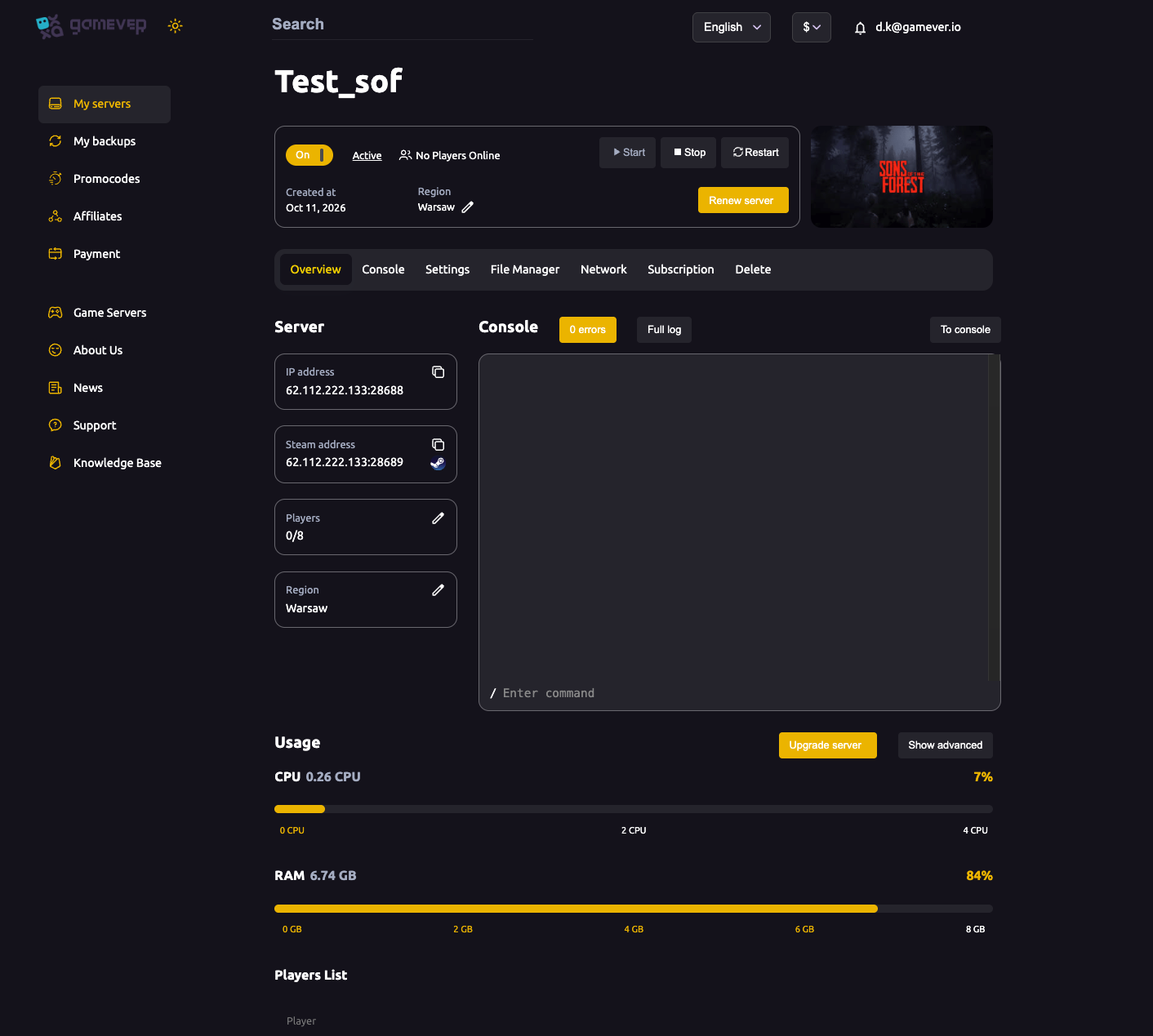
- On/Off, Start / Stop / Restart — power controls for the server.
- Renew server — extend your subscription from here.
- IP address (e.g.
62.112.222.133:28688) and Steam address (:28689) — copyable; the IP is what players use to join. - Players — current slots in use,
0/8by default (see max players). - Region — where the server is hosted; pick one close to your group.
- Usage — live CPU and RAM meters, with Upgrade server if you need more power.
- Console — the live server log.
The tab bar across the top: Overview · Console · Settings · File Manager · Network · Subscription · Delete.
What each tab is for
| Tab | Use it to |
|---|---|
| Console | Watch the live server log. |
| Settings | Server name, passwords, VAC, cheats, difficulty and world rules — see server settings, difficulty and world settings. |
| File Manager | Edit dedicatedserver.cfg, manage your Saves/, reset the server. |
| Network | Your server, Steam and FTP addresses and ports. |
| Subscription | Billing and renewal. |
How your friends join
Your server is always up, so there's no host to keep online. To play together:
- Share the IP address from Overview (e.g.
62.112.222.133:28688). - In Sons of the Forest, each player opens Multiplayer → Dedicated Servers and finds yours in the browser, or uses Join by IP and enters the address.
- If you've set a server password, they enter it to connect.
That's the whole co-op setup — no Steam invites and no host dependency.
Your first-time checklist
- Wait for it to come online. On first boot the server sets itself up; give it a few minutes and watch the Console.
- Set your server name and passwords on Settings → Server settings — see server settings and password & admin.
- Pick a difficulty on Settings → Difficulty settings — see difficulty settings.
- Tune world rules (building destruction, tree regrowth) on Settings → World settings — see world settings.
- Share the IP and start surviving.
Sizing your plan
Sons of the Forest is a RAM-heavy game to host — the panel can show around 6.7 GB of RAM in use with a full 8-player server. Keep an eye on the Overview → Usage meters with your group on, and use Upgrade server if they run hot (see fixing lag).
Additional Tips
- Players join by IP — share the
:28688address from Overview; no host needs to stay online. - Be patient on first boot — the Console shows setup; wait until it's running before joining.
- Set a password early so the server isn't briefly open to anyone.
- Watch RAM — Sons of the Forest leans on memory, especially with 8 players.
- Restart from Overview any time you change settings.
Conclusion
Your gamever Sons of the Forest server is ready within minutes: set a name and passwords, choose a difficulty and world rules, then share the IP and your group is surviving together around the clock. The panel handles everything a dedicated server needs — work through the checklist and the peninsula is yours.
Rent your Sons of the Forest server at gamever.io — instant setup, 24/7 co-op, a browser console and full FTP access, all in one panel. Free trial, promo code WELCOME.