
Fixing Join Timeouts on a Large Satisfactory Server
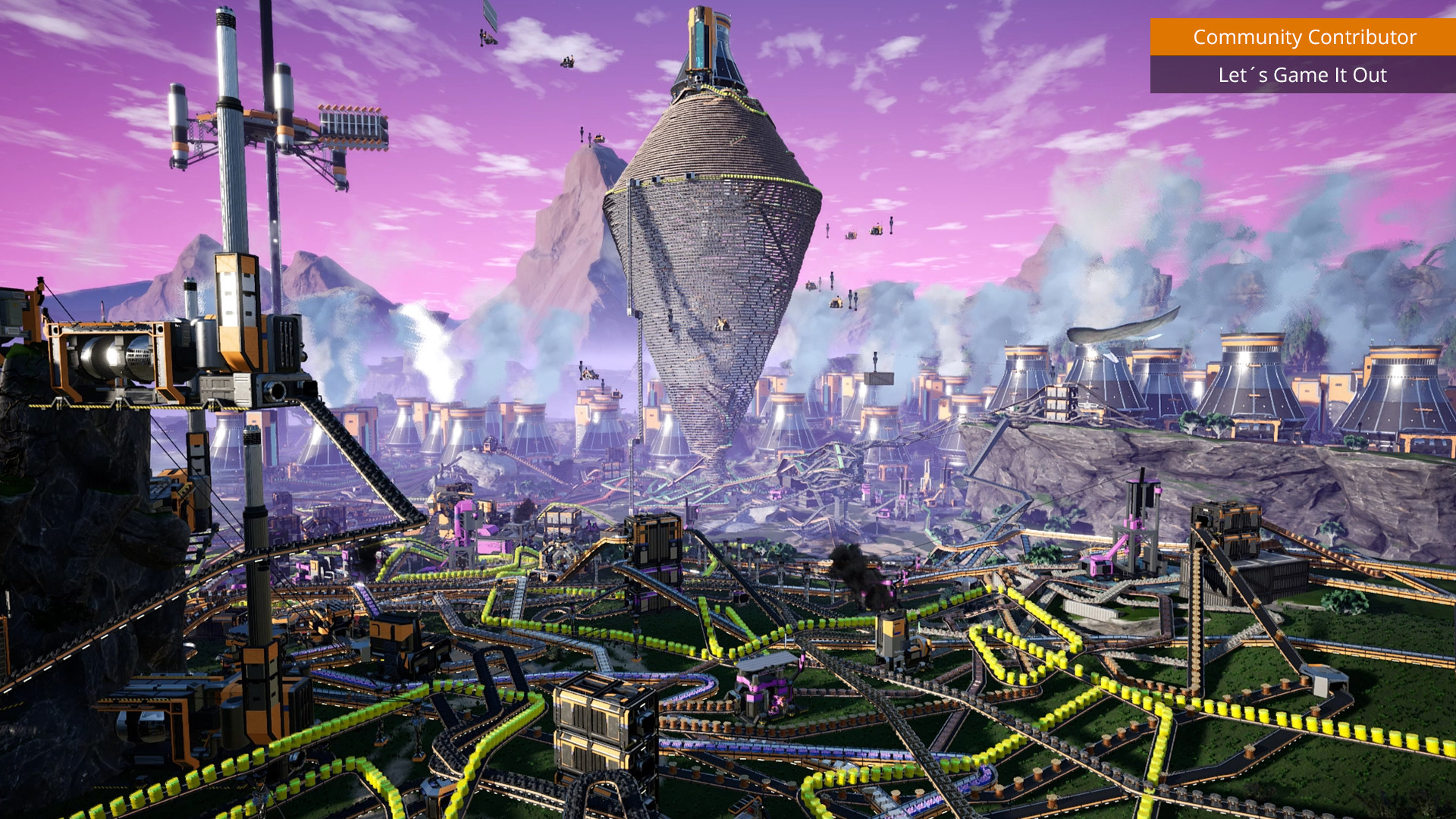
As your factory grows, you may notice players getting kicked to a timeout error while trying to join — often the same players who connected fine when the save was smaller. On a gamever-hosted Satisfactory server you can fix this from the panel: raise the client-facing Network Quality, lift the connection-timeout limit in Engine.ini through the File Manager, and keep the save itself from ballooning. This guide covers all three, with the setting names verified against the official Satisfactory dedicated-server wiki.
Why big saves time out on join
When a player connects, their client has to pull in and load the server's entire current save before they drop into the world. The larger the factory, the longer that takes — and on a slower connection or older machine it can run past the client's default 30-second connection timeout, at which point the game gives up and drops them.
Two things are worth being clear about:
- The official wiki ties timeouts to client hardware and connection speed ("clients with older hardware or slower connections may need a higher connection timeout limit than the default 30 seconds"), not to a hard save-size limit. A big save makes the slow load more likely to hit that limit.
- The wiki's Network Quality setting description says increasing it "may improve client load times and network performance" — which is exactly the load step that times out. That makes Network Quality the first thing to try.
Step 1 — raise Network Quality
Network Quality is a server setting, exposed on gamever under Settings → Network:
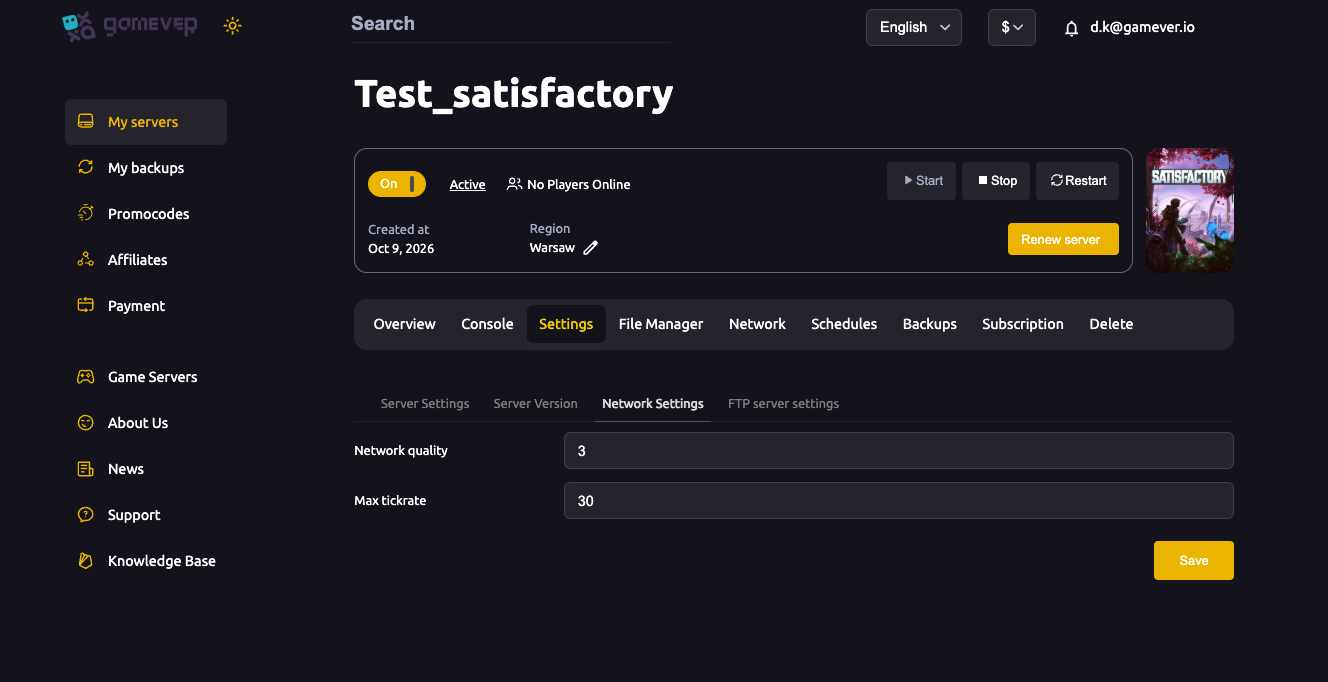
Turn Network quality up a level and click Save, then Restart. Higher quality lets the server feed the save to joining clients faster, at some cost to server framerate — a trade most servers can afford. For best results players should also set a higher Network Quality on their own client. For a fuller rundown of these toggles, see server settings explained.
Note that Max tickrate lives on this same sub-tab, but it is not a timeout fix — it controls the server's update rate (default 30), and the wiki is explicit that raising it will not cure lag or load problems. Leave it at 30 unless you have a specific reason to change it.
Step 2 — raise the connection timeout in Engine.ini
There is no timeout slider in the panel — the timeout itself lives in the server's Engine.ini. On gamever you edit it in the File Manager (no FTP needed) at:
/home/server/gamefiles/FactoryGame/Saved/Config/LinuxServer/Engine.ini
Stop the server first (Satisfactory rewrites its config on shutdown, so edits made to a running server can be overwritten). Then add — or raise, if already present — this section:
[/Script/OnlineSubsystemUtils.IpNetDriver]
InitialConnectTimeout=120.0
ConnectionTimeout=120.0
| Key | What it does |
|---|---|
InitialConnectTimeout | Seconds to wait for a new connection to be established before destroying it. |
ConnectionTimeout | Seconds to wait before an already-established connection is treated as timed out. |
The default for both is 30 seconds; the 120.0 above is just an example — pick whatever headroom your slowest player needs. Save the file, then Start the server. Players loading a large save now have longer before the client gives up.
Step 3 — keep the save size down
Timeouts get worse as the save grows, so trimming it helps every join:
- Dismantle abandoned or test builds. Old scrap factories and leftover foundations all add to the save the client must load.
- Give the server enough RAM. The wiki notes larger saves and more players need more memory (8 GB minimum, 16 GB recommended for bigger worlds). If joins are slow and the server itself stutters, a plan with more RAM is the real fix — reach out to our support team if you're unsure which to pick.
- Back up before you prune. Make a fresh backup first so a bad delete is recoverable — see backup and restore.
If it still times out
A timeout is not always a save-size problem. If raising the limits doesn't help, walk the general connection checklist — wrong address or port, a version mismatch, the server still starting — in server ports and "can't connect" troubleshooting. Make sure players are using the exact Server address from the Network tab and that the server shows Active before they try.
Additional Tips
- Try Network Quality first — it's a one-click Save-and-Restart and targets client load time directly.
- Match it on the client — ask players to raise their own Network Quality too.
- Stop the server before editing
Engine.iniso your changes aren't overwritten on shutdown. - Don't chase tickrate — raising Max tickrate won't fix timeouts and only adds CPU load.
- Smaller save = faster joins — dismantle what you're not using and keep enough RAM for the world.
Conclusion
Join timeouts on a big Satisfactory world come down to the client not loading the save before the clock runs out. On gamever you have every lever in the panel: raise Network Quality under Settings → Network, lift InitialConnectTimeout / ConnectionTimeout above the 30-second default in Engine.ini via the File Manager, and keep the save trim with enough RAM behind it. Do that and even a continent-spanning factory lets your friends in.
Rent your Satisfactory server at gamever.io — a full File Manager, every port open, and a support team to help size your plan. Free trial, promo code WELCOME.