
Enshrouded Server Difficulty: Presets and Custom Settings
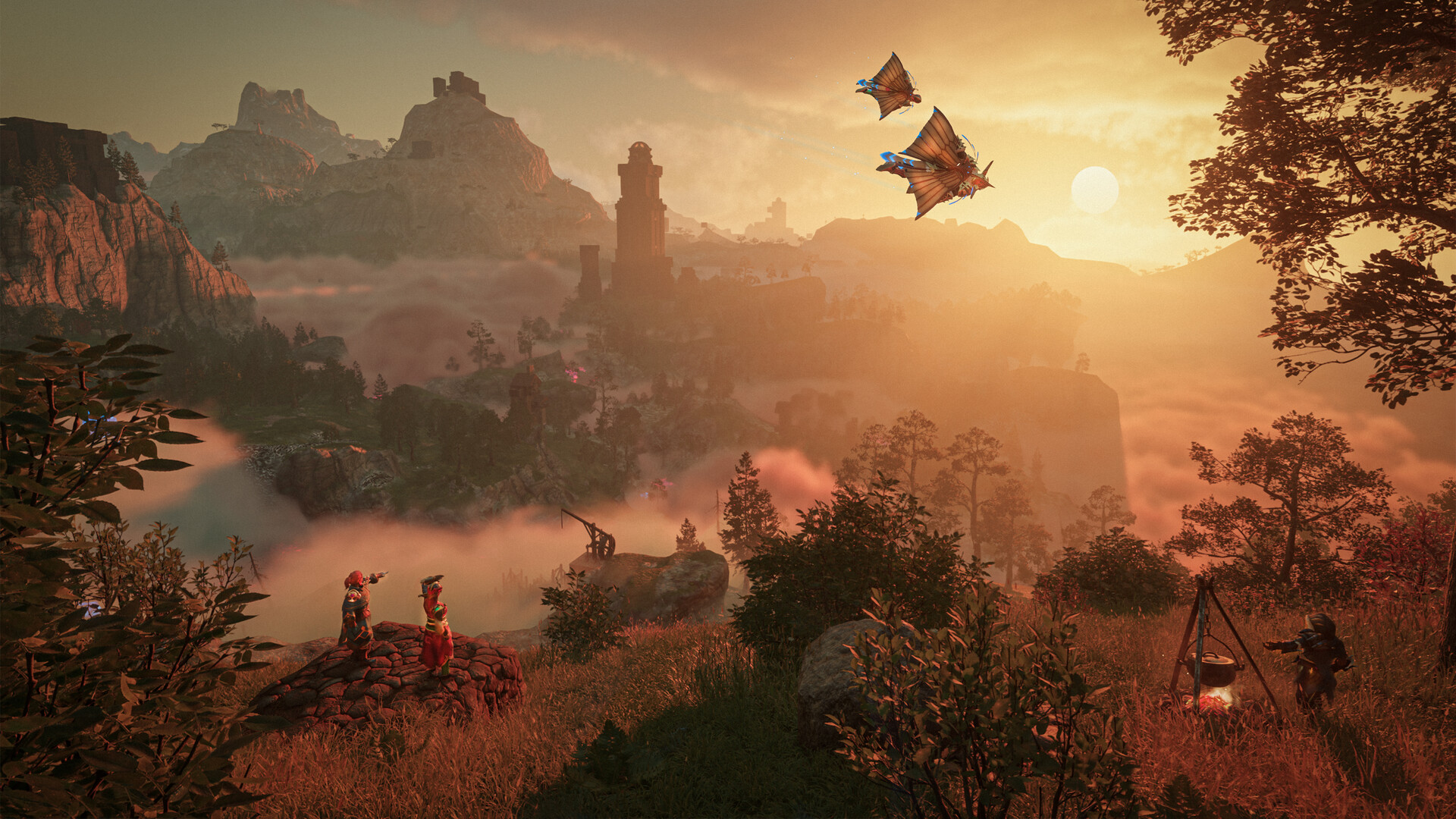
Enshrouded lets you tune how tough the world is — enemy damage, how fast you get hungry, how much stamina costs, day and night length, and more. On gamever you pick a preset for a one-click feel, and switch to Custom when you want to dial in individual values. This guide covers both.
The panel difficulty controls
Open the Settings tab:
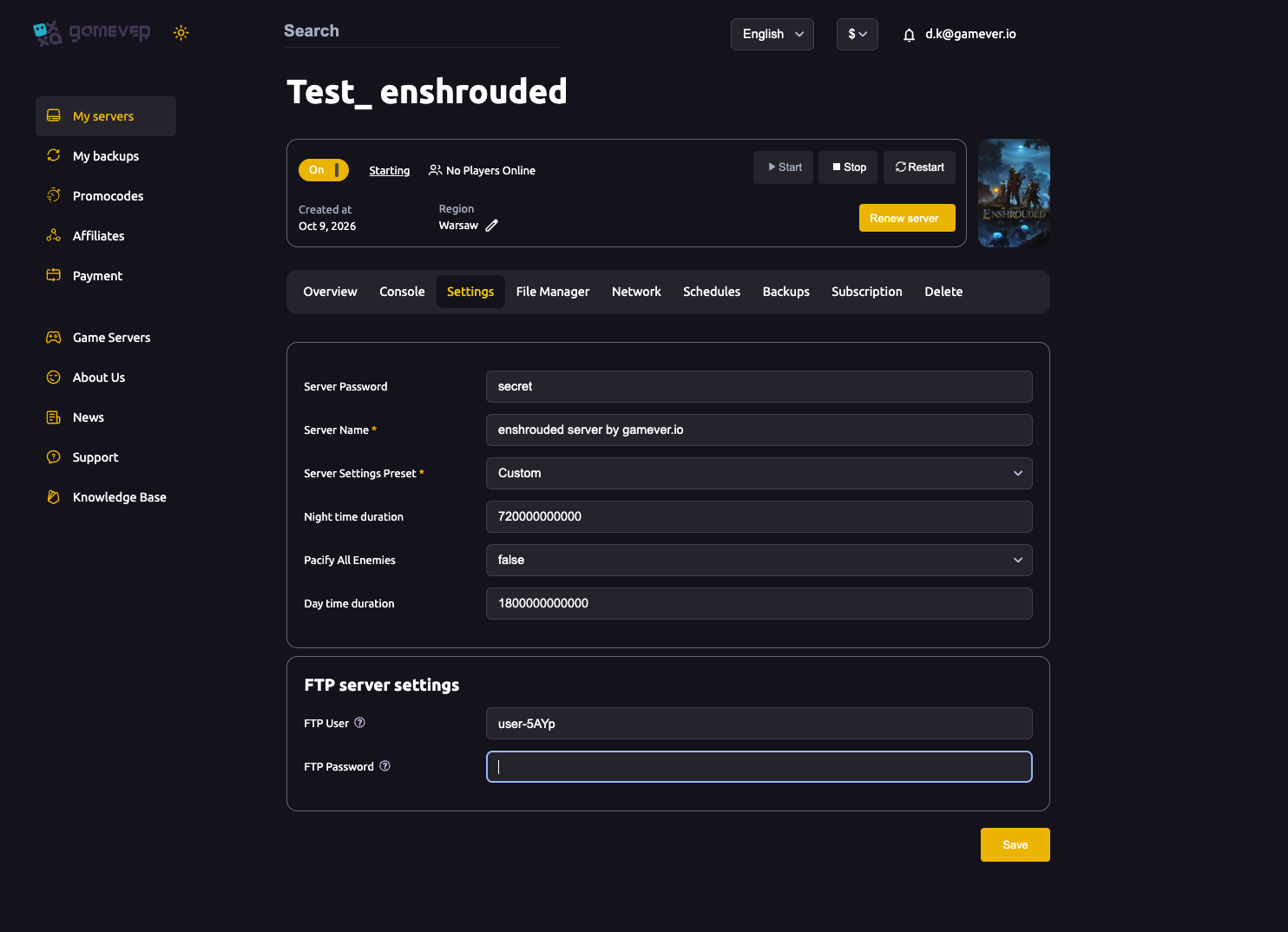
| Setting | What it does |
|---|---|
| Server Settings Preset | The overall difficulty: Default, Relaxed, Hard, Survival, or Custom. |
| Day time duration | How long daytime lasts (higher = longer days). |
| Night time duration | How long night lasts (higher = longer, more dangerous nights). |
| Pacify All Enemies | true makes enemies passive — a peaceful/building mode. false is normal combat. |
Pick what you want, Save, then Restart.
The presets
| Preset | Feel |
|---|---|
| Relaxed | Easier combat and gentler survival pressure — good for casual or building-focused groups. |
| Default | The standard, balanced experience. |
| Hard | Tougher enemies and survival for experienced players. |
| Survival | The most demanding — maximum survival pressure. |
| Custom | You set every value yourself (see below). |
If a preset is close to what you want but not exact, switch to Custom and fine-tune.
Custom difficulty (the detailed values)
When the preset is Custom, Enshrouded uses the detailed gameSettings block in enshrouded_server.json. Those values only take effect under Custom — on any named preset they're ignored.
Common things you can tune under Custom include:
- Combat — enemy health and damage multipliers.
- Survival — hunger/thirst/stamina drain rates.
- Progression/resources — gathering and durability factors.
- Day/night — the same durations exposed on the panel.
To edit them:
- Set Server Settings Preset = Custom on the Settings tab and Save.
- Stop the server (Enshrouded rewrites the config on stop — see the config guide).
- Edit the
gameSettingsvalues inenshrouded_server.jsonvia the File Manager. - Start the server.
Which should you pick?
- Building/co-op chill → Relaxed (or Pacify All Enemies = true for pure building).
- Normal adventure → Default.
- Challenge run → Hard or Survival.
- Exact control → Custom.
Additional Tips
- Custom unlocks
gameSettings— named presets ignore those values. - Stop the server before editing custom values in the JSON.
- Pacify All Enemies is a great building/peaceful toggle.
- Longer nights = harder — the night duration meaningfully changes danger.
- Save then Restart — difficulty changes apply on restart.
Conclusion
Enshrouded difficulty is a preset on the Settings tab — Relaxed, Default, Hard, Survival — plus day/night length and a Pacify All Enemies toggle for peaceful building. Want it exact? Switch to Custom and tune the gameSettings block in enshrouded_server.json (with the server stopped). Pick the feel your group wants and jump in.
Rent your Enshrouded server at gamever.io — one-click difficulty presets and full custom control from the panel. Free trial, promo code WELCOME.