
Enshrouded: How to Fix Crashing During Intro Cinematic
Encountering crashes during the intro cinematic of Enshrouded can be frustrating. However, fret not! Below, we provide a comprehensive guide to resolve this issue and ensure seamless gameplay from the get-go.
Update Video Card Drivers
To begin, ensure that your video card drivers are up to date. Nvidia recently released a new driver specifically addressing stability issues, which are commonly affected by the intro crash.
- From the Control Panel select Device Manager.
- Click the arrow to the left of Display adapters.
- Right-click on the graphics card listed and select Update Driver Software.
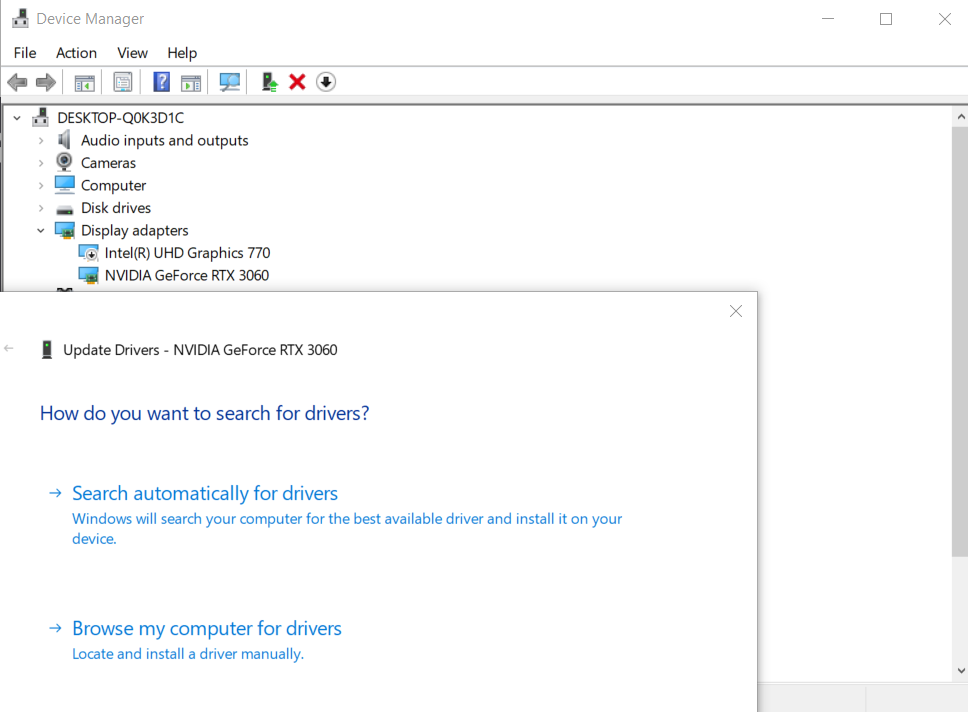
Take proactive steps to update your drivers by accessing the official Nvidia or AMD driver download pages. Select the appropriate GPU model installed in your system and proceed to download the latest driver.
Visit the Nvidia Driver Downloads Page
Navigate to the Nvidia Driver Downloads page by entering the following URL into your browser's address bar: https://www.nvidia.com/Download/index.aspx.
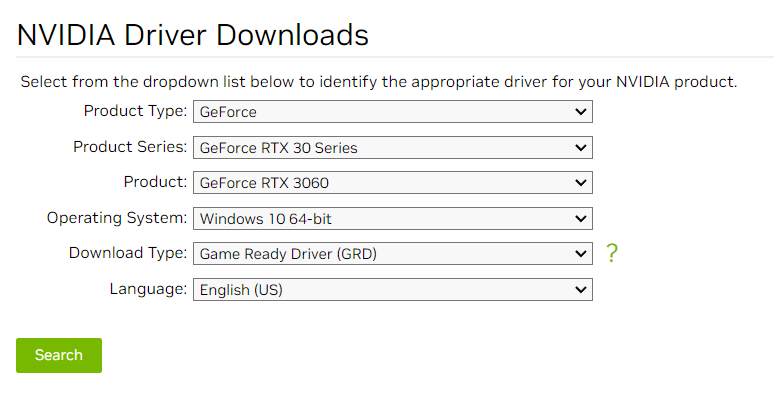
Auto-Detection or Manual Selection
On the Nvidia Driver Downloads page, you have the option to either let Nvidia automatically detect your GPU and provide the appropriate driver or manually select your GPU model from the dropdown menus.
If you prefer to manually select your GPU model, use the dropdown menus provided on the Nvidia Driver Downloads page. Choose the appropriate options for your GPU series, product type, product series, and operating system.
Download the Driver
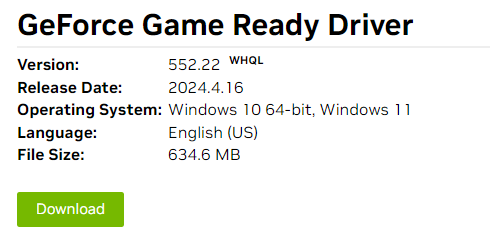
After selecting your GPU model, click on the "Search" or "Start Search" button to find the latest driver for your Nvidia GPU. Once the correct driver is displayed, click on the "Download" button to initiate the download.
Run the Installer
Once the download is complete, locate the downloaded driver file on your computer and double-click on it to run the installer. Follow the on-screen instructions to install the Nvidia driver on your system.
Verify the Installation
After the installation is complete, Nvidia may prompt you to restart your computer to apply the changes. Follow this instruction and restart your computer to finalize the driver installation.
Once your computer has restarted, verify that the new Nvidia driver is installed correctly. You can do this by checking the Nvidia Control Panel or using the device manager in Windows.
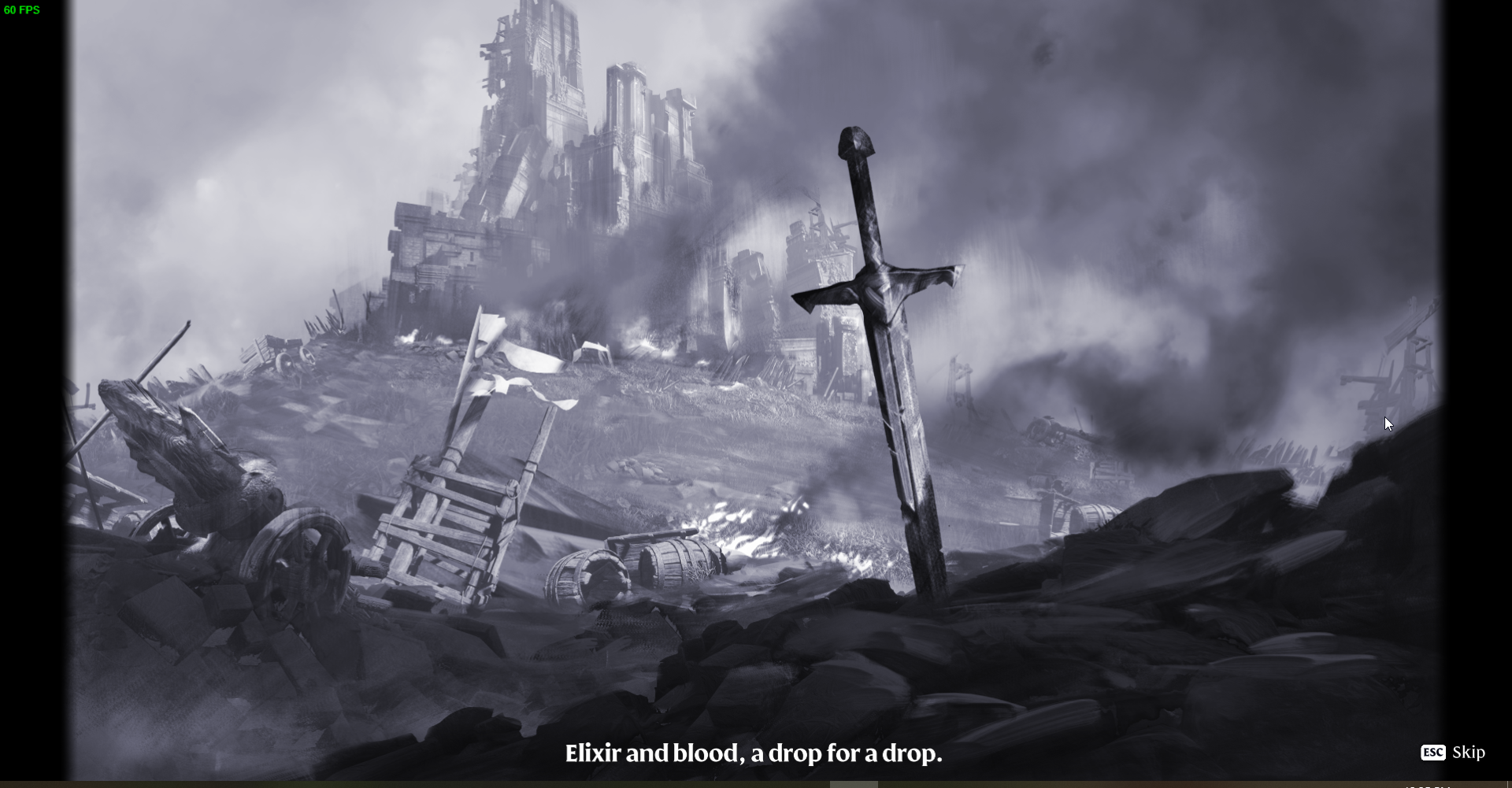
By following these simple steps to update your video card drivers, you can mitigate crashing issues during the intro cinematic of Enshrouded. While it may seem like a minor inconvenience, ensuring that your drivers are up to date is essential for optimal performance and stability. Enjoy your Enshrouded experience without interruptions!