
Enshrouded Admin Roles and Permissions (userGroups) Explained
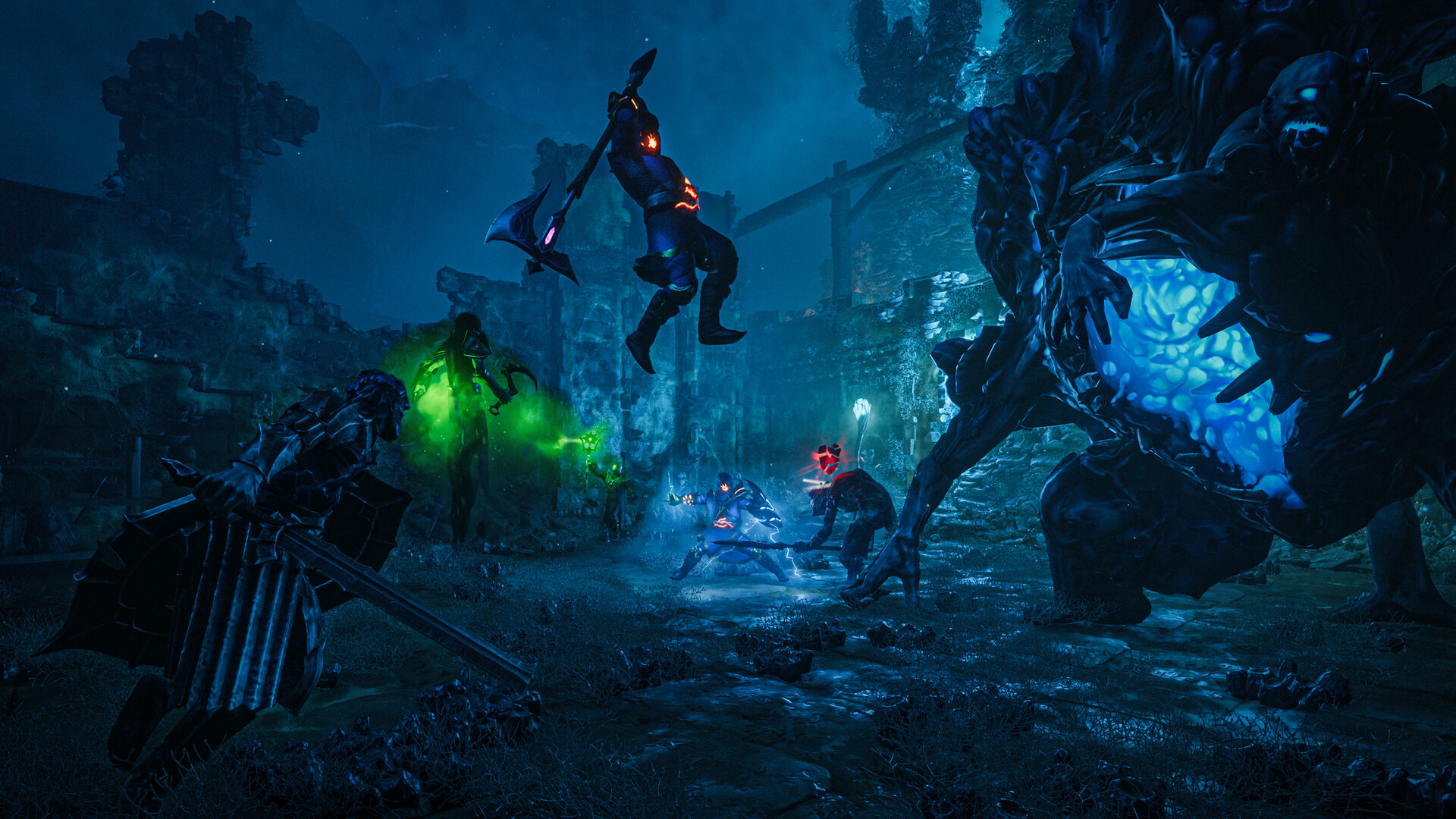
Enshrouded doesn't use admin commands typed in chat — instead it uses password-based roles called userGroups. The password a player enters when joining decides their group, and each group has its own permissions. By default there are three groups — Admin, Friend, Guest — but none of them has a password until you add one. This guide shows how to configure them so your co-op server is properly controlled.
The three default roles
Your enshrouded_server.json starts with three groups:
| Group | Can do | Typical use |
|---|---|---|
| Admin | Kick and ban players (plus full access) | You and co-owners |
| Friend | Edit player bases and use chests/inventories | Trusted regulars |
| Guest | Neither kick/ban nor edit others' bases | Casual/public players |
Important: out of the box these groups have no passwords. Until you assign a password to a group, nobody can log into it — so setting the passwords is the key step.
Where to set them: enshrouded_server.json
The roles live in the userGroups section of enshrouded_server.json, which you edit in the File Manager (or over FTP). Each group entry has a name, a password, and permission flags such as canKickBan, canAccessInventories, canEditBase and canExtendBase.
To set them up:
- Stop the server (Overview → Stop). This matters — Enshrouded overwrites the config when it stops, so editing while it runs loses your changes.
- Open File Manager →
enshrouded_server.json. - In userGroups, give each group a distinct password (Admin, Friend, Guest each different).
- Save the file.
- Start the server.
Now each password grants its group's permissions on join. See the full config guide for the file's structure and the "stopped server" rule.
How players use roles
- Give co-admins the Admin password — they can kick/ban.
- Give trusted players the Friend password — they can build and use chests.
- Give everyone else the Guest password — they can play but not grief others' bases.
The role is simply which password they typed when joining — there's no separate "promote" step.
Kicking and banning
There are no /kick or /ban chat commands in Enshrouded. Instead, a player in the Admin group (with canKickBan) manages players through the in-game player/social menu — select a player and kick or ban them. This is why the Admin role matters: only it can moderate your server.
A note on the old single password
Older Enshrouded builds used one server password (line 3 of the config). Current dedicated servers use userGroups instead; if a legacy password is present the game turns it into a default group. For clarity, set your access through the Admin/Friend/Guest groups rather than relying on the old single password — see name & password.
Additional Tips
- No password = unusable group — you must assign one to each group you want.
- Stop the server before editing the config, or your changes are overwritten on exit.
- Different password per role — Admin ≠ Friend ≠ Guest.
- Admin is the only moderator — kick/ban lives in the in-game menu for that group.
- Share passwords by trust level — Admin to co-owners only.
Conclusion
Enshrouded admin is all about roles, not commands: three password-protected groups — Admin (kick/ban), Friend (build & loot), Guest (play only) — set in the userGroups section of enshrouded_server.json. Assign each a password with the server stopped, hand them out by trust level, and your co-op server is properly moderated without a single chat command.
Rent your Enshrouded server at gamever.io — a browser config editor to set your roles, and full control over your co-op world. Free trial, promo code WELCOME.