
Dragonwilds 1.0: Crossplay, Console Launch, and How Invite Codes Work
RuneScape: Dragonwilds' 1.0 release note folds three separate changes into one update: a wider platform list, full crossplay, and a new way to get into a friend's world. The official patch page states the game is now live on "PlayStation 5, Nintendo Switch 2, XBOX Series X | S and PC on Epic Games Store, Jagex Launcher and Steam," that "full crossplay is supported," and that players can now "join worlds through invite codes." None of that was true before 1.0 — this article works through exactly what changed, quoting the patch note where the wording itself is the evidence, and flags the two details (per-platform release dates and any account-linking requirement) the source simply doesn't cover.
Six Platforms, One Crossplay Pool
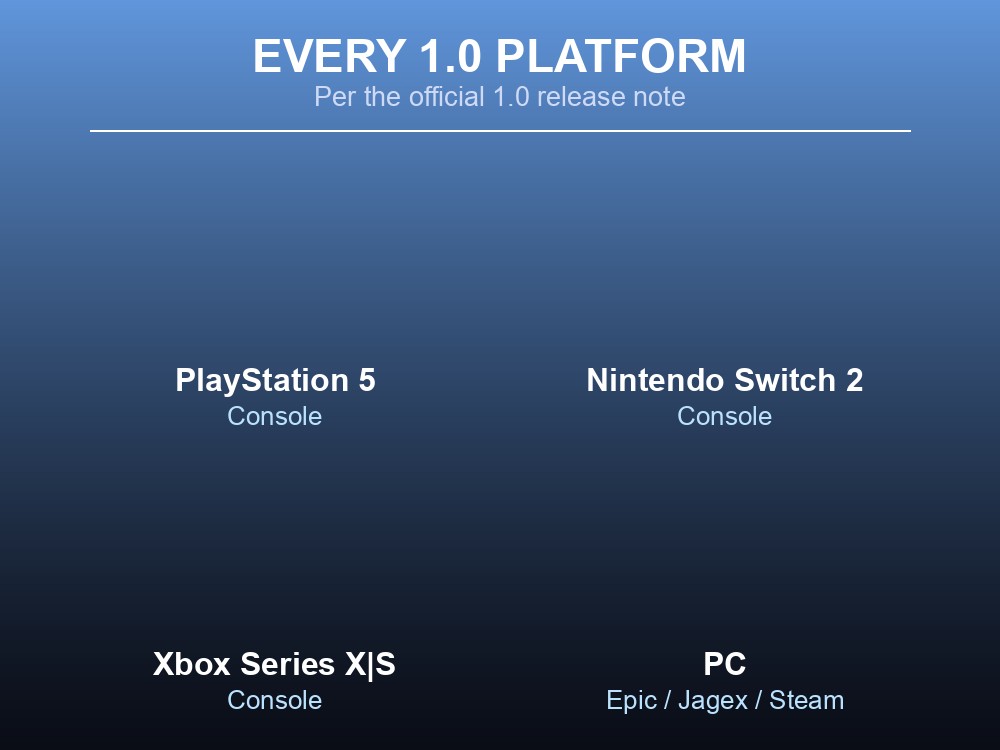
The patch note's own platform list breaks into two groups. Three consoles: PlayStation 5, Nintendo Switch 2, and Xbox Series X|S. Three PC storefronts: Epic Games Store, the Jagex Launcher, and Steam. That's 3 consoles + 3 PC storefronts = 6 separate ways to launch the game at 1.0 — not a round number, just what the source's own list adds up to when you count each entry once.
On top of the platform list, the same patch note says "full crossplay is supported." The wiki is specific about how that's implemented: it isn't a permanent, world-wide pool — it's a per-world choice. Quoting directly: "Players now have the option to make their worlds crossplay or not each time they host a multiplayer world; in the in-game menu, worlds can now be enabled as crossplay when you load them, and crossplay worlds will be shown in the world browser." In practice that means the host picks crossplay on or off at load time, not once at world creation, and only worlds flagged that way surface to players browsing from a different platform.
What the source does not state is a launch date per platform — there's a single "1.0 is live" announcement, not separate PS5/Switch 2/Xbox dates, and no mention of whether crossplay requires linking accounts across platforms. Both are undocumented; don't assume either.
Invite Codes and the Dedicated-Server Option
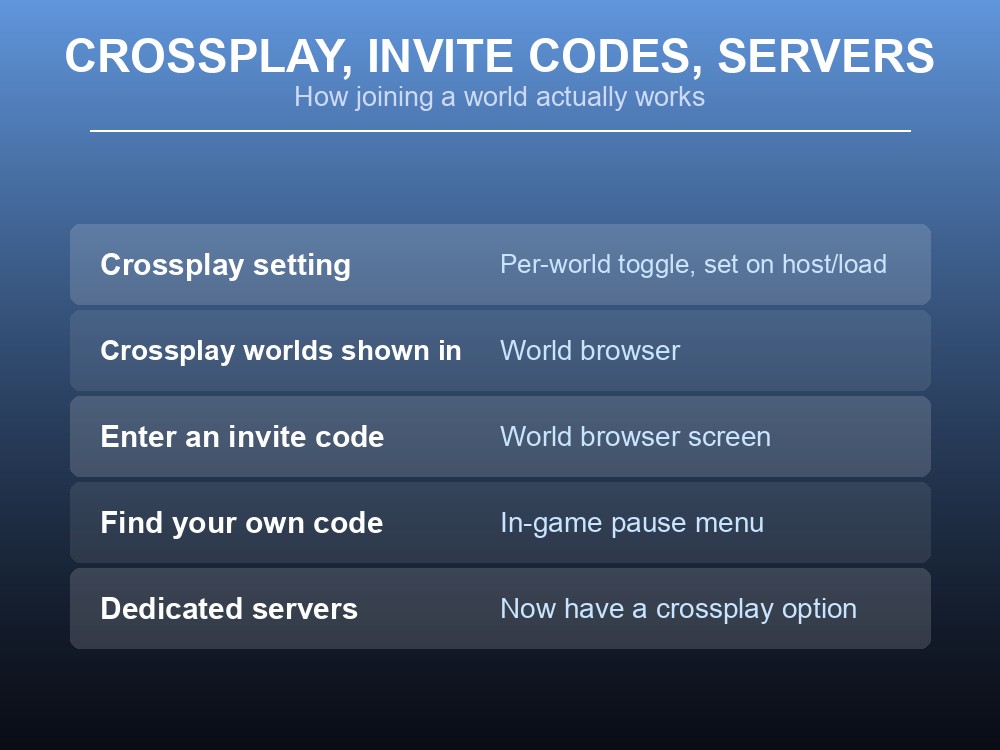
Invite codes are the other half of the "join a friend's world" story, and the wiki again gives an exact quote worth keeping intact: "You can now join worlds through invite codes. Invite codes can be entered in the world browser screen, and are shown in the in-game pause menu." So there are two places that matter: the world browser is where you type someone else's code to join, and your own world's code lives in the pause menu, where you'd read it off to send to a friend.
Dedicated servers get their own line in the same patch note: "Dedicated servers now also have a crossplay option." That's the entire statement — the source doesn't specify a config key, a command-line flag, or an admin-panel toggle name for it, so treat "a crossplay option exists on dedicated servers" as confirmed and the exact mechanism of setting it as undocumented until the wiki (or gamever's own hosting panel) spells it out.
Console Controls and the Xbox Game Pass Date
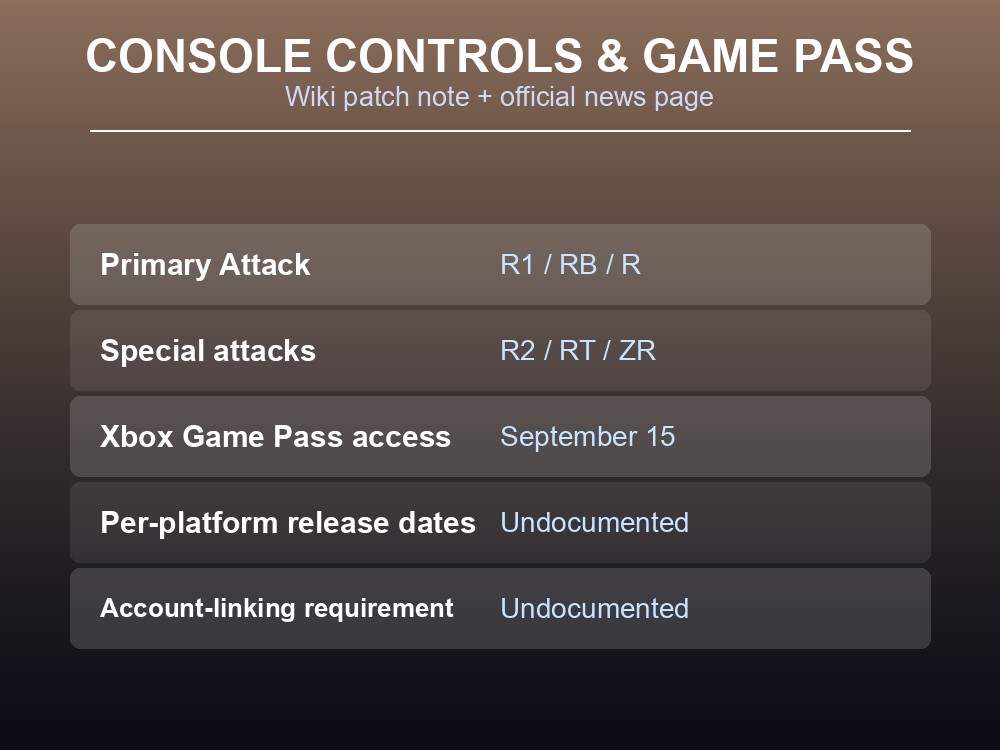
Bringing three new consoles into the game meant remapping combat. The patch note is precise here too: "The Primary Attack button on controller is now R1/RB/R, and special attacks are now on R2/RT/ZR." Read across pads, that's the top-right shoulder button (R1 on PlayStation, RB on Xbox, R on Switch's single-Joy-Con-style naming) for your basic hit, and the top-right trigger (R2/RT/ZR) for specials — the same physical layout most third-person action games already use, so returning PC players moving to a pad shouldn't need to relearn anything beyond which hand does what.
Separately, Dragonwilds' own news page dates a specific console milestone: "Bring the magic of RuneScape into your living room – or wherever you play – with Xbox Game Pass on September 15th!" (posted 19 August 2026). That confirms an Xbox Game Pass entry date of September 15, but it is a Game Pass-specific note, not a general Xbox Series X|S store release date — the source doesn't say whether the two coincide.
Practical tips
- Crossplay is a per-world toggle set when you host or load a world, not a permanent account setting.
- Find your own world's invite code in the pause menu; enter someone else's in the world browser.
- Dedicated servers have a crossplay option too — confirmed to exist, exact setup undocumented.
- On controller, Primary Attack is R1/RB/R and specials are R2/RT/ZR.
- Xbox Game Pass access starts September 15; per-platform store release dates and any account-linking requirement aren't documented by the source.
Running your own Dragonwilds server
A dedicated server is the natural home for a crossplay group spread across PS5, Switch 2, Xbox and PC — the world stays live between sessions instead of depending on whichever platform's player happens to host that night, and everyone joins the same persistent world regardless of storefront. Since the patch note confirms dedicated servers now carry their own crossplay option, a rented server is also the simplest way to make sure that setting is on before a mixed-platform group tries to connect, without anyone needing to manage the toggle from inside a single player's session.
Conclusion
Dragonwilds 1.0 adds three connected things at once: launch across six platforms — PlayStation 5, Nintendo Switch 2, and Xbox Series X|S, plus PC on Epic Games Store, the Jagex Launcher, and Steam; full, per-world crossplay toggled when a world is hosted or loaded; and invite codes, entered in the world browser and displayed in the pause menu, with a matching crossplay option on dedicated servers. Console players also get a new control layout — R1/RB/R for Primary Attack, R2/RT/ZR for specials — and Xbox Game Pass access lands September 15. What isn't in the source: individual per-platform release dates beyond that Game Pass note, and whether crossplay requires linking accounts across platforms.
Want a world your whole crossplay group can drop into, on any platform, any time? Rent a RuneScape: Dragonwilds server at gamever.io — instant setup, one-click backups and updates, and 24/7 uptime. Start with a free trial and use promo code WELCOME.