
Core Keeper: How to Change Settings for Dedicated Server
Settings Tab
Ready to spice up your Core Keeper 1.0 world with some new settings? Whether you're looking to ramp up the challenge, add a seasonal twist, or just give your server a fresh name, updating your server settings on Gamever.io is a breeze! Follow this guide to transform your gameplay experience while keeping all your hard-earned progress intact. Let’s dive in and make your server truly unique!
Before diving into those game-changing tweaks, make sure you save your game and end your current session. This precaution ensures you won’t lose any progress during the update process. Once that’s sorted, head over to your server’s page on Gamever.io. Click on the Settings tab to open up a world of customization options.
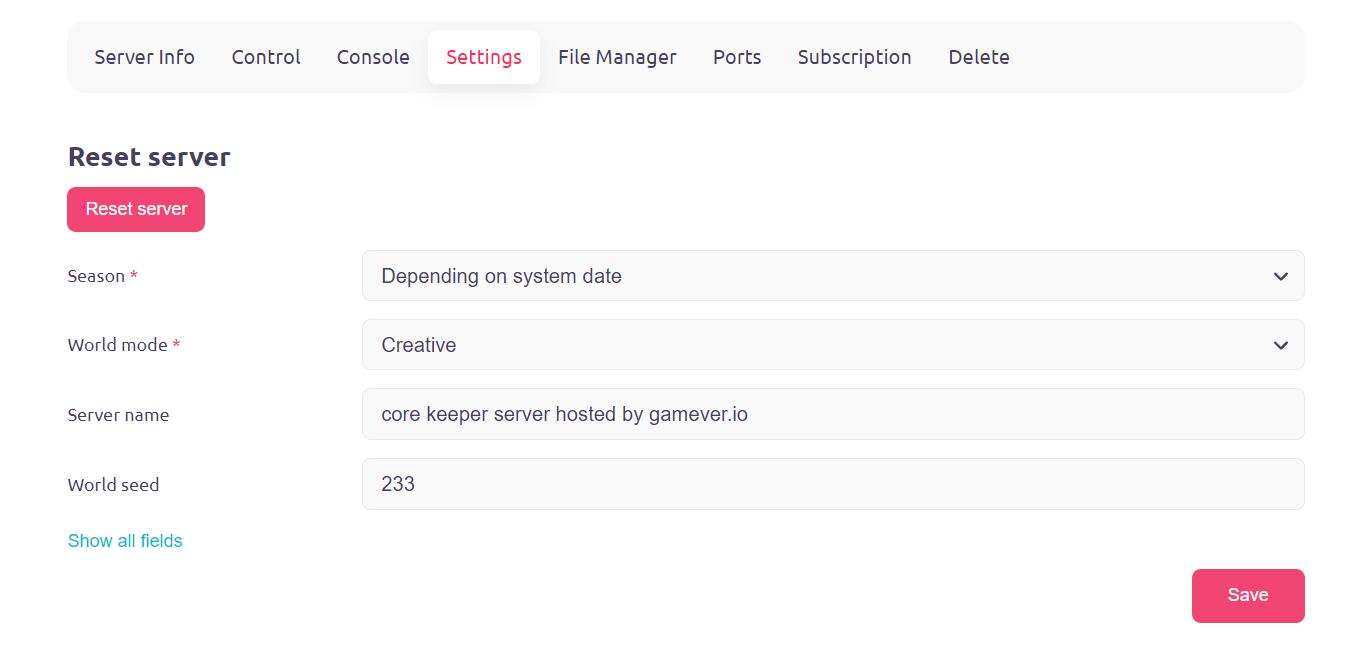
Now, let’s get into the fun stuff! You have several settings at your disposal that can totally transform your Core Keeper adventure:
World Mode
This is where you set the difficulty level of your game world. Choose from:
- Standard (Normal): The classic Core Keeper experience with balanced gameplay.
- Casual: Perfect for a laid-back experience with less intimidating monsters.
- Hard: If you’re up for a real challenge, this mode boosts enemy health and damage while giving you better loot.
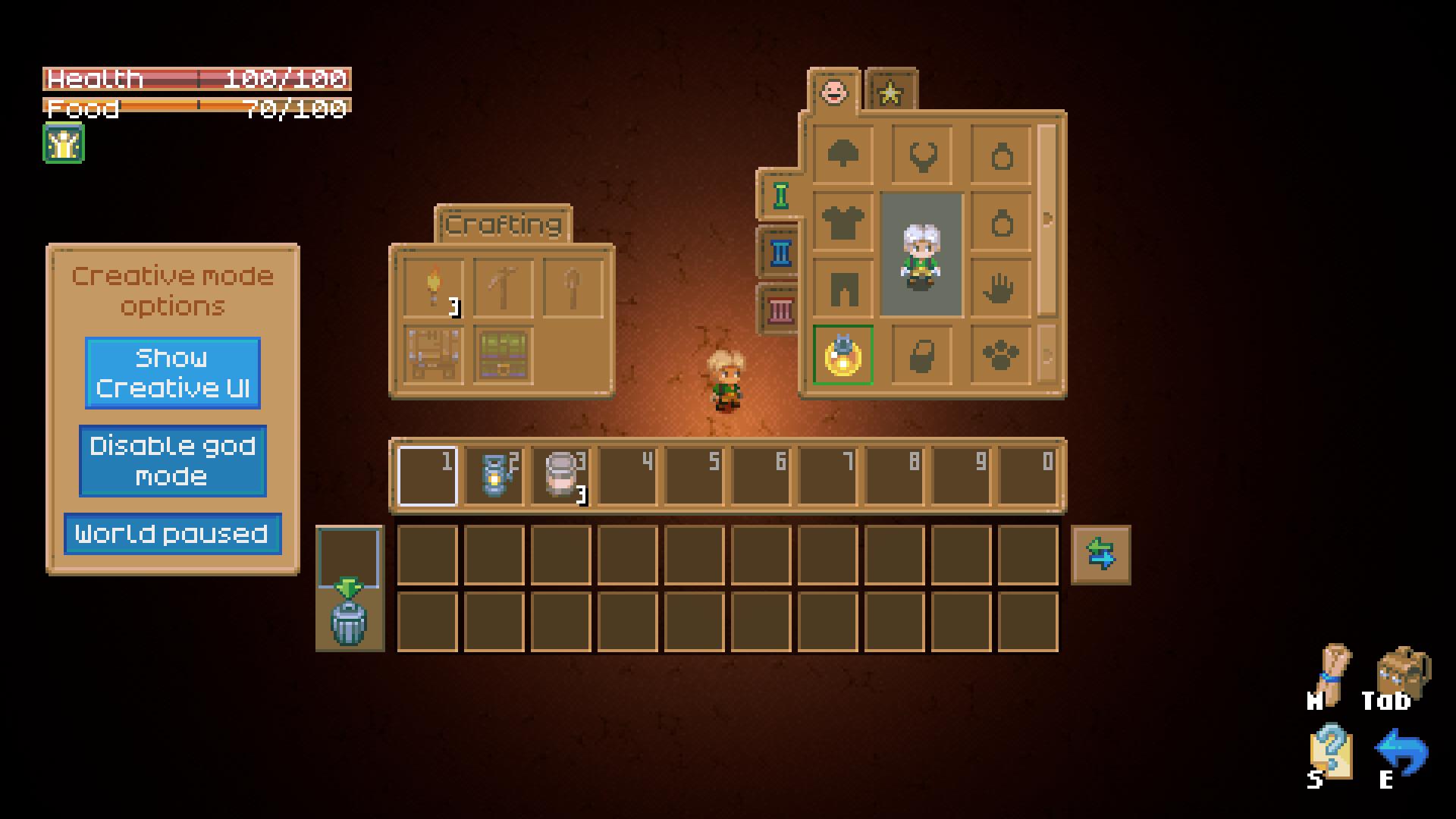
- Creative: Unleash your imagination with unlimited resources and world modification tools. It’s all about creativity here!
Season
This setting changes the thematic flavor of your world. Choose from various seasonal themes to add some special flair:
- No Event: Enjoy standard gameplay with no seasonal themes.
- Easter: Easter brings colorful eggs and festive loot.
- Halloween: Dive into spooky vibes with Halloween decorations and Samhain Goodie Bags.
- Christmas: Deck the halls with Christmas-themed items and Luxury Winter Presents.

- Set a Seasonal Theme in Core Keeper 1.0: Spread the love with Valentine-themed content.

- Anniversary: Celebrate with unique Anniversary-themed items and events.
- Cherry Blossom: Embrace the beauty of Cherry Blossoms with special decorations and items.
Server Name and Security
Make your server stand out with a custom name that reflects your unique style.
- FTP Password and User: Secure your server with custom FTP credentials for safe remote access and management of your server files.
World Seed
Set the seed for your world generation to influence the terrain and biomes. Enter a specific number for a predictable world layout or use `0` for a random generation.
Once you’ve made your changes, don’t forget to hit the Save button to lock in those new settings. The server will need a few minutes to reconfigure with the updates. After that, restart your Core Keeper game and reconnect using the new 28-character Game ID provided by Gamever.io. Voilà! Your new settings will be in effect, and your Core Keeper world will be transformed.
Settings Overview
- World Mode: Customize the gameplay difficulty to suit your style. From relaxed Casual to challenging Hard, or boundless Creative, the choice is yours.
- Season: Adjust the seasonal theme to match the time of year or your mood, whether it’s Easter, Halloween, or any other festive option.
- World Seed: Control the world layout and biomes by setting a specific seed or opting for a random one.
- FTP Password and User: Manage your server securely with custom credentials.
In conclusion, customizing your Core Keeper server settings on Gamever.io is a fantastic way to enhance your gameplay experience. With these easy steps, you can ensure that your server reflects your unique preferences and keeps your game exciting. Dive into your new settings, explore different seasonal themes, and enjoy your adventures in Core Keeper 1.0!