
Changing your server parameters
To change different parameters of your server you simply need to follow these steps:
1. Sign into your account.
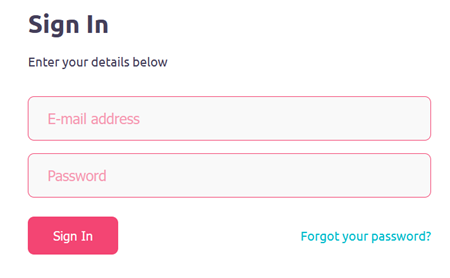
2. Open Gamever “My servers” webpage.
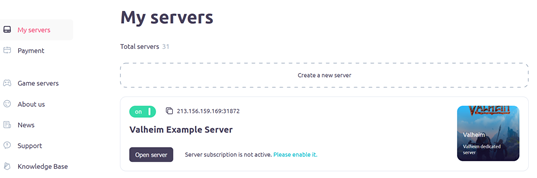
3. Click on the “Open server” button (one of the required).
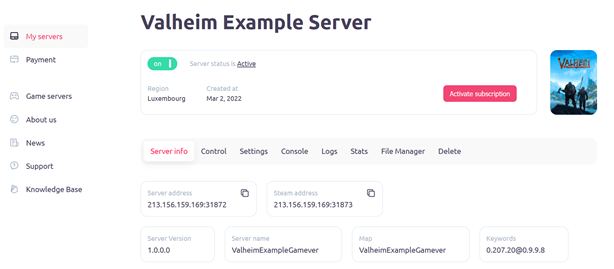
4. Click on the “Settings” button to open “settings” button.
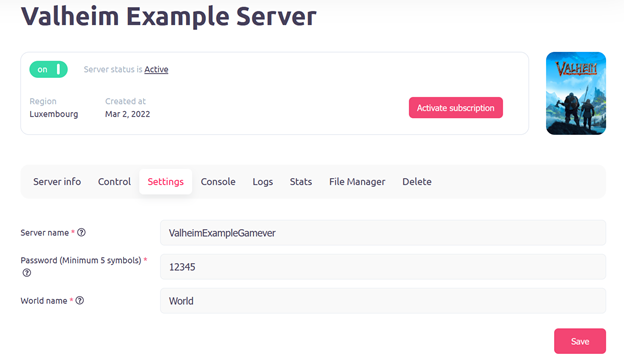
After following these steps, you can find 3 rows containing “Server name”, “Password”, “World name” (these may differ depending on the game). You can change or correct previously listed information and saving changes by clicking the button “Save” in lower right corner when you done.
Then, when changes are saved, your server will reboot to apply changed data.