
Can You Charge for a Minecraft Server? What Mojang's Rules Allow
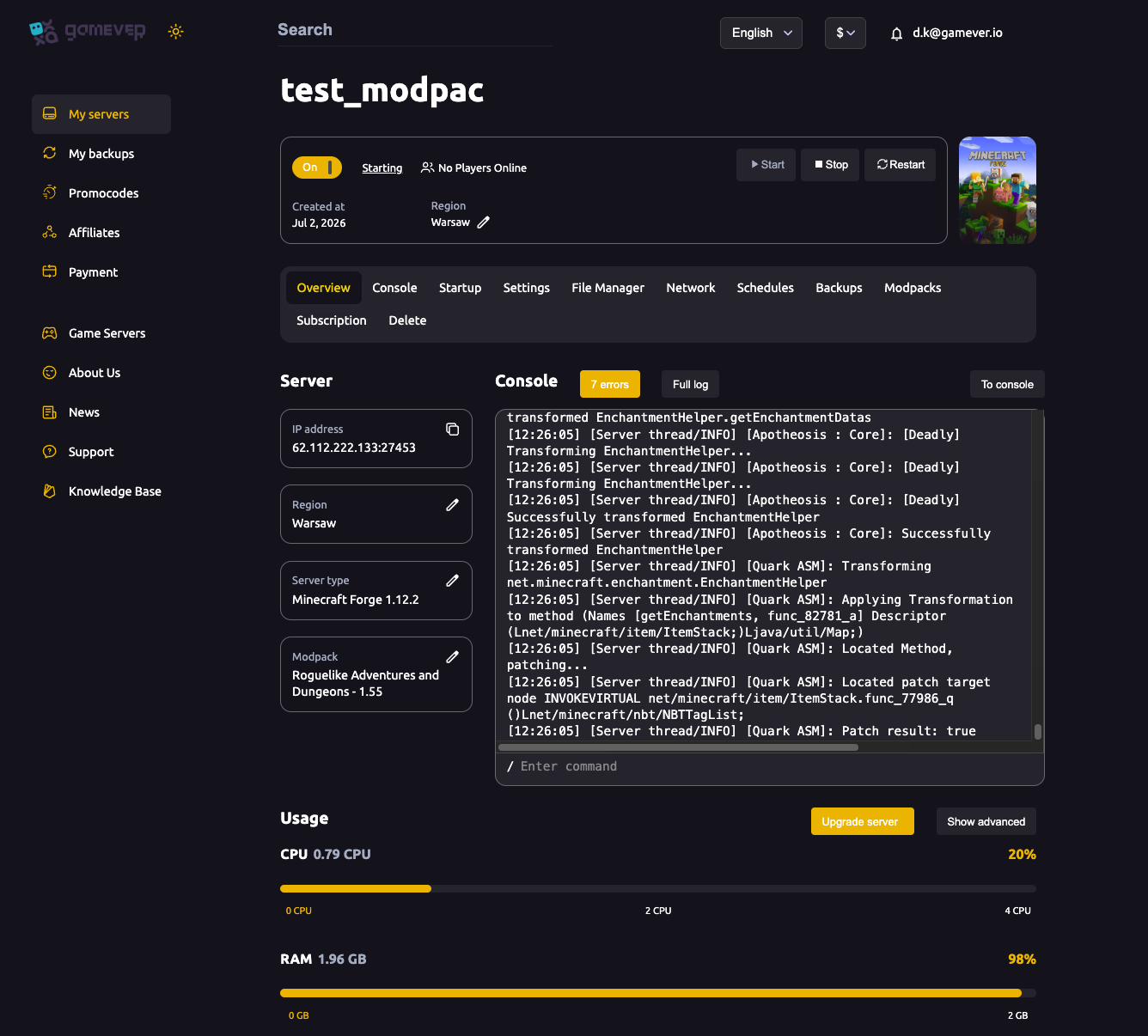
If you run a public Minecraft Java server on gamever and want to cover its costs — or turn it into a business — you're allowed to. Mojang and Microsoft explicitly permit charging for access and taking donations, but the way you can make money is tightly fenced by the Minecraft Usage Guidelines (which absorbed the older "Commercial Usage Guidelines" document). The single rule everything else hangs off is simple: you can never sell a gameplay advantage. This guide explains what the guidelines actually allow, what's banned, and how your gamever panel fits in. It's informational — it does not set up a storefront for you — and because Mojang reserves the right to change these rules, always read the current Minecraft Usage Guidelines before you launch a shop.
What you're allowed to charge for
The guidelines let server owners earn money in a few clearly-defined ways:
| Allowed | The condition attached |
|---|---|
| Charging for access | The price must be the same for everyone, including across currency conversions. You can't offer a cheaper rate to some players. |
| Cosmetics | Hats, pets, particle effects, chat/name colours, titles and prefixes — anything purely visual. The one carve-out: capes (or anything imitating Minecraft's cape feature) are not allowed. |
| Cosmetic ranks | A "VIP" rank is fine only if its perks are cosmetic (a coloured name, a chat prefix, particles). |
| Donations | You may ask for donations, but a donor cannot receive a personal benefit only they can use in return. |
| Server-wide rewards | You may unlock a reward for all players when a donation goal is met. |
| Virtual currency | You may sell in-game currency only if it has no real-world value and can't be cashed out, transferred to other servers or converted to real money — and it must not look like or share a name with Minecoins. |
Mojang's own wording on the headline point is that you may even charge for access to the server as long as you follow the guidelines, and the company has said it's fine to run this as a business within the rules.
What's banned: the pay-to-win line
The thing the guidelines exist to prevent is a server "becoming pay-to-win." The test is a competitive advantage — defined as any item, perk, boost or unlockable that gives a positive gameplay impact to an individual player. Put plainly:
- Once players are on your server, everyone must have the same gameplay privileges. You can't sell some players more power than others.
- You can't sell gameplay items or kits that give paying players better gear, resources or stats.
- You can't sell flight, god-mode, item-spawning or free resources — these are advantages.
- You can't sell individual parts of a server (a single minigame, world or area). You sell access to the server as a whole; a premium experience has to be a separate server, and perks don't carry across servers.
- A paid queue is allowed only if a free connection route stays open when there's room.
An item is generally acceptable if non-paying players can also obtain it through normal gameplay and it doesn't affect competition — which is why cosmetics are the safe category. Anything that moves the needle in combat, the economy or progression is not.
Donations vs. "purchases"
This trips up a lot of servers. If a player gives money and gets something specific and personal back, Mojang treats that as a purchase, not a donation — and it must follow all the sale rules above (so it can't be a gameplay perk). A true donation is voluntary and buys the donor no individual in-game benefit. Acknowledging donors with a thank-you, or hitting a community goal that rewards the whole server, stays on the right side of the line.
Server name and branding rules
The guidelines also govern how you present the server:
- Your server name may include the word "Minecraft" only if it is not the first word, and never in a way that implies you're official or affiliated.
- Your website and social accounts must not reuse Mojang/Minecraft brand assets — the stylised logo, official key art, or the creeper face — and must not be built to look official.
- You must prominently display a disclaimer that you're not connected to Mojang or Microsoft, for example: "NOT AN OFFICIAL MINECRAFT PRODUCT. NOT APPROVED BY OR ASSOCIATED WITH MOJANG OR MICROSOFT." A buried disclaimer doesn't count.
Where your gamever panel comes in
gamever doesn't run your store — payment handling and perk delivery are done by third-party plugins and services. What the panel gives you is the stable, 24/7 server that makes a paid community viable, plus the tools to deliver compliant perks:
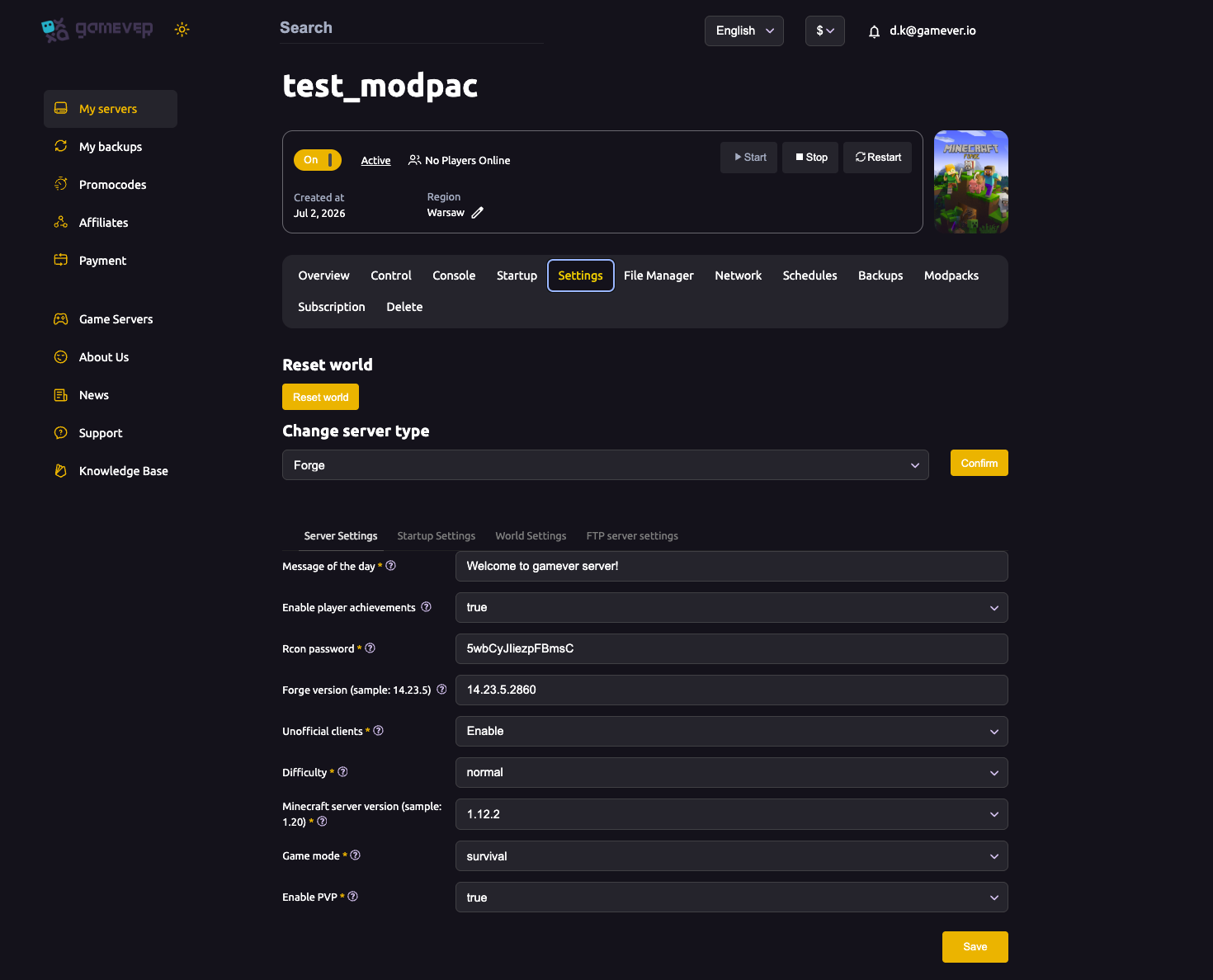
- A permanent public IP on the Overview and Network tabs for players to connect to, with uptime that a home-hosted server can't match.
- The Message of the day field on Settings → Server Settings for your server's name and tagline — see server settings.
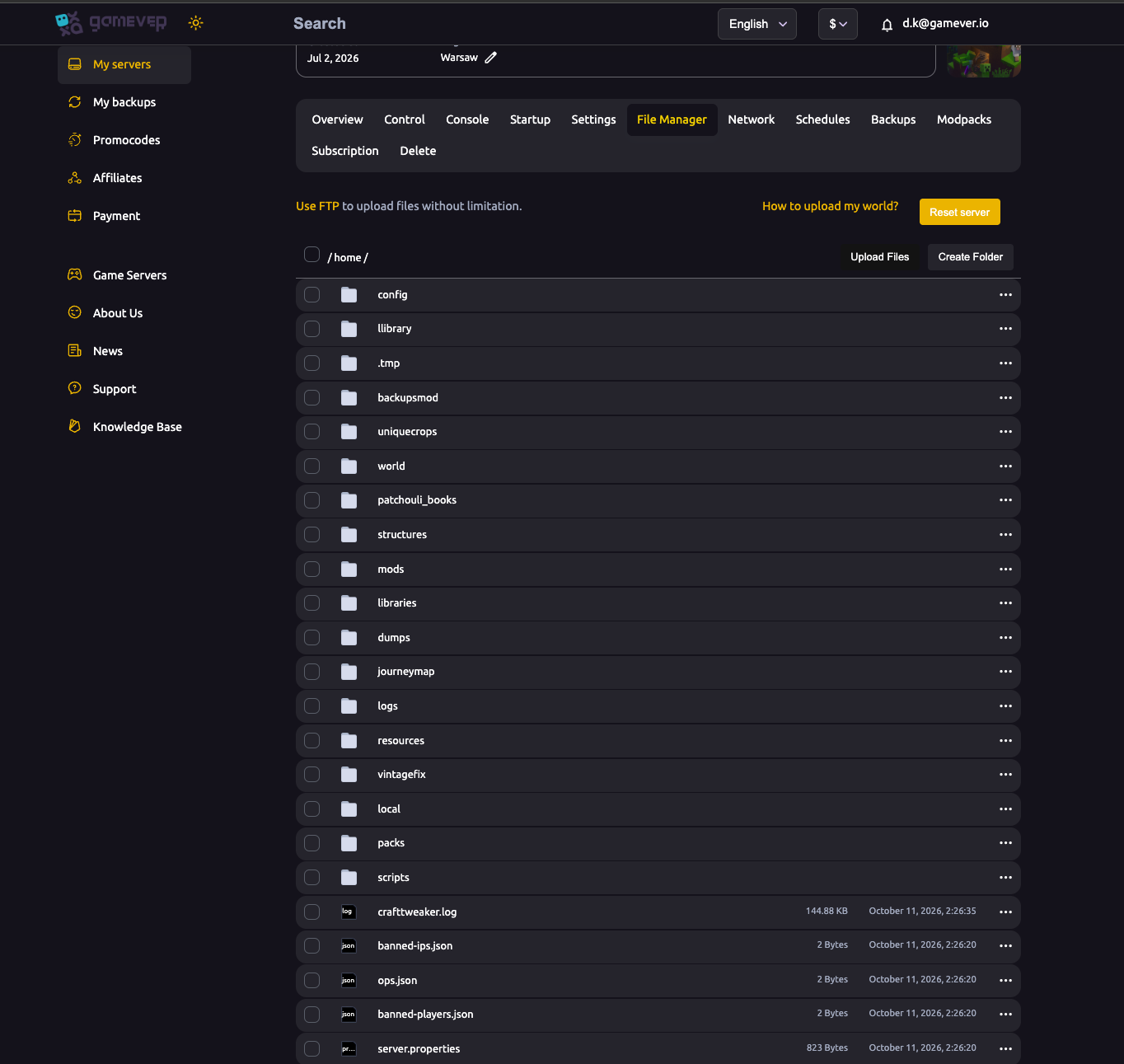
- The File Manager to install the permission and cosmetic plugins (LuckPerms, cosmetic plugins and the like) that actually hand out ranks and visual perks — see installing mods & plugins.
- Operator and whitelist controls to run your staff team and gate access — see ops & whitelist.
Additional Tips
- Keep every paid perk cosmetic. If a purchase changes combat, the economy or progression, assume it's banned.
- Make donor rewards server-wide, not personal, to stay a "donation" rather than a "purchase."
- Price access identically for everyone — no regional discounts that breach the equal-pricing rule.
- Put the "not affiliated with Mojang or Microsoft" disclaimer on your store and website, prominently.
- Don't open with "Minecraft" in your server name, and don't borrow the logo or creeper face.
- Re-read the live guidelines before launching a shop — Mojang changes them, and enforcement can affect your listing on the official server list.
Conclusion
You can absolutely monetise a Minecraft server: charge a flat entry fee, sell cosmetics and cosmetic ranks, take donations, and run server-wide reward goals. What you can never do is sell a competitive advantage — everyone on the server plays on equal gameplay terms. Stay cosmetic, keep pricing equal, display your disclaimer, and read the current Minecraft Usage Guidelines before you take a single payment.
Run your monetised community on a server that never goes down: rent your Minecraft Java server at gamever.io — permanent IP, one-click plugin and modpack installs, File Manager and automatic backups, all in one panel. Free trial, promo code WELCOME.