
Best Palworld settings for max fps and performance
Setting out on an adventure in Palworld, a game renowned for its expansive, dynamic locations and complex features, calls for more than just strategy and skill—it also calls for the best possible settings to guarantee fluid and pleasurable gaming. Optimizing performance in terms of frames per second (FPS) and overall quality can greatly improve your gaming experience, especially when the main features are action-packed combat and in-depth exploration. To make sure you get the most out of your gaming sessions, this tutorial will walk you through the optimal Palworld settings for maximizing performance and frames per second. We'll also cover how playing with friends on Gamever servers can enhance your Palworld experiences.
Understanding Graphics Settings
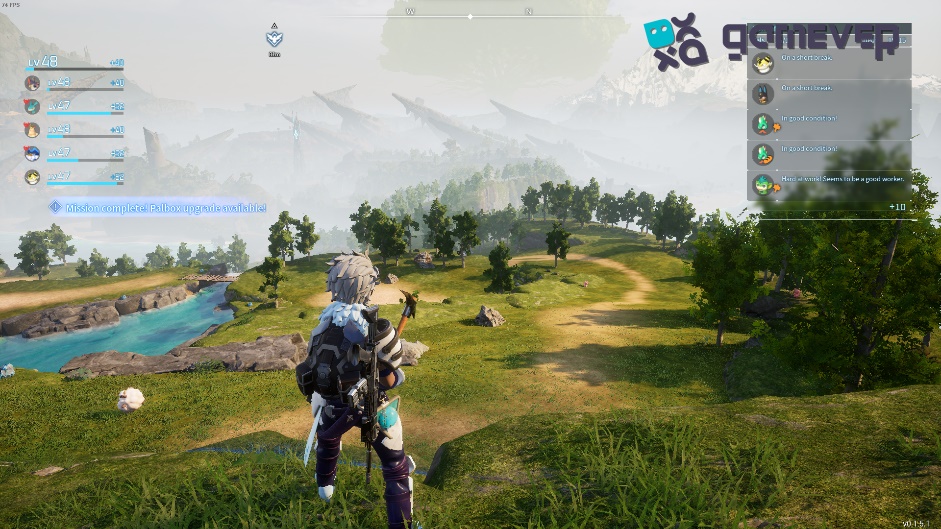
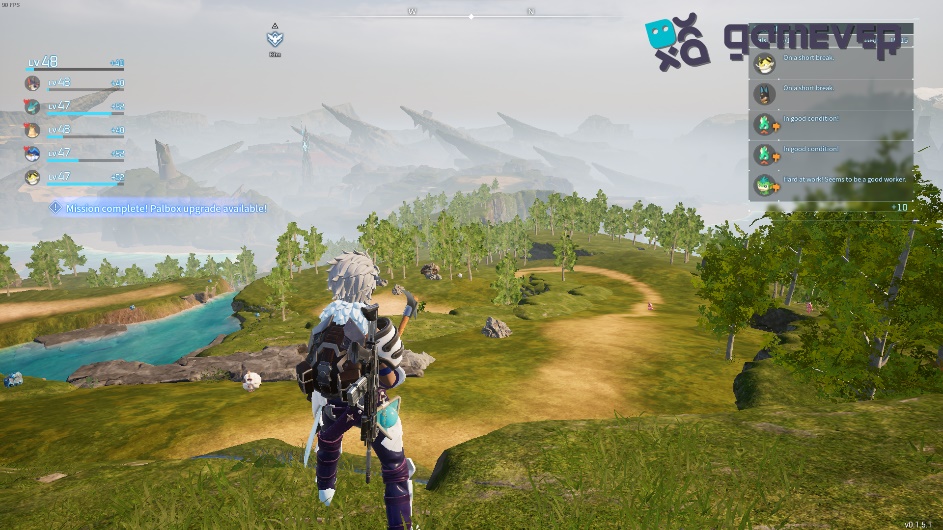
To optimize Palworld for the best performance, understanding each graphics setting's impact on your system is crucial. Here's how you can adjust various settings for optimal FPS:
1. Resolution
Lowering the Resolution : While a high resolution offers better visuals, it can significantly impact your FPS. Consider lowering the resolution if you're experiencing performance issues.
2. Texture Quality
Adjust Texture Quality : High-quality textures demand more from your GPU. Reducing texture quality can improve FPS without drastically affecting visual fidelity.
3. Shadows
Shadow Detail : Shadows are resource-intensive. Lowering shadow quality or turning off shadows can free up GPU resources, boosting your FPS.
4. Anti-Aliasing
Anti-Aliasing Options : While anti-aliasing smoothes out edges, it can be GPU-intensive. Reducing or disabling anti-aliasing can increase FPS.
5. Effects Quality
Effect Details : High-quality effects can decrease performance. Lowering effects and particle details can result in smoother gameplay.
6. View Distance
Reducing View Distance : Although a high view distance offers better visibility, it requires more from your CPU and GPU. Adjusting this setting to a lower value can enhance performance.


System Optimization
Beyond in-game settings, optimizing your system can also contribute to better game performance.
Update Graphics Drivers : Ensure you have the latest drivers for your GPU. Manufacturers frequently release updates that improve performance and compatibility.
Background Applications : Close unnecessary background applications to free up system resources for Palworld.
Power Plan : Use the "High Performance" power plan in Windows to ensure your system is utilizing its resources to the fullest.
Playing on Gamever Servers
While optimizing your settings can significantly improve your solo gameplay experience, multiplayer experiences in Palworld can also benefit from a stable and high-performance server. Gamever servers offer optimized environments specifically tailored for multiplayer games, providing:
Reduced Latency : Enjoy smoother gameplay with reduced lag, crucial for fast-paced action and precise movements.
Enhanced Stability : Gamever servers guarantee that your game remains stable even during peak hours or intense gameplay moments, preventing frustrating crashes or disconnects.
Community and Collaboration : Join a community of gamers on Gamever servers, where you can share tips, collaborate on builds, and enhance your Palworld experience with friends.
Conclusion
In addition to improving your visual experience, maximizing FPS and performance in Palworld guarantees more responsive and fluid gaming. By customizing your in-game preferences and optimizing your hardware, you can get the most out of Palworld. Additionally, think about using Gamever servers to enhance your multiplayer gaming experience. They let you play with friends in a dependable, high-performance setting that promotes community and teamwork.
Enroll in Gamever right now to enhance your Palworld experiences and make priceless memories in a setting where performance, creativity, and strategy all come together.