
Backing Up and Restoring Your V Rising Server
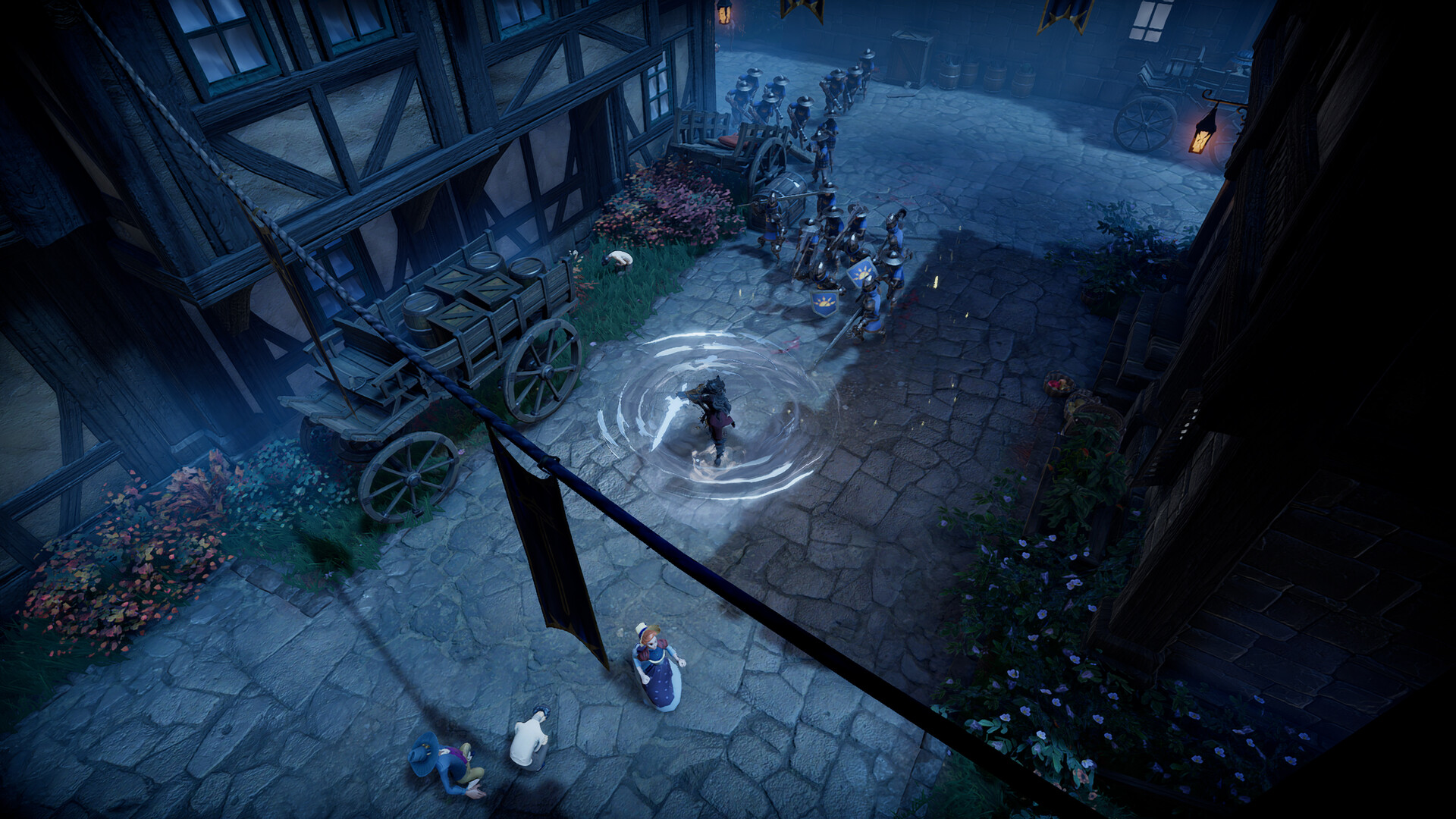
Castles take hours to build, so a V Rising server needs a solid save-and-backup habit. gamever gives you automatic saves you control from the Settings tab, a rolling save history, and full FTP access to download a copy. This guide covers how saving works, how to keep backups, and how to restore.
Auto-save: interval and count
Two fields on the Settings tab control automatic saving:
| Field | What it does |
|---|---|
| Auto save interval | Seconds between saves (default 120 — every two minutes). |
| Auto save count | How many autosaves to keep (default 20) before the oldest rotates out. |
Together they decide how far back you can roll. The defaults (every 2 minutes, keep 20) give you roughly the last 40 minutes of history. Shorten the interval for more frequent saves, or raise the count to keep a longer history — then Save and Restart.
Keep an off-server copy (FTP)
The rolling autosaves live on the server, which is perfect for quick rollbacks but not for disaster recovery. For a true backup, download a copy:
- Grab your FTP User / FTP Password from the Settings tab; the FTP address is on the Network tab (
:28781). - Connect with an FTP client.
- Download the save folder so you have a local copy.
Do this before any big change — switching game mode or preset, editing the config JSON, or a wipe.
Restoring a save
To roll back:
- Stop the server (Overview → Stop).
- In the File Manager (or over FTP), replace the current save with the one you want — an earlier autosave, or your downloaded copy.
- Start the server.
Because the server writes saves while running, always restore with it stopped so your restored files aren't overwritten.
Additional Tips
- Back up before any risky change — presets, JSON edits, mode switches, wipes.
- Download over FTP for a copy that survives anything happening on the server.
- Restore with the server stopped, then start — never while it's running.
- Tune interval vs count — short interval + high count = more granular history, more disk.
- Note the save name in
ServerHostSettings.jsonso you grab the right folder.
Conclusion
V Rising backup is two habits: let the Auto save interval/count on Settings give you a rolling history for quick rollbacks, and download a copy over FTP before anything risky so you're covered against the worst. Restore with the server stopped by swapping the save files back in, and your castles are never more than a few minutes from safe.
Rent your V Rising server at gamever.io — automatic saves, a save history and full FTP so a backup is always one download away. Free trial, promo code WELCOME.