
Backing Up and Restoring Your Abiotic Factor World
A multi-session Abiotic Factor run represents real hours of progress through the GATE facility, so having a copy of your world you can fall back on is worth a few minutes' setup. On gamever you have two layers: the My backups area in the panel sidebar, and a hands-on copy you pull yourself over FTP. This guide covers both, plus how to restore.
Your backups in the panel
In the panel's left sidebar there's a My backups section — your account's backup area, where saved copies of your servers live. Check it to see what restore points you have available for your Abiotic Factor server. This is the quickest safety net and the first place to look if you need to roll back.
Making your own copy over FTP
For a copy you keep yourself (before a risky change, or just as an off-server archive), download your world through FTP. Your FTP login is on the Settings page and the FTP address is on Network (:28545):
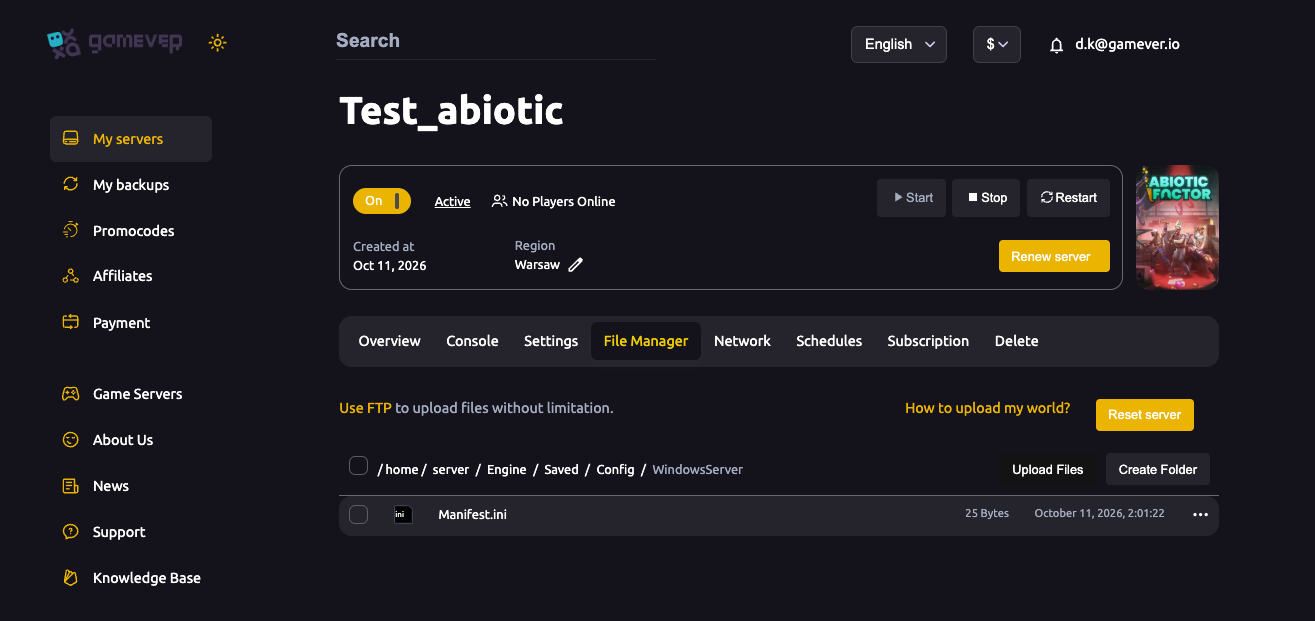
- Grab your FTP User and FTP Password from Settings (see server settings) and the FTP address (
62.112.222.133:28545) from Network. - Connect with any FTP client.
- Browse to your Abiotic Factor save/world data and download it to your PC. That downloaded copy is your backup.
Do this while the server is stopped (or right after a restart) so you copy a clean, settled save rather than one mid-write.
Restoring
To put a world back:
- From the panel — use My backups to restore an available point.
- From your own FTP copy — Stop the server, upload your saved world back into place over FTP (overwriting the current one), then Start. This is the same mechanic as uploading an existing world.
Either way, restart the server after the restore so it loads the restored world cleanly.
Additional Tips
- Check My backups first — it's the fastest restore path.
- Pull an FTP copy before anything risky — a config change, a wipe, a big update (see updates).
- Back up with the server stopped so the save isn't mid-write.
- Keep an off-server copy on your own PC — the most resilient backup is one that isn't on the same box.
- Restoring = stop, replace, start when working from your own FTP copy.
Conclusion
Protecting an Abiotic Factor campaign is simple: lean on My backups in the panel for quick restore points, and pull your own FTP copy before anything risky for an archive you fully control. Back up with the server stopped, keep a copy off the server, and you'll never lose a long run to a bad change.
Rent your Abiotic Factor server at gamever.io — panel backups plus full FTP access so your world is always recoverable. Free trial, promo code WELCOME.