
Anti-Cheat and Fair Play on Your Minecraft Server
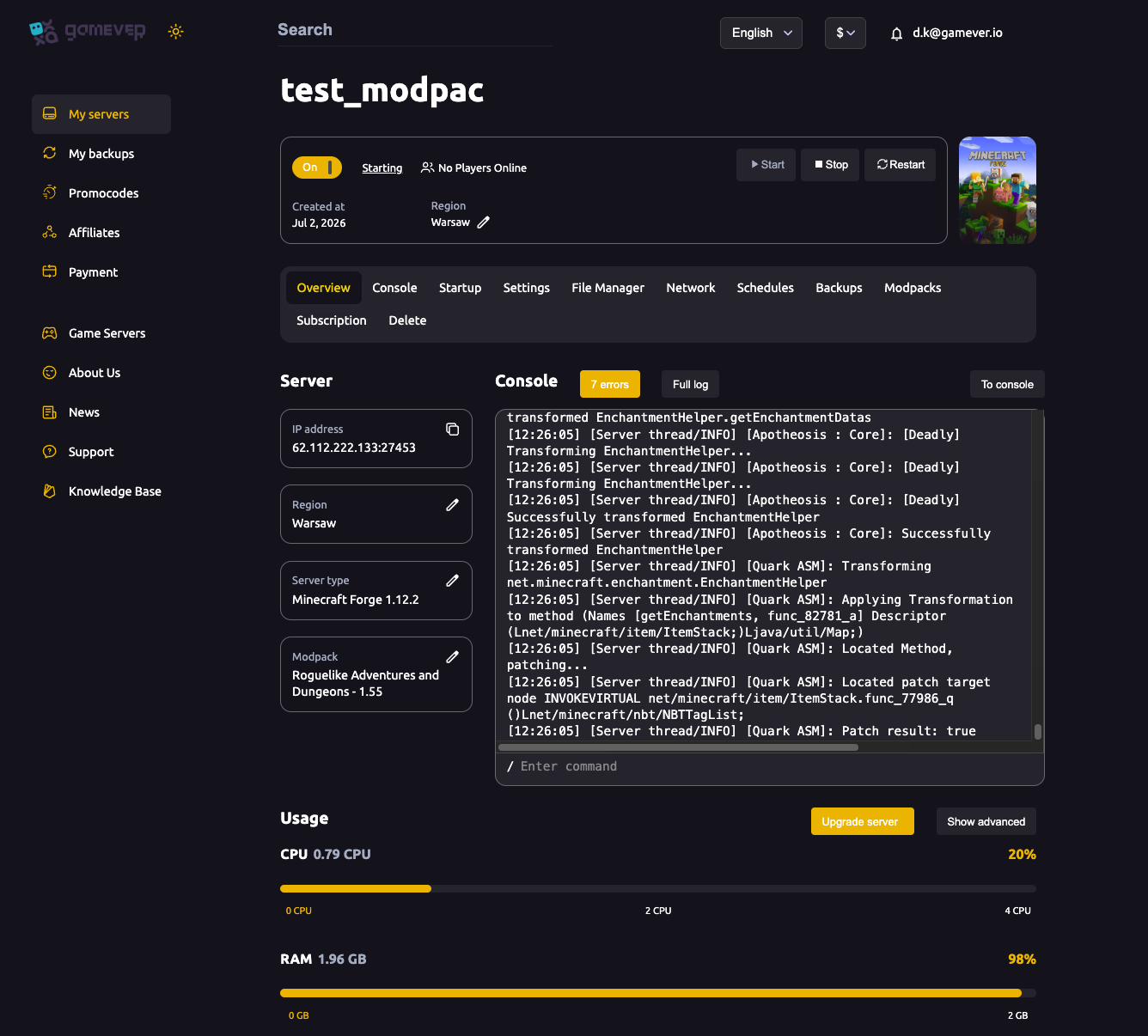
A public Minecraft server attracts the full spectrum of players, and some of them cheat — x-ray texture packs that reveal buried ores, fly and speed hacks, reach exploits in PvP. Minecraft's Java server has no built-in anti-cheat, so fair play comes from three places: hiding what cheaters want to see, running a plugin that catches movement and combat hacks, and tightening a few server settings. This guide covers each, all configured in your gamever control panel through the File Manager and the Settings tabs — no local setup needed.
Stop x-ray with Paper's Anti-Xray
The single most effective server-side defence against x-ray is Paper's built-in Anti-Xray. It works by hiding ores from the client until a player actually mines towards them, so a texture pack has nothing real to reveal. It only exists on Paper (and Paper-based server types), so make sure your server runs Paper first — see our guide on how to change your server type.
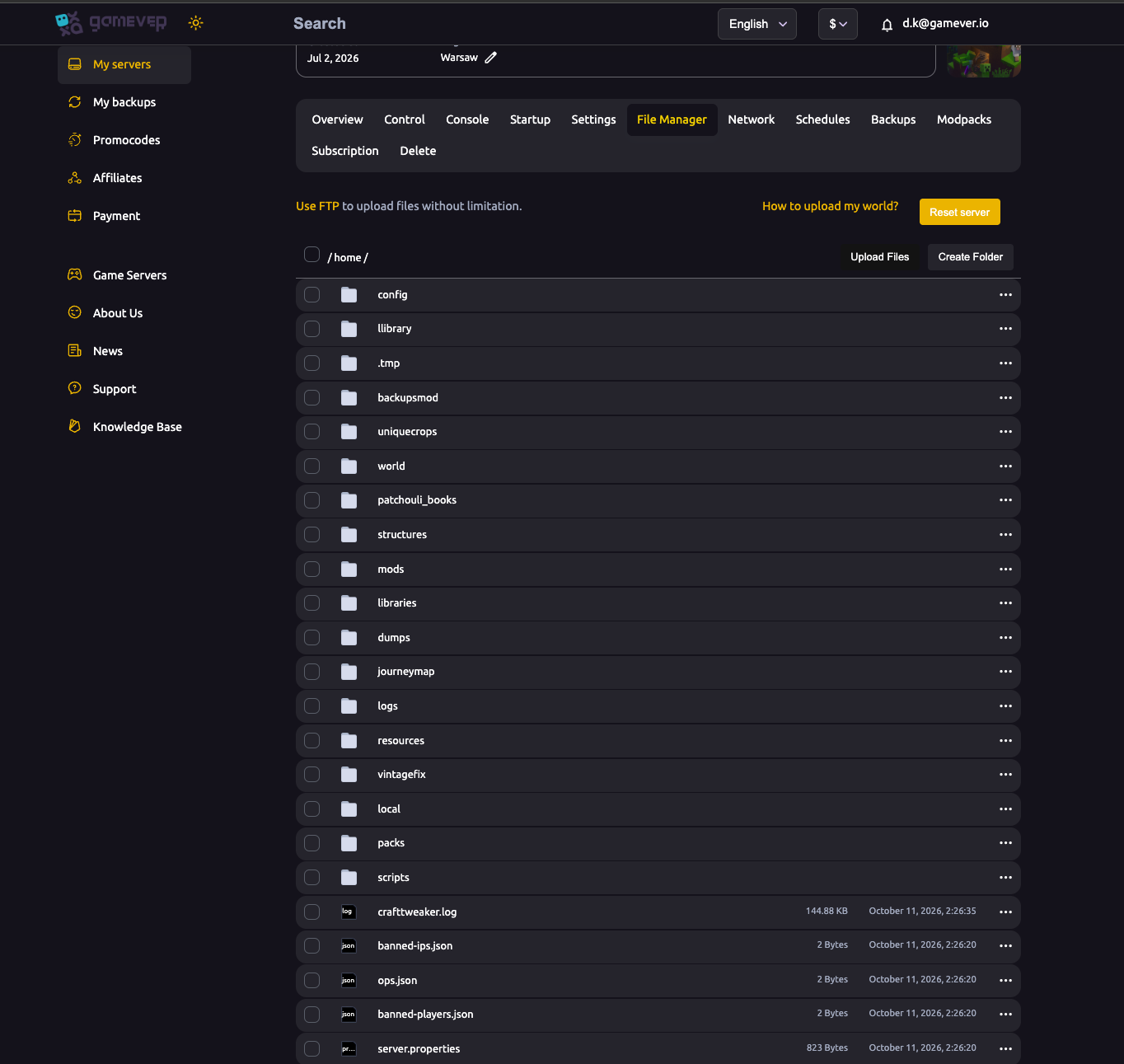
Anti-Xray is configured under the anticheat.anti-xray section of paper-world-defaults.yml (the global default for every world) or a per-world paper-world.yml. Open the file in the File Manager, edit it, save, and restart. The keys that matter most:
| Key | What it does |
|---|---|
enabled | Turns Anti-Xray on or off for the world. |
engine-mode | Chooses how ores are obscured (see below). |
hidden-blocks | The list of real blocks (ores, etc.) to hide. |
replacement-blocks | The fake blocks shown instead (used in engine-mode 2, not in mode 1). |
max-block-height | The highest Y-level at which blocks are hidden. |
Engine modes:
engine-mode: 1replaces each hidden block with a dimension-appropriate solid block — stone (deepslate below Y 0), netherrack or end stone. It is much lighter on the server, but only hides ores fully surrounded by solid blocks.engine-mode: 2shows randomly generated fake ores among the real ones, so fake ore hides real ore. It defends better against x-ray but costs more CPU.
Stop movement and reach hacks with an anti-cheat plugin
Anti-Xray handles x-ray, but fly, speed, reach and killaura hacks need a dedicated anti-cheat plugin. These are server-side only — players join with a normal client — and they watch for impossible movement and combat, then warn, rollback or kick. Because they're Paper plugins, you install them exactly like any other: drop the .jar into the plugins/ folder via the File Manager or FTP and restart. See our full walkthrough on how to install mods and plugins.
Well-known, actively maintained options include GrimAC (open source) and the long-standing NoCheatPlus. Any anti-cheat is a trade-off between catching cheats and false-flagging laggy players, so start with its defaults, watch the logs, and loosen a check only if legitimate players are being kicked. Match the plugin version to your server version, as always.
Tighten the server.properties fair-play settings
A couple of server.properties values back up your anti-cheat. You can edit them under Settings → Server or directly in server.properties in the File Manager.
| Setting | Default | What it does for fair play |
|---|---|---|
allow-flight | false | With false, a player who stays airborne for about 5 seconds is kicked — a basic built-in fly-hack guard. Leave it off unless a plugin legitimately grants flight, in which case set true and let that plugin police who may fly. |
spawn-protection | 16 | Sets the side length of the protected square around spawn as 2x+1 (16 protects a 33×33 area). 0 disables it. It stops non-operators building or breaking near spawn, which blocks grief at your hub. |
Note that spawn-protection only restricts non-operators — opped players can still build inside the zone, which is another reason to be careful about who you op.
Op discipline
Operators bypass most of the safeguards above: they ignore spawn protection and, depending on your anti-cheat's config, may be exempt from its checks. That makes a careless op grant the biggest single hole in a fair server. Keep the operator list short and trusted, grant the lowest level that does the job, and review it regularly. For the mechanics of granting and revoking op — and locking the door with a whitelist — see operators, whitelist and bans.
Additional Tips
- Anti-Xray needs Paper. If your server runs vanilla, Forge or Fabric, switch to Paper first to use it.
- Start anti-cheat on defaults. Tune only after you see real false-positives in the logs.
- Keep
allow-flightoff unless a plugin needs it; the 5-second airborne kick is free protection. - Op sparingly. Every operator is exempt from spawn protection and often from anti-cheat — treat the op list like a key to the house.
- Whitelist private servers so unknown accounts can't even join to test exploits.
- Watch the Console after any config change — a bad YAML edit in
paper-world-defaults.ymlcan stop the server loading.
Conclusion
Fair play on a Minecraft server is layered: Paper's Anti-Xray hides ores from x-ray, an anti-cheat plugin like GrimAC or NoCheatPlus catches fly, speed and reach hacks, and allow-flight plus spawn-protection in server.properties close the obvious gaps — with a short, trusted operator list holding it all together. Every piece is set from your gamever panel: paper-world-defaults.yml and plugins in the File Manager, the rest under Settings.
Rent your Minecraft Java server at gamever.io — one-click Paper, full File Manager and FTP access for your anti-cheat config, and a live console to watch it work. Free trial, promo code WELCOME.